PowerWash Simulator 2 Hints
- Cosmetics & Furniture — PowerWash Points 101
- “Maxed Out” — Owning Everything at Once
- Washer Progression — Prime Vista vs Urban X
- Home Base Gnome — “Gnome From Home” Achievement
- Gnome Watchers in Every Job
- “You're Being Watched” Environmental Tease
- Online Co-op Not Connecting or Dropping
- PC Crashes at Launch or Mid-Job
- PS5 Store Items Not Showing — Language Fix
- Soap Is Free—Use It Aggressively
- Pick a Washer Brand and Commit
- Sell Old Gear for Full Price
- Buy the SwirlForce Surf Ace Early
- Clean with Structure, Not Chaos
- Match Attachments to the Mess
- Fast Cash Flow Strategy
- Hidden Challenges — How to Trigger Every Oddball Objective
- Career Mode — Job Order, Time Expectations, and Co-op
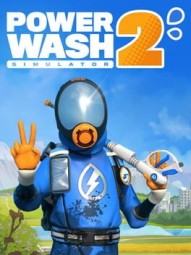
Cosmetics & Furniture — PowerWash Points 101
UnlockablesCosmetics and furniture use PowerWash Points (PWP), not cash. You earn PWP by completing task groups and replaying in Free Play.
- There’’s a 2,000 PWP cap—spend before you hit the ceiling.
- More cosmetics unlock as you progress: outfits, van skins, washer flair.
- Furniture must be purchased, then cleaned before you can place it in Home Base.
- The showroom is spacious, but you may need to rotate items out as you collect more.
“Maxed Out” — Owning Everything at Once
UnlockablesTo unlock Maxed Out, you need to own every washer and attachment simultaneously at some point. That’s pricey, but there’s a trick:
- Sell old gear at full value to fund new buys.
- When you’’re close, rebuy previously sold items to hold everything at once, then pop the achievement.
Washer Progression — Prime Vista vs Urban X
UnlockablesTwo upgrade paths, both legit. Pick one and climb the tiers.
- Prime Vista Line: PV 1500 (starter), PV 2400 (NULL,000), PV 3000 (NULL,000), PV Pro (NULL,000). Attachments across tiers: Soap, Turbo, Adaptable nozzles; Short/Long/Extra-Long extensions.
- Urban X Line: U1 (starter), U2 (NULL,200), Max (NULL,000), Stream (NULL,000). Emphasis on pressure and precision.
- Surface Cleaner (must-buy): SwirlForce Surf Ace (NULL). Upgrades: 17" head (NULL), 20" head (NULL); Short (NULL) and Long (?) extensions.
Home Base Gnome — “Gnome From Home” Achievement
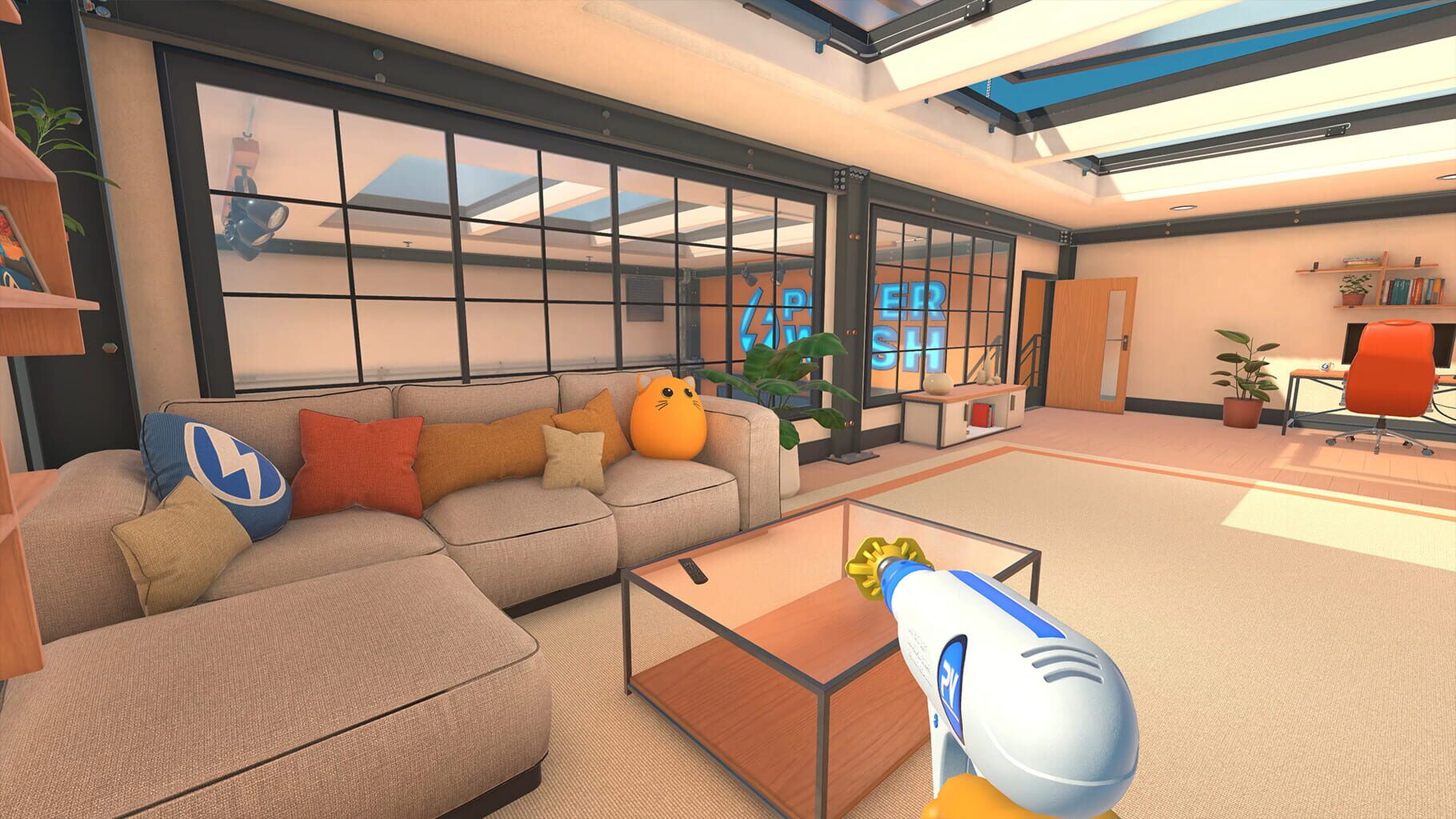
Easter EggsThis one’’s easy to miss unless you’’re the type who closes every door behind you (same). Head to your Home Base, go upstairs to the office with the mission map, then fully close the door that leads back to the stairs. There’’s a tiny red-hatted gnome hiding behind it. Interact with him and you’’ll instantly pop the “Gnome From Home” achievement.
- It’’s purely decorative—no gameplay perk.
- You can discover it as soon as you reach Home Base.
- The gnome never moves, so you can come back for it later if you miss it.
Gnome Watchers in Every Job
Easter EggsIf you’’ve got that eerie “someone’’s watching” feeling while you clean, you’’re not wrong. Gnomes are tucked into job sites all over the game—on ledges, behind props, even out in the open if you’’re paying attention. They don’’t do anything beyond staring you down, but they reward players who take time to explore instead of laser-focusing the grime.
- Keep an eye on rooftops, tucked corners, and prop clusters.
- Their exact spots vary per level, so stay curious.
“You're Being Watched” Environmental Tease
Easter EggsThere’’s a low-key meta gag threaded through the world: subtle signs that you’’re always being observed. It’’s not a jumpscare thing—more like a wink at player agency and surveillance tropes. Little environmental hints and setups sell the vibe if you go looking for them.
Online Co-op Not Connecting or Dropping
GlitchesLaunch window co-op has been flaky—failed joins and random drops happen.
- Make sure everyone’’s on the latest patch.
- On PC, update GPU drivers; it can genuinely affect network stability in some cases.
- If online keeps failing, use local split-screen as a temp solution while patches roll out.
PC Crashes at Launch or Mid-Job
GlitchesMost crash reports tie back to graphics drivers and a few settings quirks.
- Update your Nvidia/AMD drivers to the latest version.
- Try disabling V-Sync.
- Cap your frame rate to around 90 FPS if you’’re on a high-refresh monitor.
PS5 Store Items Not Showing — Language Fix
GlitchesOn PS5, some players see empty store lists if the console language isn’’t English. It’’s a language asset loading hiccup.
- Workaround:
- Close the game.
- Set PS5 system language to English, reboot, launch the game.
- In-game, switch to your preferred language, exit.
- Set PS5 back to your preferred language, relaunch, and set in-game language again.
- General fixes:
- Install the latest game update.
- Use PS5 Safe Mode → Clear Cache and Rebuild Database.
- As a last resort, reinstall the game.
Soap Is Free—Use It Aggressively
HintsSoap got a huge buff in the sequel: it’’s free and works on all surfaces. Don’’t treat it like a rare consumable.
- Hit wide areas with soap + broad nozzles for big time saves.
- It melts graffiti and stubborn grime faster than brute-force spraying.
- Narrow jets are for detail work—soap is your bulk cleanup tool.
Pick a Washer Brand and Commit
HintsThere are two washer lines: Prime Vista (balanced, great with soap and coverage) and Urban X (raw pressure, precision). The rookie mistake is bouncing between them.
- Stick to one brand so you unlock higher tiers faster.
- Swapping back and forth wastes cash and delays power upgrades.
- Prime Vista = coverage builds; Urban X = focused power playstyle.
Sell Old Gear for Full Price
HintsYour dusty washers aren’’t trophies—sell them. The game lets you offload old models for full value.
- Flip outdated gear to fund new attachments and tiers.
- You can always rebuy items later if you’’re chasing the Maxed Out achievement.
- Keeping old washers just slows your progression.
Buy the SwirlForce Surf Ace Early
HintsDrop NULL on the SwirlForce Surf Ace ASAP. It shreds big, flat areas that would otherwise eat hours of your life.
- Perfect for floors, walls, parking lots.
- Consider upgrades: 17" head, 20" head, and extensions.
- Not great for long-range jobs, but an absolute monster on slabs and panels.
Clean with Structure, Not Chaos
HintsDon’’t zigzag mindlessly; it feels fast but isn’’t. Use a method that keeps you from re-cleaning the same mess.
- Start with quick wins (benches, signs, tires) for momentum.
- Work bottom to top: floors, then walls, then roof/overhangs.
- Use the Task List to chunk big jobs into manageable bites.
Match Attachments to the Mess
HintsYour loadout is half the battle. Don’’t force the wrong tool.
- Turbo Nozzle for stubborn buildup.
- Adaptable Nozzle if you hate frequent swaps—adjust on the fly.
- Long/Extra-Long Extensions keep you off ladders and on pace.
- Avoid narrow jets for big areas; save them for detail passes.
Fast Cash Flow Strategy
HintsMoney fuels everything—washers, attachments, upgrades. Optimize your early grind.
- Prioritize Story Mode jobs as they appear.
- Knock out shorter, faster jobs first to build capital.
- Use that bankroll to buy stronger gear before tackling marathons.
These optional challenges don’’t pay, but they do award trophies/achievements. They’’re all about doing specific things in a specific order.
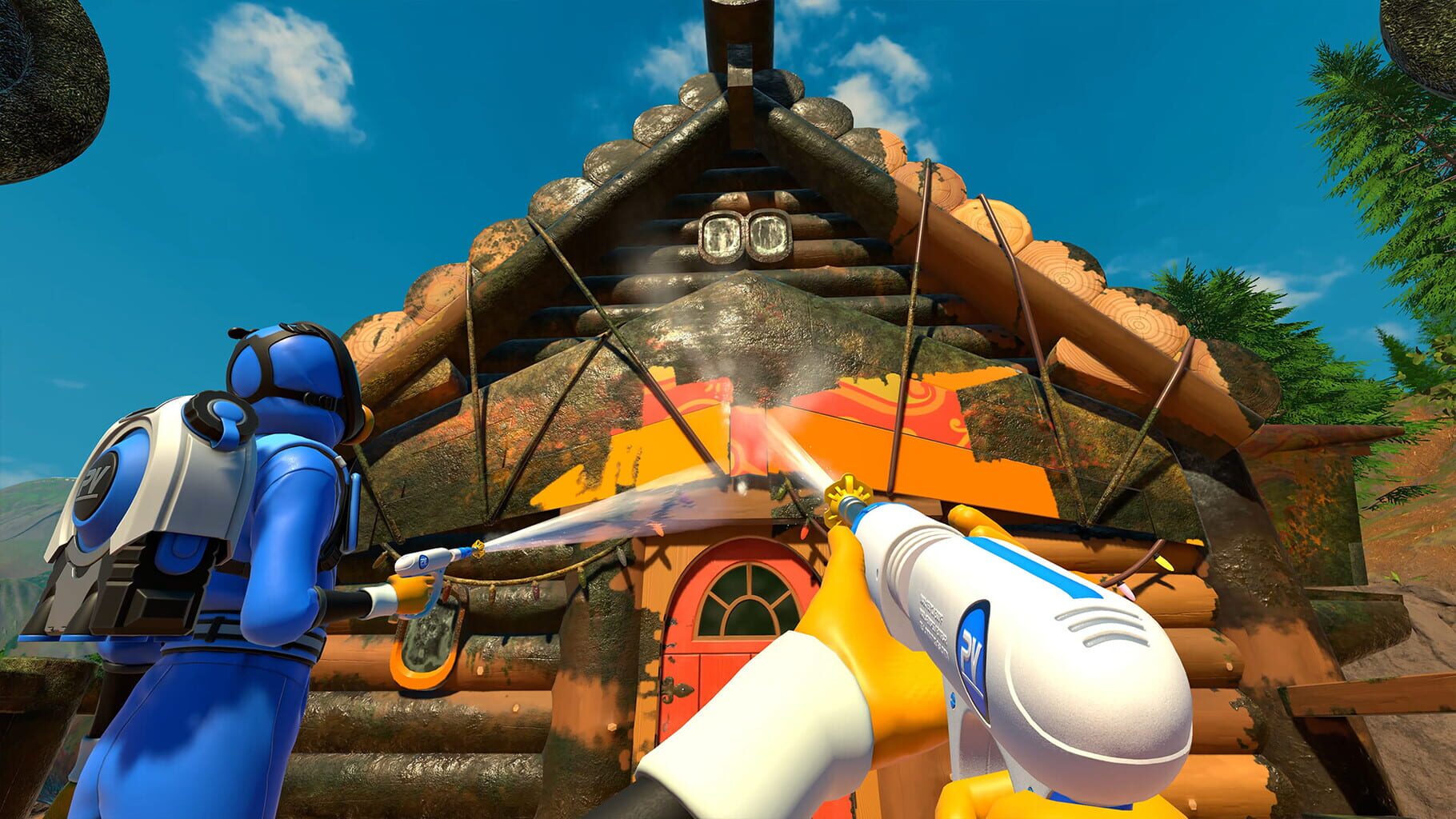
- Hit the Lights (Campfire): Clean the four lanterns with the red nozzle before touching anything else.
- Cosmic Ordering (Solar System): Clean the Sun first, then planets in order: Mercury → Venus → Earth → Mars → Jupiter → Saturn → Uranus → Neptune. Avoid rings/plaques until after.
- Spin Doctor (Fun House): Use a surface cleaner to clean the rotating floor disc—only that attachment counts.
- Glissando! (Fun House): Spray the giant piano keys from low (left) to high (right) in one smooth line.
- Doggy Bath (Dog Car): Soap every cleanable part of the car at once; light coverage is enough.
- Squeaky Clean (Town Floats): Clean the big mouse on the last float last.
- Message Received (Car & Trailer): Clean the satellite dish on the trailer roof first.
- Hatching a Plan (Bandstand): Clean the center hatch last—do everything else first.
- Flying Start (Rock Climbing Park): Clean the pterodactyl at the top before anything else.
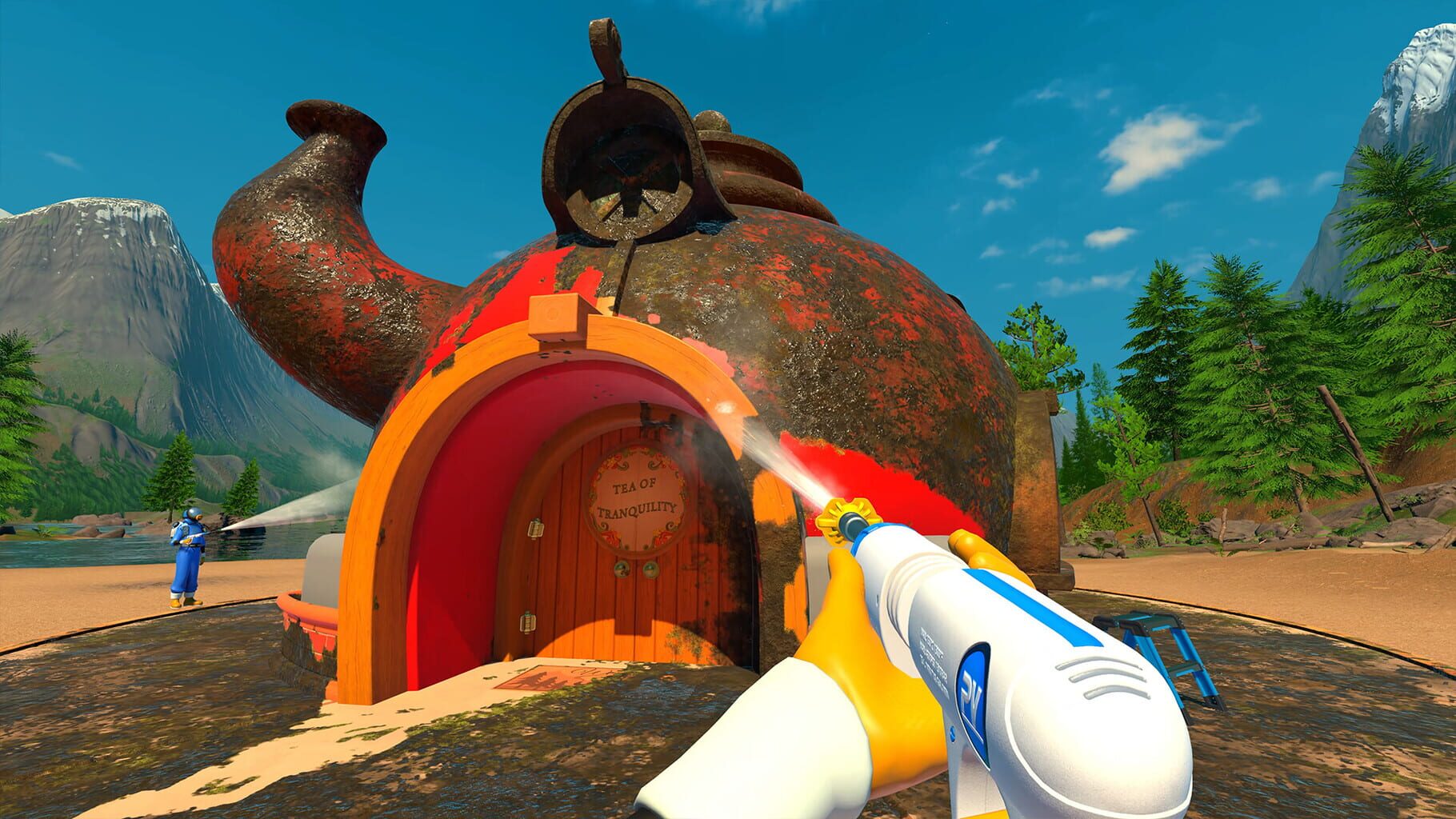
- Tea Time (Teapot Tea Room): Find 6 gnomes and seat one at each of the six chairs. One gnome is on the roof.
- Rise and Shine (Teapot Tea Room): Put a gnome on the scissor lift and raise it fully. Works anywhere gnomes + lift exist.
- Where’s WoollyNULL (Shooting Gallery): Clean the moving Bigfoot target first.
- Drop the Ball (Gas Station): Roll the soccer ball down the slide.
- Floor is Lava (Stone Circle): Stand on all six pillars without touching the ground between jumps; use the altar to traverse.
- Make It All Shine (Roller Disco): Clean the disco ball above the DJ booth first.
- Deep Lore (Temple Interior): Enter the hidden room that opens after finishing the first section; head down the stairs.
- Front Row Seats (Theater): Clean the entire front row first, including cushions, arms, base, end letters, and back frame.
- Ticket to Ride (Mini Roller Coaster): Ride the coaster for a full loop and exit where you started.
- Door to Door (Motel): Clean all 6 room doors (handles and numbers too) before anything else.
- Wise Decision (Shopping Mall): Clean the giant owl statue first.
Career Mode — Job Order, Time Expectations, and Co-op
GuidesExpect 30–35 hours solo for the base campaign’s 38 jobs, with smaller missions taking minutes and bigger ones eating a few hours. Co-op helps a ton: up to 4 online or 2-player split-screen.
- You can swap between unlocked jobs anytime without losing progress.
- Mission unlock order:
- Removals Van
- Public Facility
- Campsite
- Art Deco House
- Dog Car
- Billboard
- Teapot Tea Room
- Shooting Gallery
- Road Sweeper
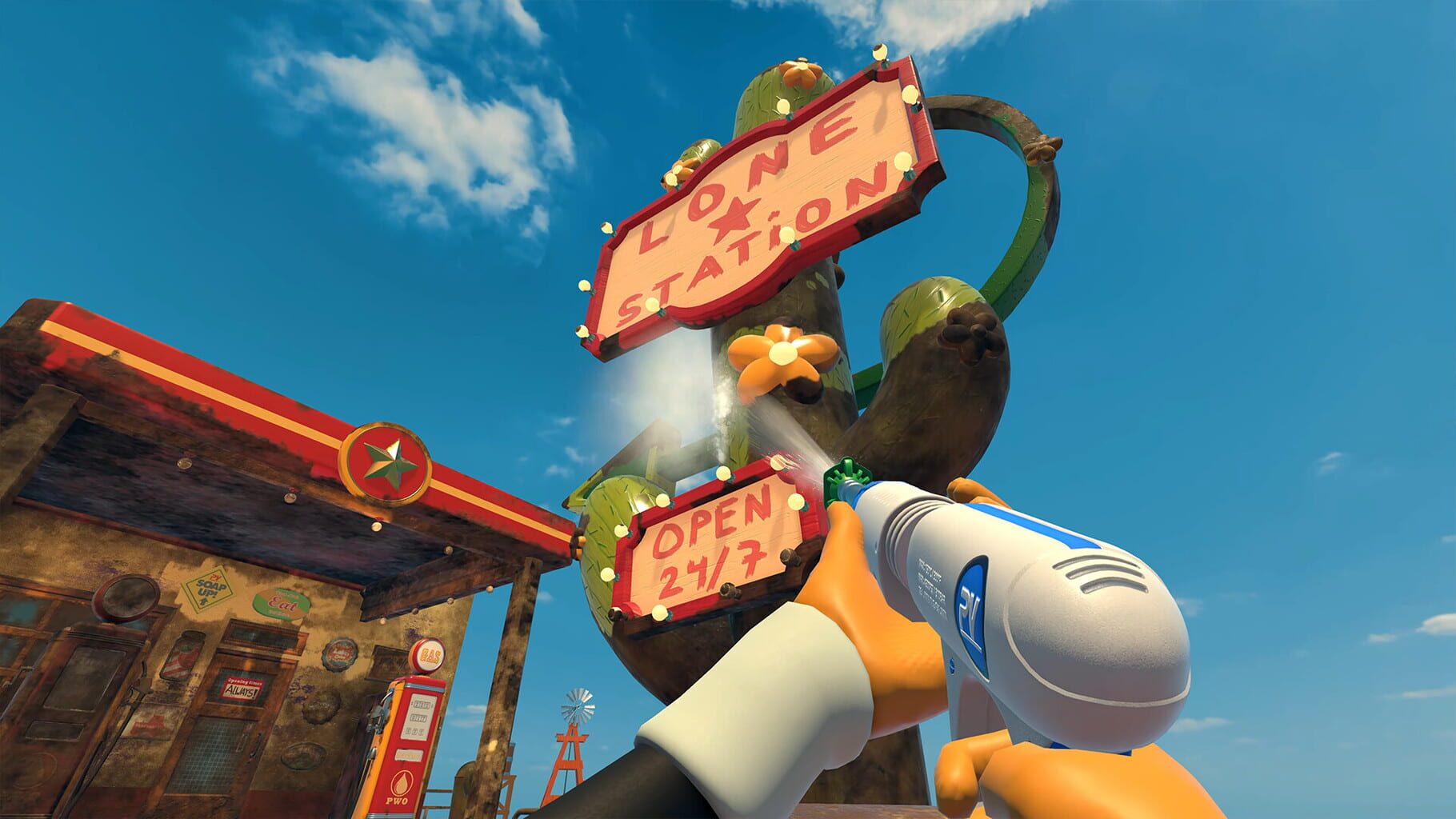
- Gas Station
- Bandstand
- Mobility Scooter
- Nouveau House
- Airship
- Cement Mixer
- Farm
- Stone Circle
- Rock Climbing Park
- Roller Disco
- Tractor
- Temple Interior
- Car & Trailer
- Theater
- Motel
- Mini Roller Coaster
- Solar System Exhibit
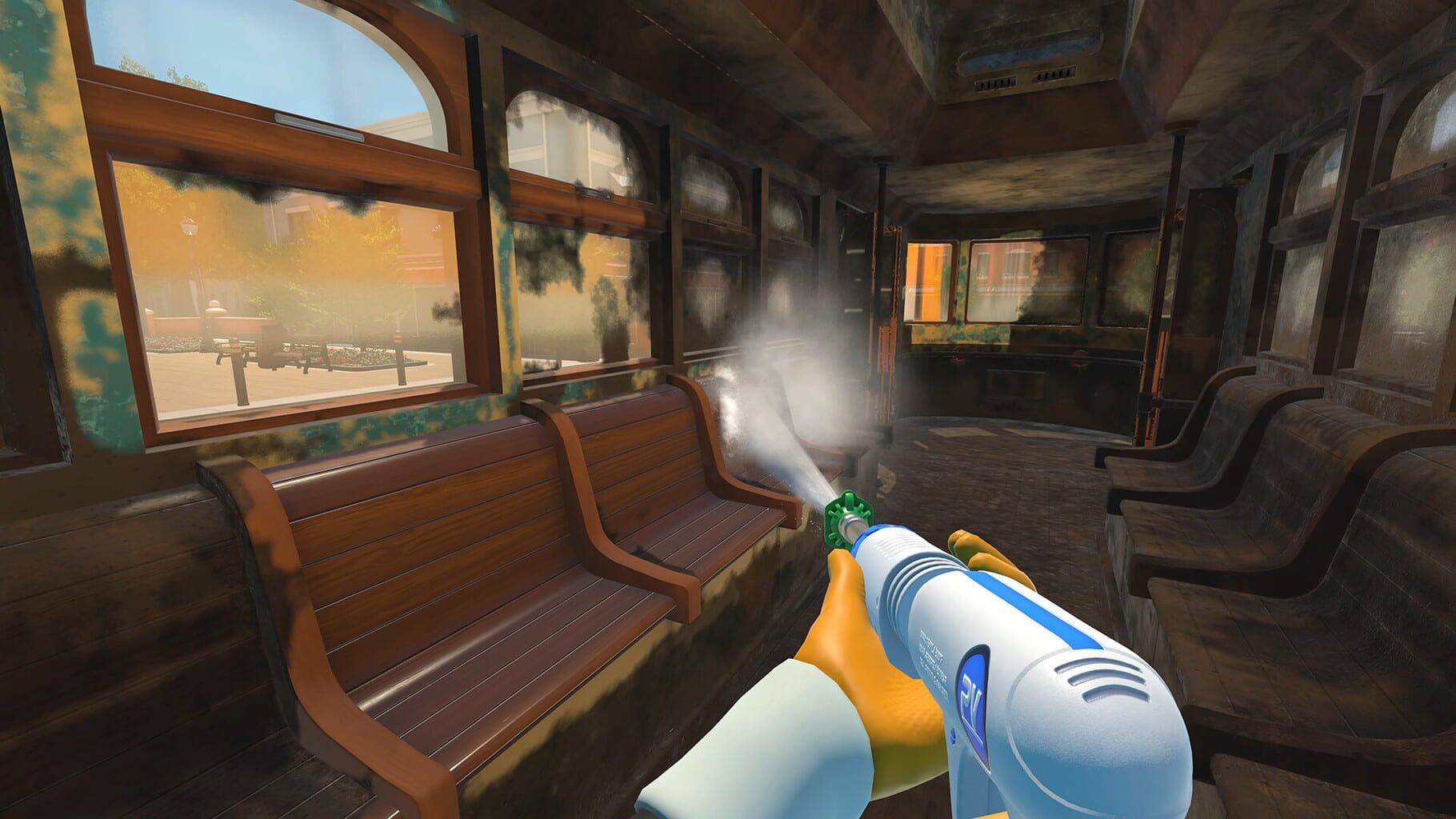
- Streetcar
- Salvage House
- Mining Dump Truck
- Fun House
- Ski Center
- Extra Long Limo
- Shopping Mall
- Futuristic Bike
- Theater Sets
- 18 Wheeler
- Town Floats
- Mount Rushless
Screenshots
Videos