The Invincible Сбои
- Speed Up Yasna: Cheat Engine Tweaks Worth Using
- WeMod Trainer: One-Click QoL Boosts
- Yes, That Cover Astronaut Is in the Game
- Secret Journal Cache: Lore Hunters, Read This
- Ending Freeze Bug: How to Unstick the Finale
- Blurry Textures on Older GPUs? Try This
- Missing Climb Prompts After Using the Rover
- Beginner Tips They Don't Tell You
- All Achievements in The Invincible: What’s Missable and How to Prep
- Every Ending Explained: Peacemaker to Cloud Unleashed
- Memory Locations: Don’t Miss the Backstory

Speed Up Yasna: Cheat Engine Tweaks Worth Using
КодыIf you love the story but hate the slog, Cheat Engine tables can make The Invincible feel snappier without breaking the experience.
- Increase Walk Speed – turn those long treks into brisk strolls.
- Stamina tweaks via a player pointer – explore nonstop without that “catch your breath” pace.
- Field of View – widen things up if you prefer a broader look at Regis III.
How to use it (PC):
- Install Cheat Engine, open the game, then load the .CT table.
- Pick The Invincible process (the PC icon), then toggle values from 0 to 1 or check the boxes you want.
- Keep it single-player, back up saves, and don't go wild if you want the narrative pacing intact.
WeMod Trainer: One-Click QoL Boosts
КодыPrefer a friendlier interface than raw Cheat Engine? WeMod's trainer is plug-and-play and perfect for a narrative-first run.
- Auto-detects the game – no manual hunting for executables.
- In-game overlay – tweak settings on the fly, no alt-tabbing circus.
- Movement/exploration boosts – trim downtime so the story shines.
Getting started:
- Install WeMod, launch The Invincible from it, then use overlay hotkeys to toggle features.
- It's single-player focused and doesn't permanently alter your saves, so you can dip in and out as needed.
Yes, That Cover Astronaut Is in the Game
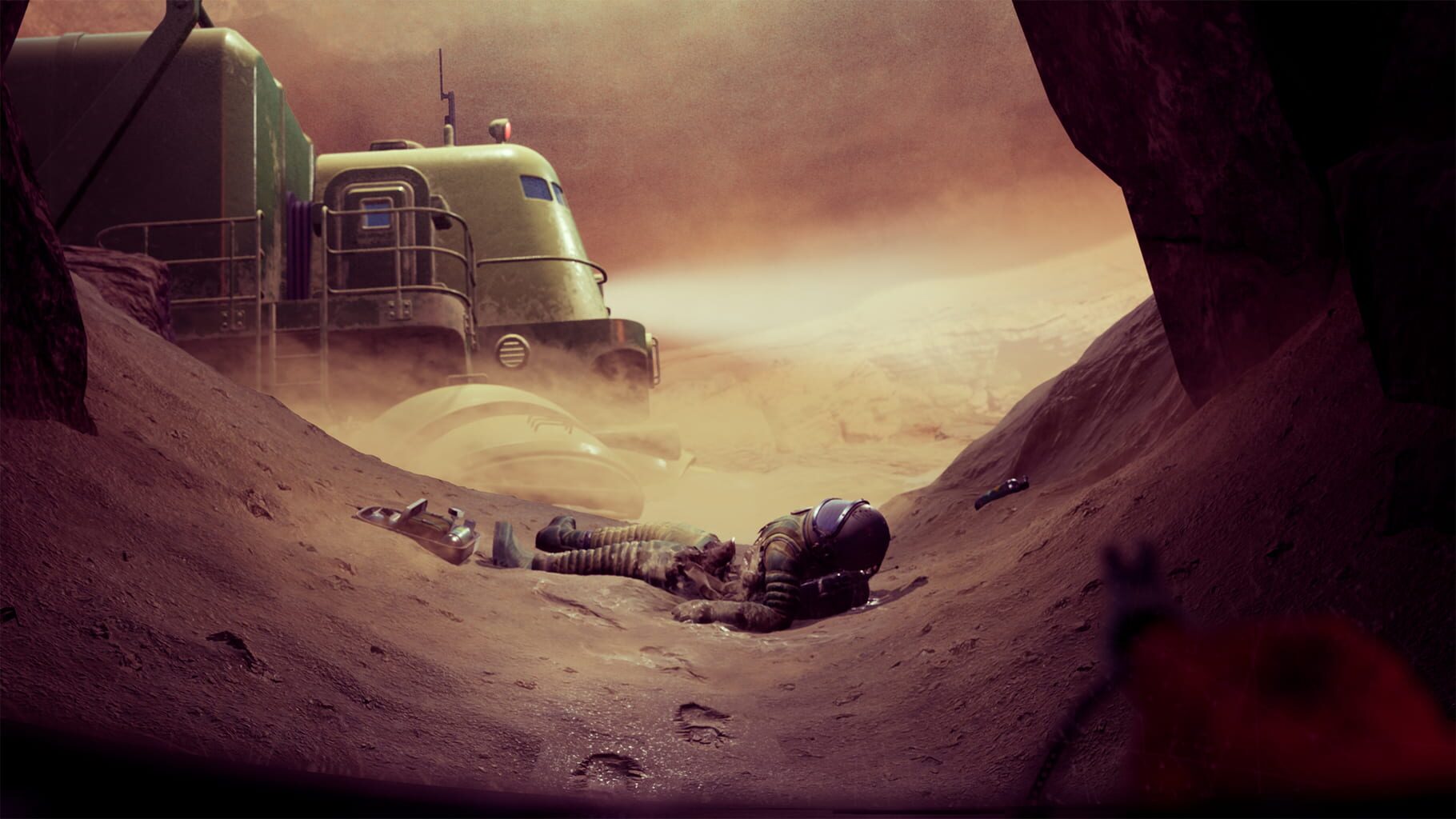
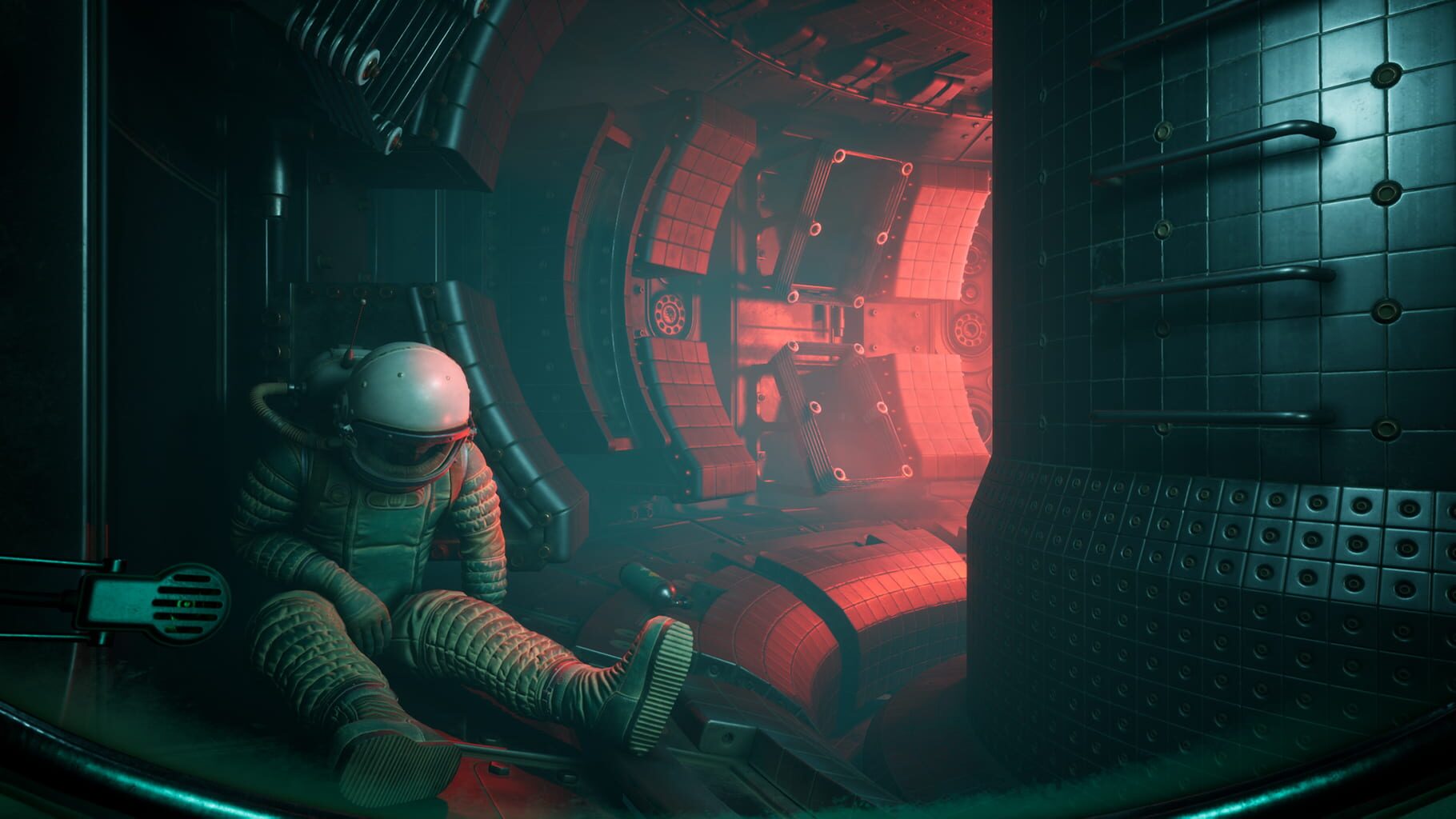
Пасхальные яйцаThat haunting astronaut on the key art? You can actually find them on Regis III. It's not just promo art—there's a real spot to discover if you wander off the golden path.
- Venture beyond objectives and comb side areas.
- Mind environmental cues like unusual rock formations and debris trails.
- It's a cool nod to the themes of discovery and danger—and a reward for curious explorers.
Secret Journal Cache: Lore Hunters, Read This
Пасхальные яйцаThere's a tucked-away area with secret journal pages that deepen the lore—scientific notes, expedition insights, the works.
- Expect to navigate past marked routes and use careful timing.
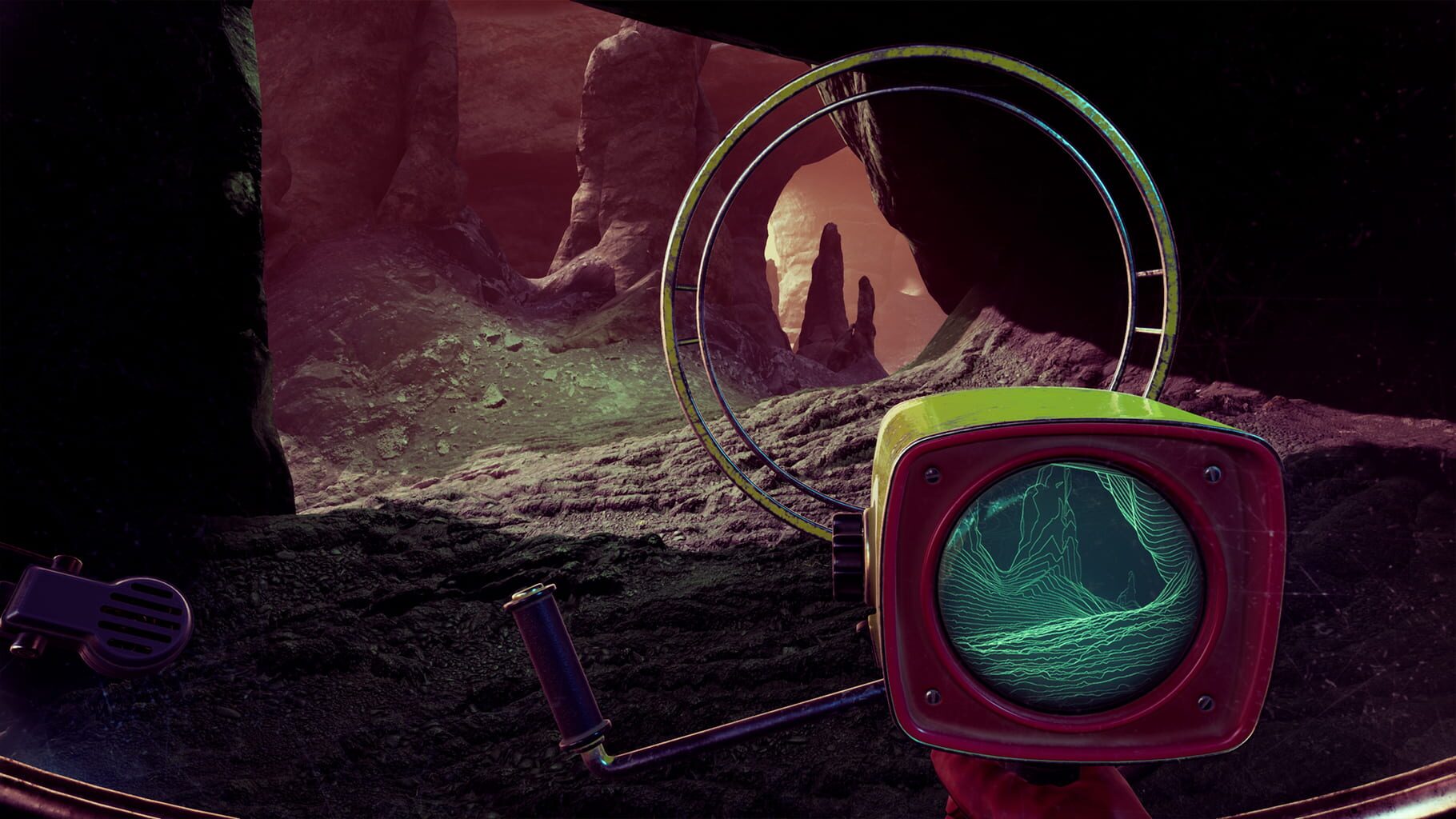
- Bring your tools—the detector/tracker helps sniff out points of interest.
- Pause to read; these pages add context you won't get from main objectives alone.
Ending Freeze Bug: How to Unstick the Finale
СбоиSome players get stuck after the second “a few days later” jump—no credits, no progress. If your window scene turns into a staring contest, try this:
Workarounds:
- Reload an earlier save and replay the final beats with slightly different choices or timing.
- Update the game and your GPU drivers, then retry the sequence.
If it persists, send support:
- Save files, a DxDiag, a log (press Ctrl+C when stuck, alt-tab, open Notepad, Ctrl+V, save), and a short video of the freeze.
Blurry Textures on Older GPUs? Try This
СбоиSeeing mushy textures no matter the preset? Older GPUs (think GTX 970-era) can struggle with this game’s streaming and shaders.
Try:
- Clean-install the latest GPU drivers.
- Toggle between DX12/Vulkan (if available) and re-launch.
- Verify game files; delete shader cache.
- In configs, lower texture streaming pools or async compile options.
- If nothing helps, this might be hardware-related—newer GPUs fix it outright.
Missing Climb Prompts After Using the Rover
СбоиHit a cliff and the climb prompt refuses to appear—especially after hopping out of the rover? You're not imagining it.
What helps:
- Reload the latest save and approach the area on foot.
- Avoid using the rover in zones where you know a climb is coming.
- If the marker still won't pop, restart the section and walk the approach entirely.
Beginner Tips They Don't Tell You
ПодсказкиA few quick habits make The Invincible smoother from the jump.
- Dialogue: hold the answer button (Space/L2/LT), then pick with mouse wheel or buttons. Timers are common; big choices give you as long as you need.
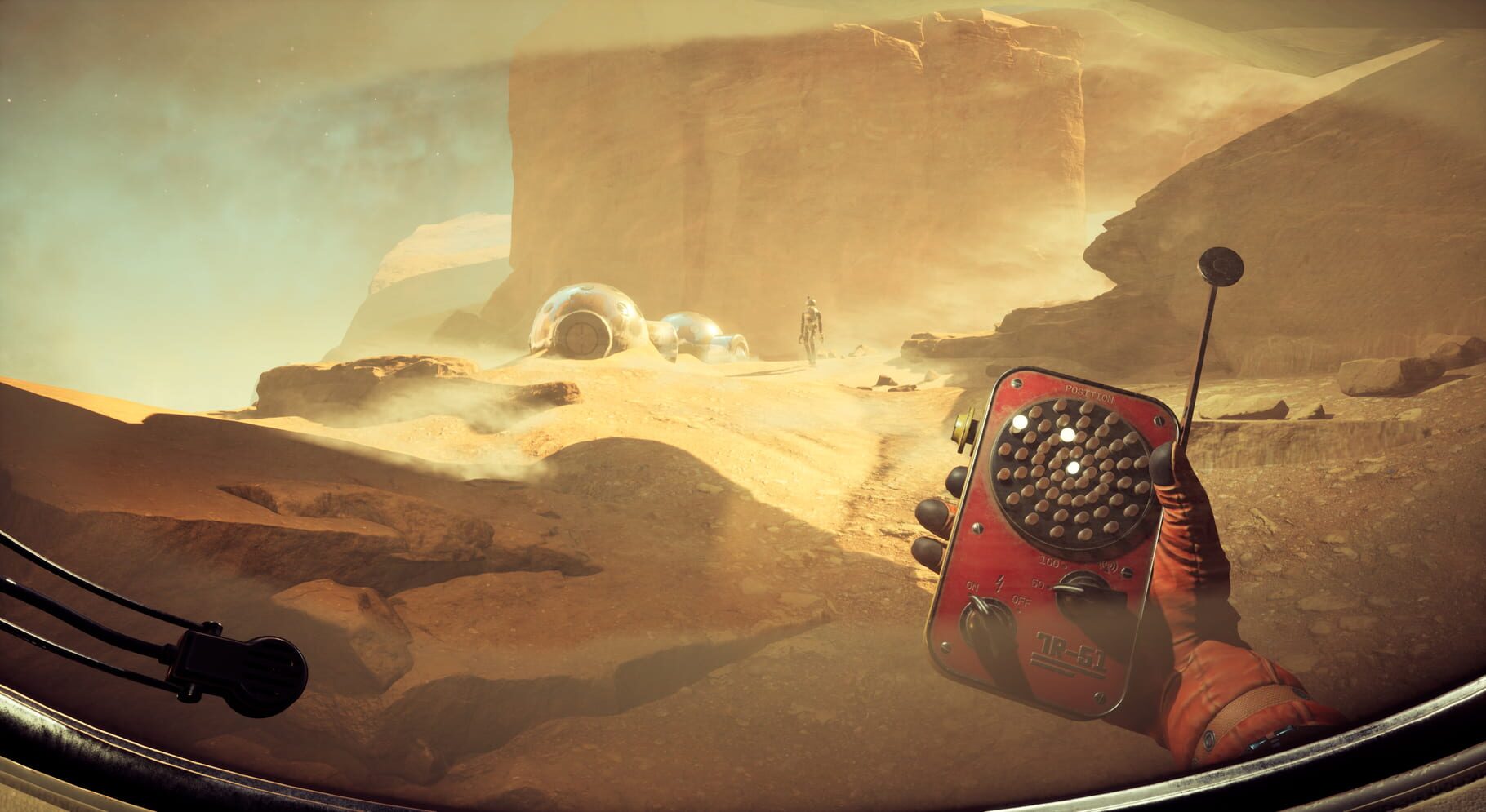
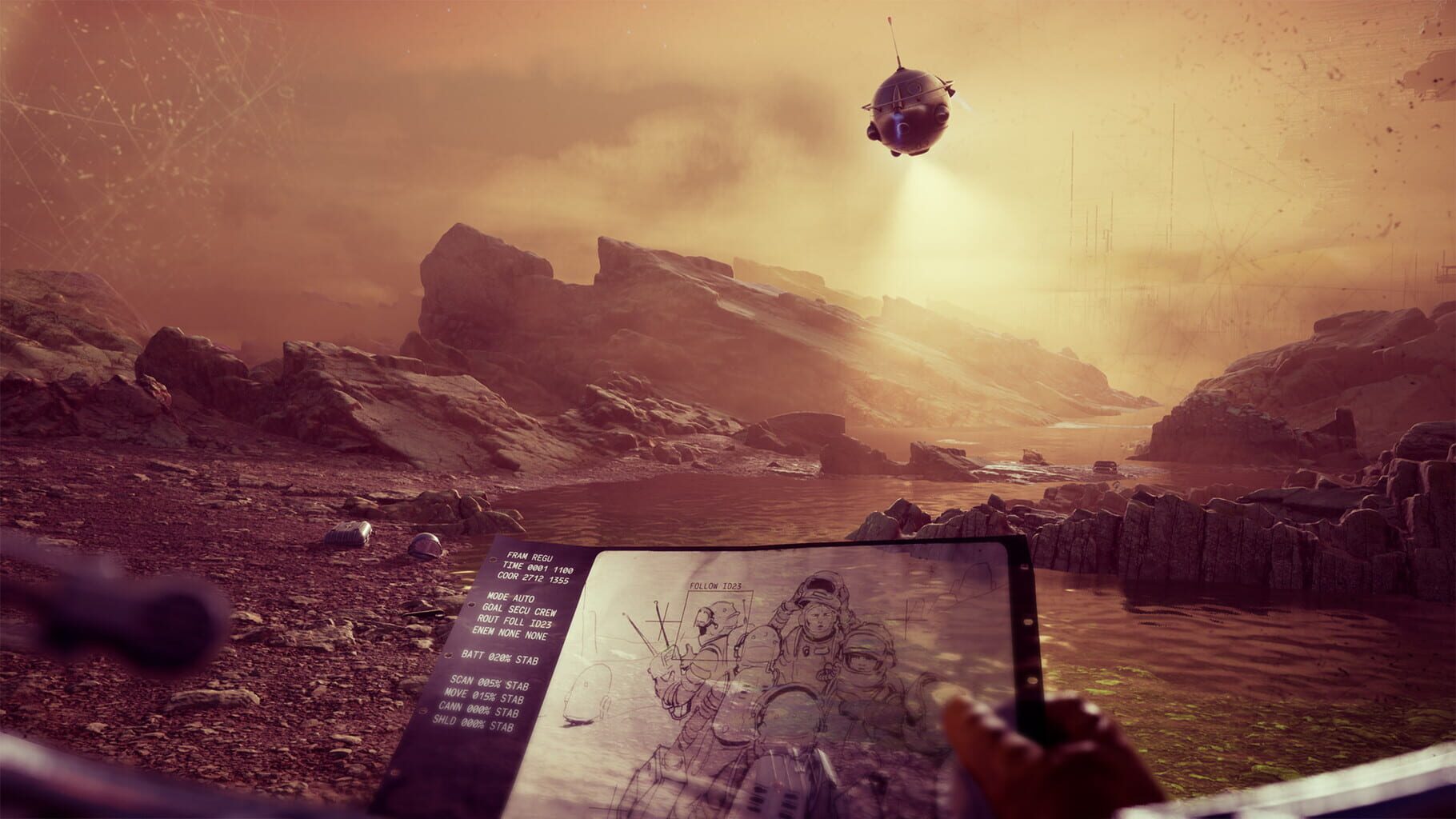
- Tools: map, telemeter, tracker, detector—use what the right-side prompts suggest; don't keep everything on at once.
- Map: it auto-marks key spots and shows your current objective—pop it open often.
- Safety: Yasna can't die. Oxygen, lava, force fields—explore boldly.
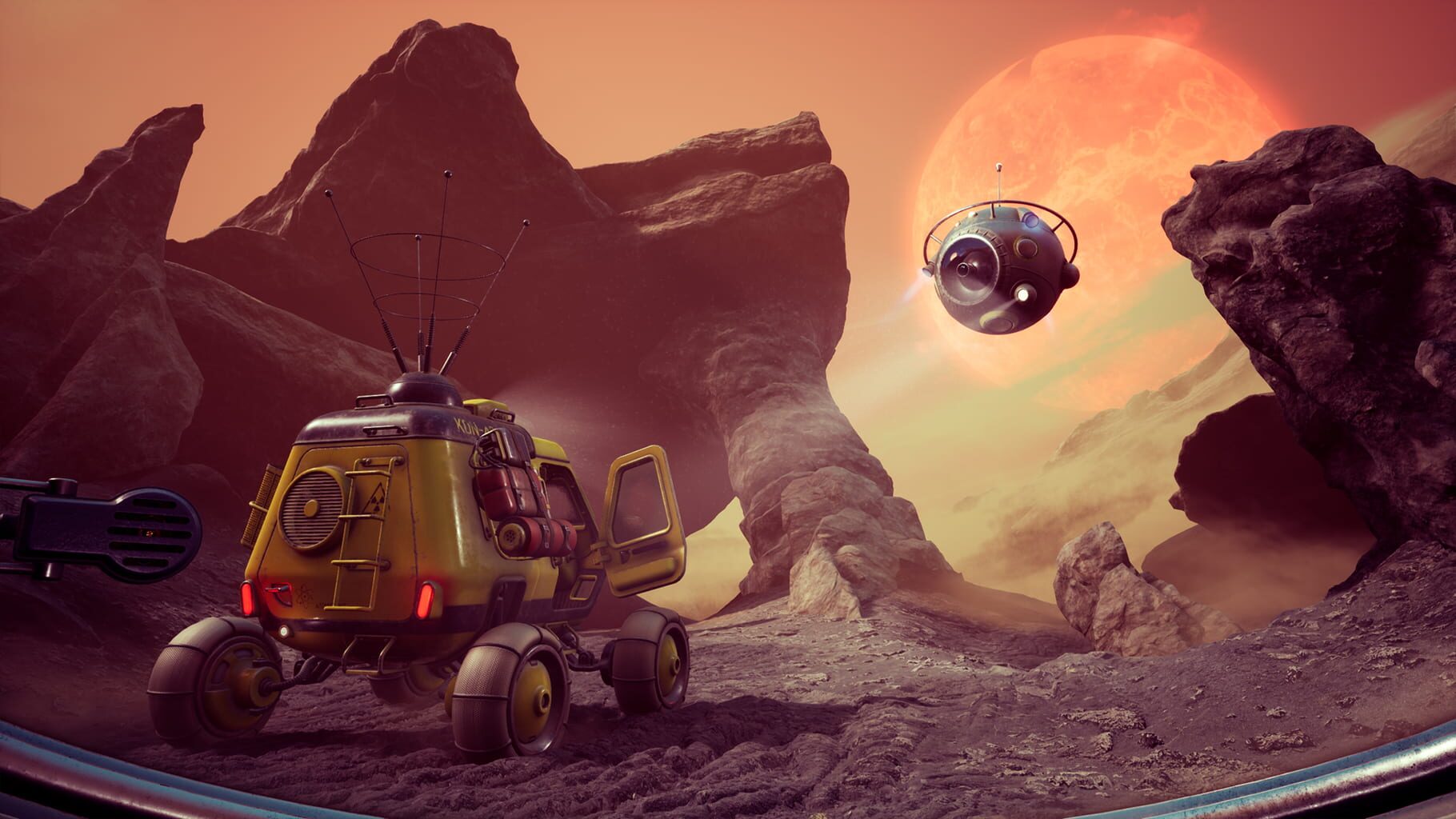
- Vehicles: park anxiety is a myth; the rover shows up at key spots when needed.
All Achievements in The Invincible: What’s Missable and How to Prep
РуководстваThere are 29 achievements (about 12–15 hours for 100%), with a mix of story beats, exploration, and choice-driven outcomes. A few are missable—set up saves and plan ahead.
- I Remember Everything – collect all memories; explore thoroughly.
- Convoy List – find every person/object from the list.
- Volcanologist – get dangerously close to lava; don't just admire it from afar.
- Krauta is Alive / I Leave No Man Behind – tied to rescue choices at specific moments.
- Got Lost Again – stop and score high in the Ping mini-game.
Multiple endings like Peacemaker, Strong Objection, and The Invincible require different late-game choices.
Tips:
- Keep multiple manual saves, especially before late-game forks.
- Knock out collectibles and oddities during a second sweep if you're chasing 100%.
Every Ending Explained: Peacemaker to Cloud Unleashed
РуководстваThe Invincible has eleven endings, and your late-game decisions drive most of the branching. If you like seeing every permutation, save often near the finale.
Key branches:
- Rohytra path – talk them down (Peacemaker) or force the issue (Strong Objection).
- Nuclear choices – trigger a launch yourself or allow it to proceed.
- Evacuation timing – leave now or hold for others; different costs and outcomes.
- Microbot samples – take them or leave them, changing the final scientific note.
- Alliance Base vs. Nest routes – different final beats and dialogue.
Pro tip: Make a “pre-fork” save before major confrontations. It saves hours.
Memory Locations: Don’t Miss the Backstory
РуководстваMemories are scattered across Regis III, and they fill in crucial pre-Yasna history. Great storytelling, easy to miss.
- Watch for tool prompts and use the tracker/detector to sweep likely areas.
- Some memories hide off main routes; poke around side paths.
- One example: Memory 3 sits by a fish-shaped formation—look for distinctive landmarks.
- Viewing isn't required after activation, but it helps the narrative—and the I Remember Everything achievement.
Скриншоты
Видео