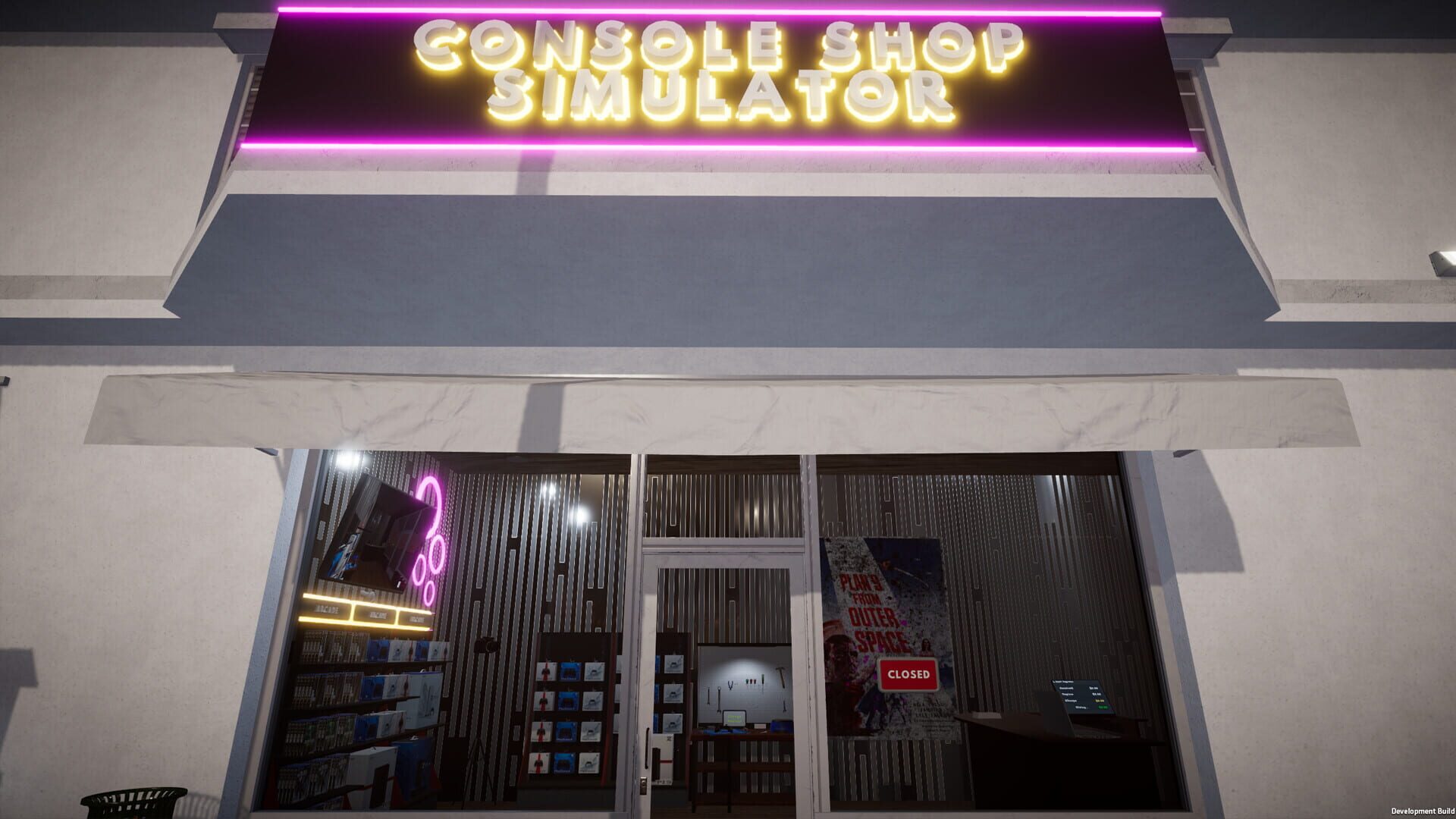
Console Shop Simulator Руководства
Последнее обновление: 6 ноября 2025 г.
все
9
Разблокируемый 1
Подсказки 3
Сбои 1
Руководства 4
Скриншоты 5
Отправьте свой контент!
Задайте вопрос
Получить уведомление!
Быстрые ссылки
- Licenses, Levels, and What They Unlock
- Bugs and Workarounds to Know Right Now
- Pricing That Sells Without Tanking Your Rep
- Layout, Stocking, and Cleaning Without Losing Your Mind
- Platform & Controller Quick Tips
- Early Money Blueprint: From Bare Shelves to Busy Checkout
- Trade-Ins and Repairs That Actually Pay
- How Streaming Boosts Foot Traffic
- Hiring Staff: Who to Bring On and When

Licenses, Levels, and What They Unlock
РазблокируемыйLicenses are the spine of progression—no license, no selling that product type.
- How it works: You level up by serving customers and running the shop. Leveling opens new licenses, store expansions, storage upgrades, and equipment.
- Cash + level needed: Unlocks usually need both the right level and the money to buy the license.
- Power milestones: Higher tiers introduce premium items with better margins. At around level 22, you can hire a third cashier to scale throughput.
- Long tail: Even at max level, you’ll still have licenses and upgrades left to chase, so progression doesn’t just stop.
На сайте: Dave
Bugs and Workarounds to Know Right Now
СбоиA few rough edges exist—and there are ways around them.
- No customers after Day 1: Reload your save. This typically restores traffic.
- Patch performance dips (PC/Xbox): If a recent update stutters, try restarting, reducing post-processing, or rolling back drivers until a hotfix lands.
- Repair bench quirks: Keybinds may fail or an employee task can “yoink” a console mid-repair. Save often, avoid overlapping employee tasks with active bench work, and process one console at a time.
- Overclean déjà vu: It’s a known grind. Hire a cleaner later and clean only high-traffic areas early on.
На сайте: Dave
Pricing That Sells Without Tanking Your Rep
ПодсказкиYou set the prices—use it to your advantage.
- Start above suggested. The market price is a guide, not a rule. Modest markups still move product.
- Premium gets premium. New releases and rare stock can carry higher margins. Nudge slowly and watch sales velocity.
- Adjust for “target items.” During demand spikes, lift prices a little more.
- Discount slow movers. If something sits, trim the price instead of letting it gather dust.
- Reputation matters (a bit). Complaints happen, but the real penalty is lost volume from overshooting the market. Find your store’s sweet spot.
На сайте: Dave
Layout, Stocking, and Cleaning Without Losing Your Mind
ПодсказкиGood flow equals fewer headaches.
- Plan traffic: Use the edit tool to rotate shelves so customers can reach hot items without bottlenecks.
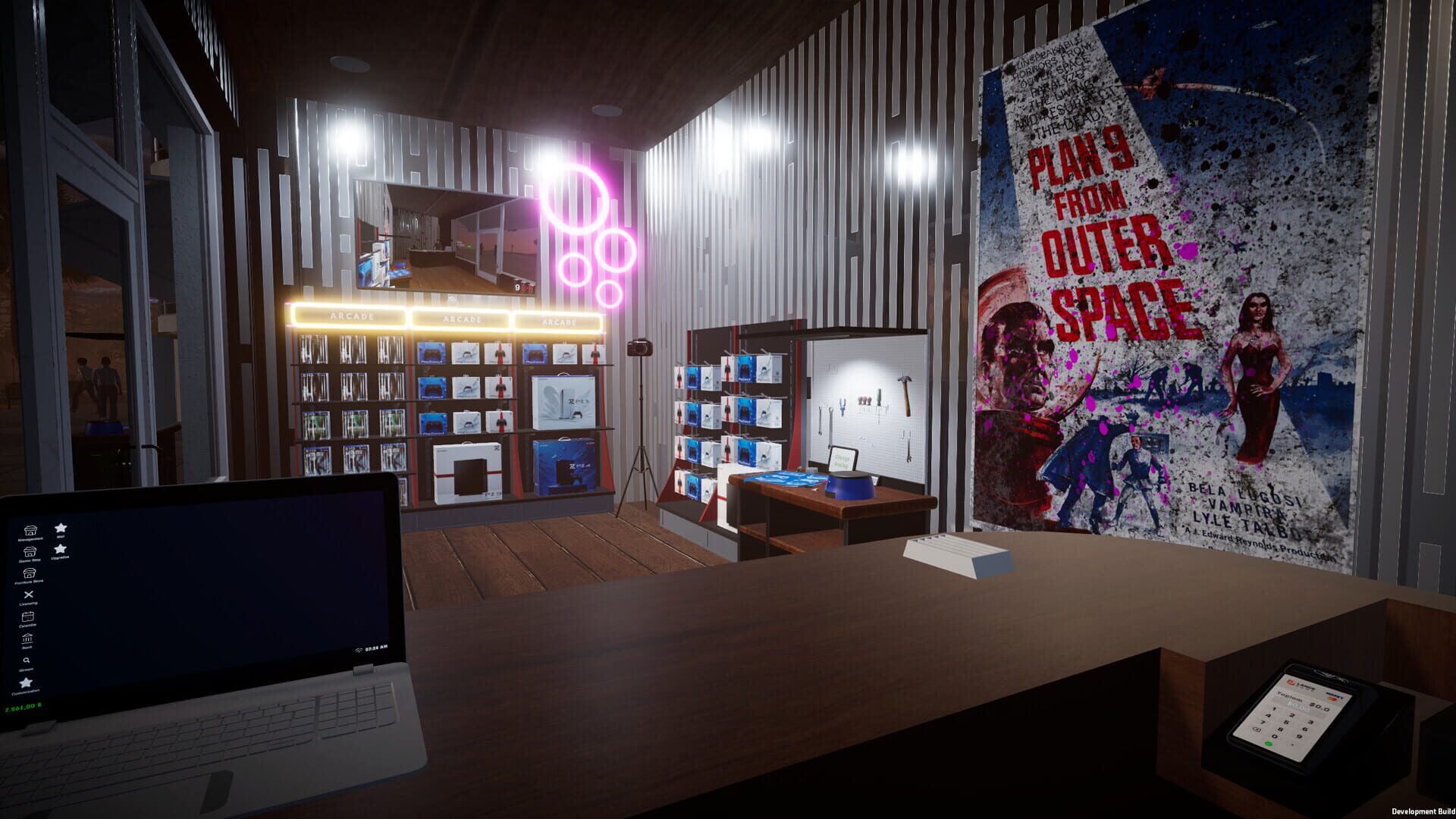
- Separate functions: Keep a clean zone for repairs and a clear line for checkout. You’ll make quicker turns.
- Restock rhythm: Train yourself to top up shelves right after a delivery and once before peak hours.
- Storage matters: When boxes start piling, spring for a storage upgrade—it’s cheaper than stockouts.
- Clean smart: Dirt piles up daily. Hit the worst spots and move on. Later, hire someone with a cleaning skill to keep sanity intact.
На сайте: Dave
Platform & Controller Quick Tips
Подсказки- Platform: PC via Steam.
- Controller: Partial controller support; keyboard/mouse still best for precision tasks.
- Languages: Broad localization support if you prefer playing in another language.
- Price: Mid-range indie sim pricing; no microtransactions announced.
На сайте: Dave
Early Money Blueprint: From Bare Shelves to Busy Checkout
РуководстваStarting out feels tight, but there’s a steady path to profit.
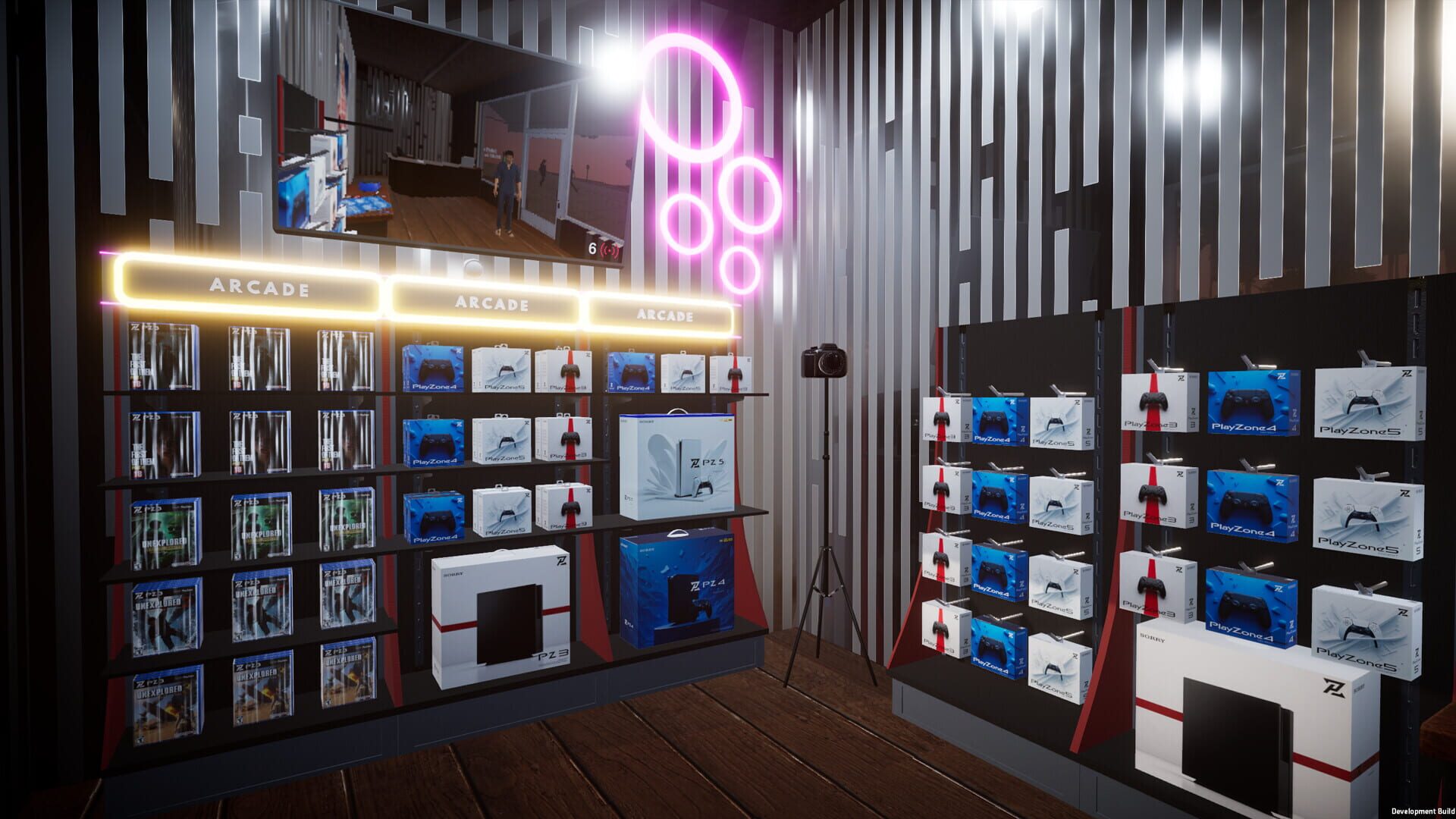
- Stock fast movers first. Focus on entry-level licenses and items with steady demand. Keep shelves full; empty shelves kill momentum.
- Order in small-but-frequent batches. Use the online supplier and grab deliveries from the cargo spot outside. Early on, cash flow > giant stockpiles.
- Lean on “target items.” When the game flags hot products, prioritize them and raise prices modestly.
- Skip heavy repairs at first. Used gear can be great later, but the time + parts cost can bury your early margins.
- Stream during downtime. Set up cameras and go live for extra donations and a trickle of traffic while the store runs.
- Price above “recommended,” but don’t get greedy. You can markup and still sell, just don’t scare off your base early.
- Bank for licenses. New licenses widen your catalog and unlock better margins—worth saving for sooner than decor.
- Upgrade storage when you feel the pinch. It’s cheaper than losing sales because you can’t stock enough.
На сайте: Dave
Trade-Ins and Repairs That Actually Pay
РуководстваTrade-ins are spicy—in a good way—if you know how to negotiate and repair smartly.
- Appraise honestly: Check item condition and compare to resale potential. Don’t overpay for nostalgia.
- Negotiate with a floor. Decide your max buy price after factoring parts and labor. If the customer won’t budge, walk away.
- Disc repairs: Install the CD Repair Machine. Use the cleaning solution/glue efficiently—too much = wasted time, too little = redo.
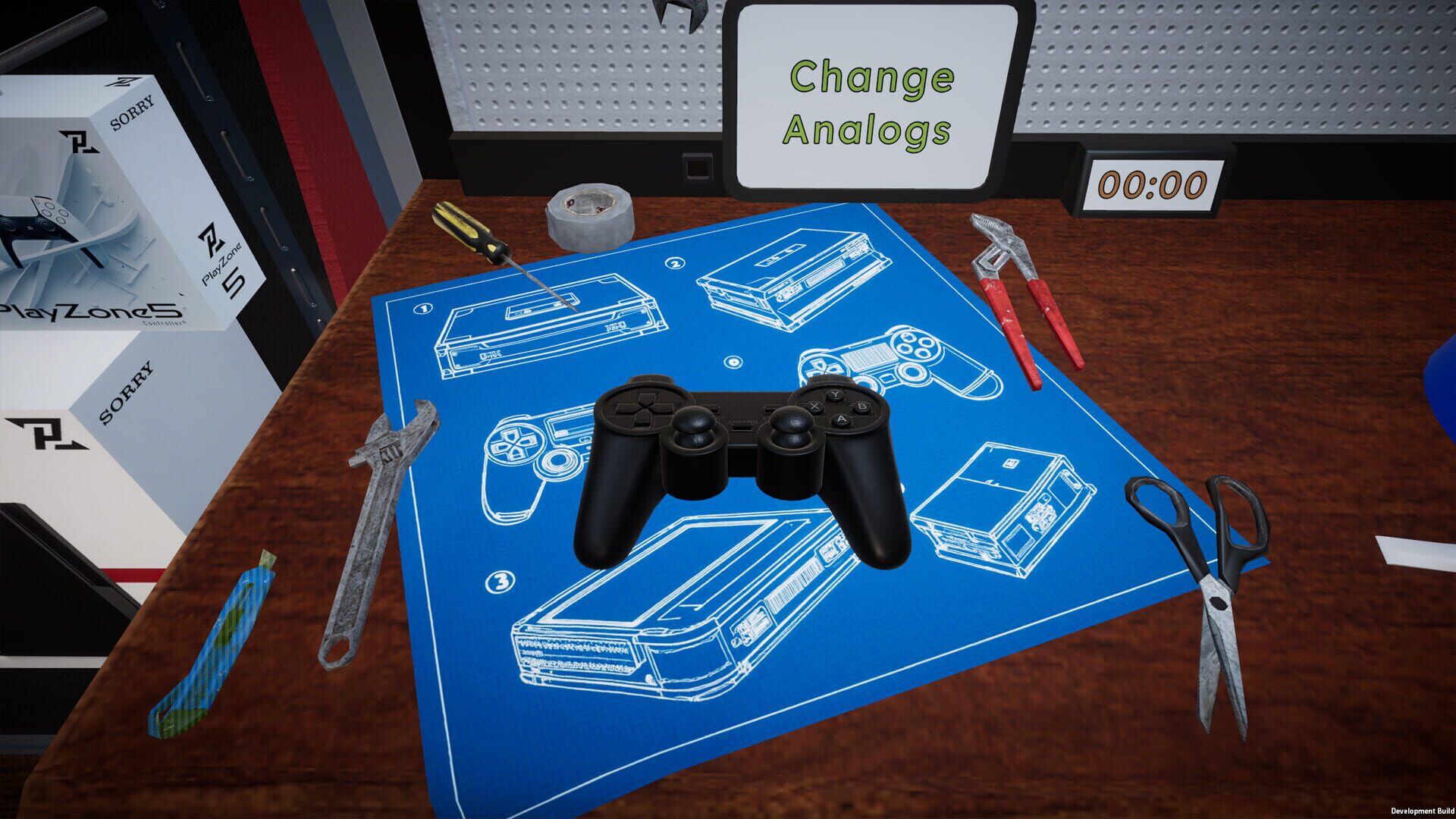
- Console fixes: Set up a repair bench. Keep common parts (fans, drives) on hand so jobs don’t stall.
- Batch your workflow: Do repairs in chunks between rushes.
- Know when to pass: If the part cost + bench time pushes you past the resale sweet spot, decline the trade-in and free your time for sales.
На сайте: Dave
How Streaming Boosts Foot Traffic
РуководстваStreaming isn’t just flavor—it brings people in and tips add up.
- Set it up: Place cameras around the shop and go live from the streaming panel.
- Upgrade cameras when you can; higher quality helps engagement.
- Stream during lulls. Keep the feed on while you restock or do light repairs. It’s passive promotion.
- Engage, then convert: Interact with chat between customers, and subtly showcase new arrivals or deals.
- Balance attention: Don’t ignore the floor—streaming helps, but sales close at the counter.
На сайте: Dave
Hiring Staff: Who to Bring On and When
РуководстваEmployees unlock scale, but salaries can bite if you’re not ready.
- Roles and skills: Staff have strengths in cleaning, placement/stocking, trading, repair, and sales.
- Single focus: Each worker handles one primary task—plan around that limitation.
- First hires: Start with sales or stocking to keep shelves full and lines moving. Add a cleaner if the mop is slowing you down.
- Traders and repair techs: Bring them in once trade-ins and repairs are profitable and consistent.
- Watch payroll: If revenue dips, reassign or release staff until the store stabilizes.
На сайте: Dave
Скриншоты