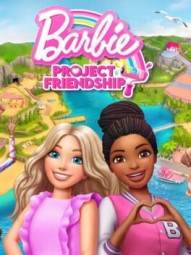
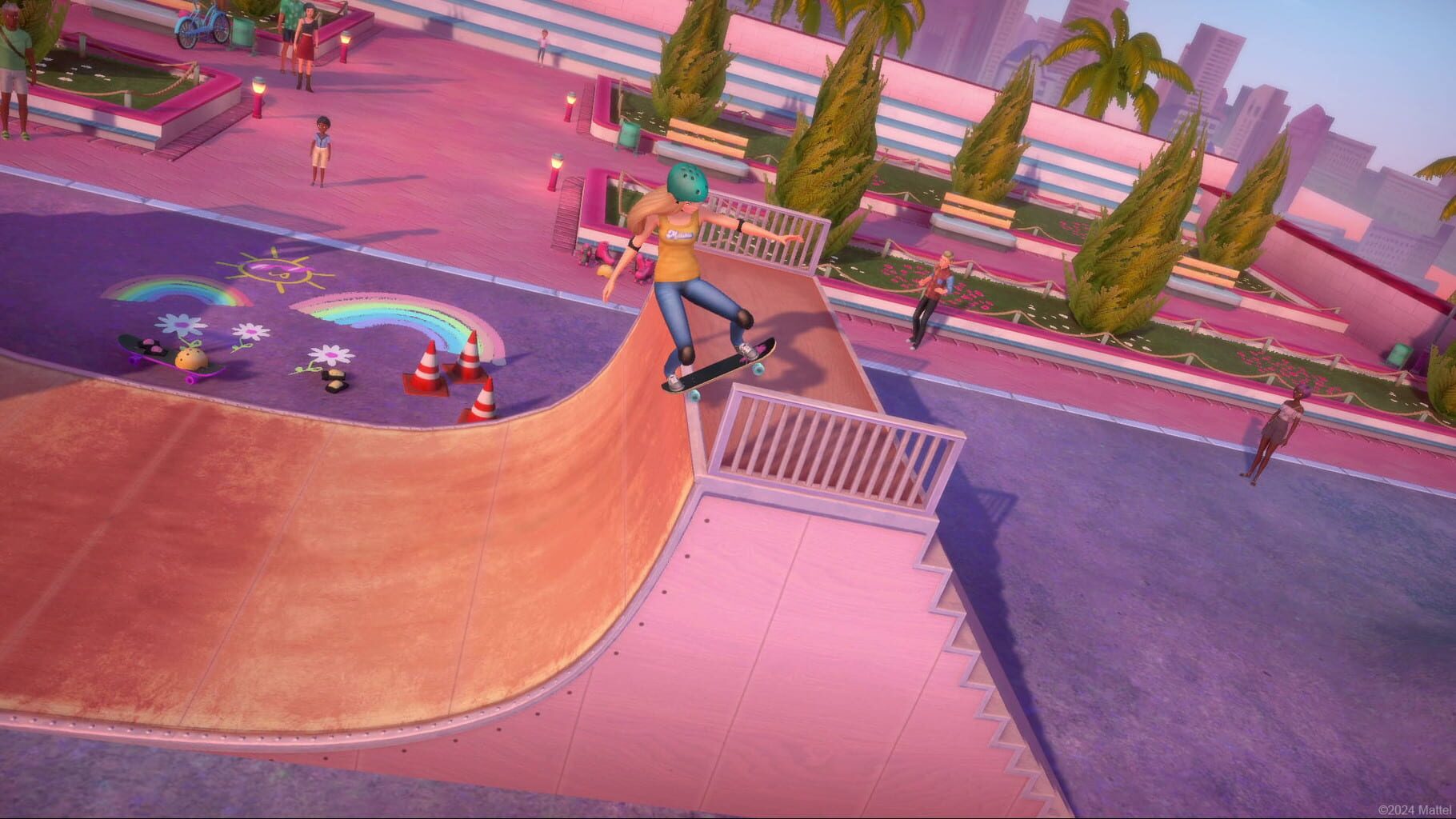
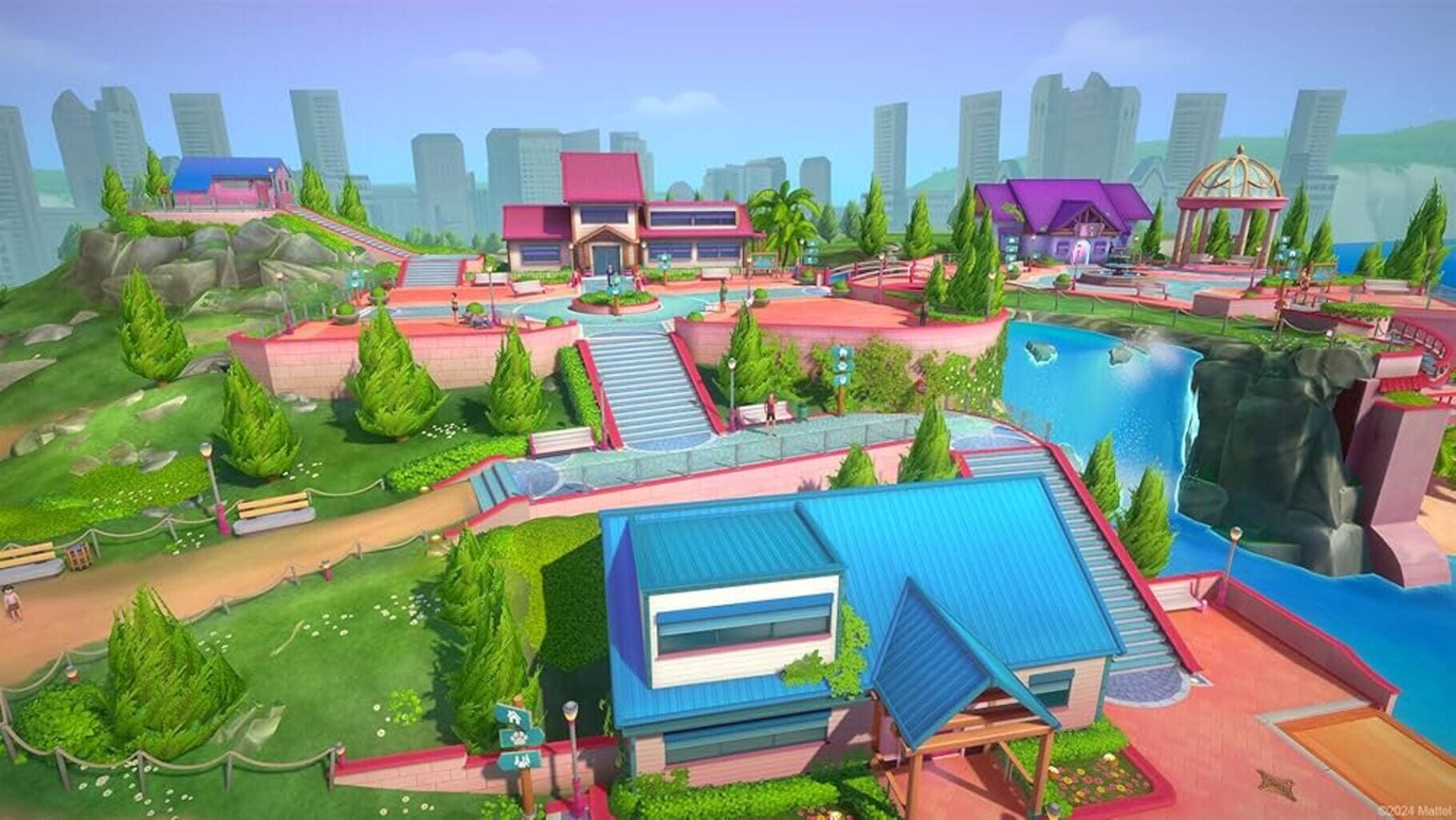
Career callbacks: Decor and props subtly nod to Barbie’s long career history—notice the themed tools, colors, and set dressing as areas evolve.
Character dynamics: Malibu and Brooklyn’s teamwork reflects modern Barbie stories—dialogue beats reinforce that vibe.
Environmental stories: The community center’s “before” state hints at past events and lost activities—little visual clues add history.
Musical motifs: Original tracks that feel familiar to Barbie media fans without directly reusing themes.
Nothing is hidden behind obtuse puzzles—discoveries happen naturally as you restore each space.
На сайте: Dave
Known Issues and Easy Fixes
Сбои
Most hiccups are small, but here’s what players commonly see and how to smooth them out.
Local co-op confusion
The game supports local co-op, but it’s geared toward cooperative play (think adult + child), not competitive multiplayer. Check the in-game prompt flow and ensure both inputs are active before loading into an area.
Save quirks
Rarely, CP or collectible progress may not reflect after a restart—especially on handhelds.
Let the autosave icon finish before quitting.
Finish a quest or change areas to force a save before closing the game.
Minigame input lag
Rhythm challenges can feel off on some PCs or TVs.
Try capping FPS, closing background apps, using a wired controller, or enabling Game Mode on your TV.
Delayed achievements/trophies
Some unlocks (CP totals, collectibles) may pop a bit late. Keep playing or swap areas; they usually trigger shortly after.
Audio sync drift
Cutscenes or transitions might desync with certain audio setups.
Switch to stereo, default device, or restart the area/session.
Visual pop-in/render blips
If textures/models look off, reload the area or restart the game.
Collectibles not appearing
A few items seem gated by story flags. Revisit later (especially post-story) and they’ll usually show up.
Barbie Project Friendship PS5 Pro 4K gameplay/walkthrough. See console performance and mission flow—helpful context when addressing issues like saves, input timing, audio sync, trophies, and texture pop-in.
На сайте: Dave
Make It Easier: Accessibility Settings and Smart Resource Tips
Подсказки
Want a breezy run, especially for younger players? Toggle a couple settings and you’ll coast.
Accessibility options to use
Easy Interactions: Widens timing windows for tasks like cleaning, repairing, crafting.
Auto-Win Minigames: Instantly gives 4 stars on minigames.
Heads up: Auto-Win won’t help with the exact 3-star achievement. Turn it off and manually stop at 3 stars for that one.
Community Point (CP) farming
Knock out maintenance tasks in each area before moving on:
Hit 1000 CP once for the big achievement, then spend freely on outfits and office decor.
Character swapping
Malibu leans into repair/crafting.
Brooklyn is better with plants/animals.
You can only swap in the Office, so plan batches of tasks to avoid backtracking.
Minigame rhythm
Watch a round or two to spot patterns before trying for high stars.
Prioritize consistency over risky plays. It’s a marathon, not a sprint.
На сайте: Dave
Star Chasing 101: Minigame Tips and Scoring
Подсказки
The game grades you on a 4-star meter. Roughly speaking, each star is another 25% of progress during a minigame.
The essentials
1–2 stars: basic completion with some mistakes.
3 stars: clean, consistent performance.
4 stars: near-perfect accuracy/tempo.
For “Barbie-style,” stop at exactly 3 stars. For “Playful Star,” go all the way to 4.
Activity-specific tips
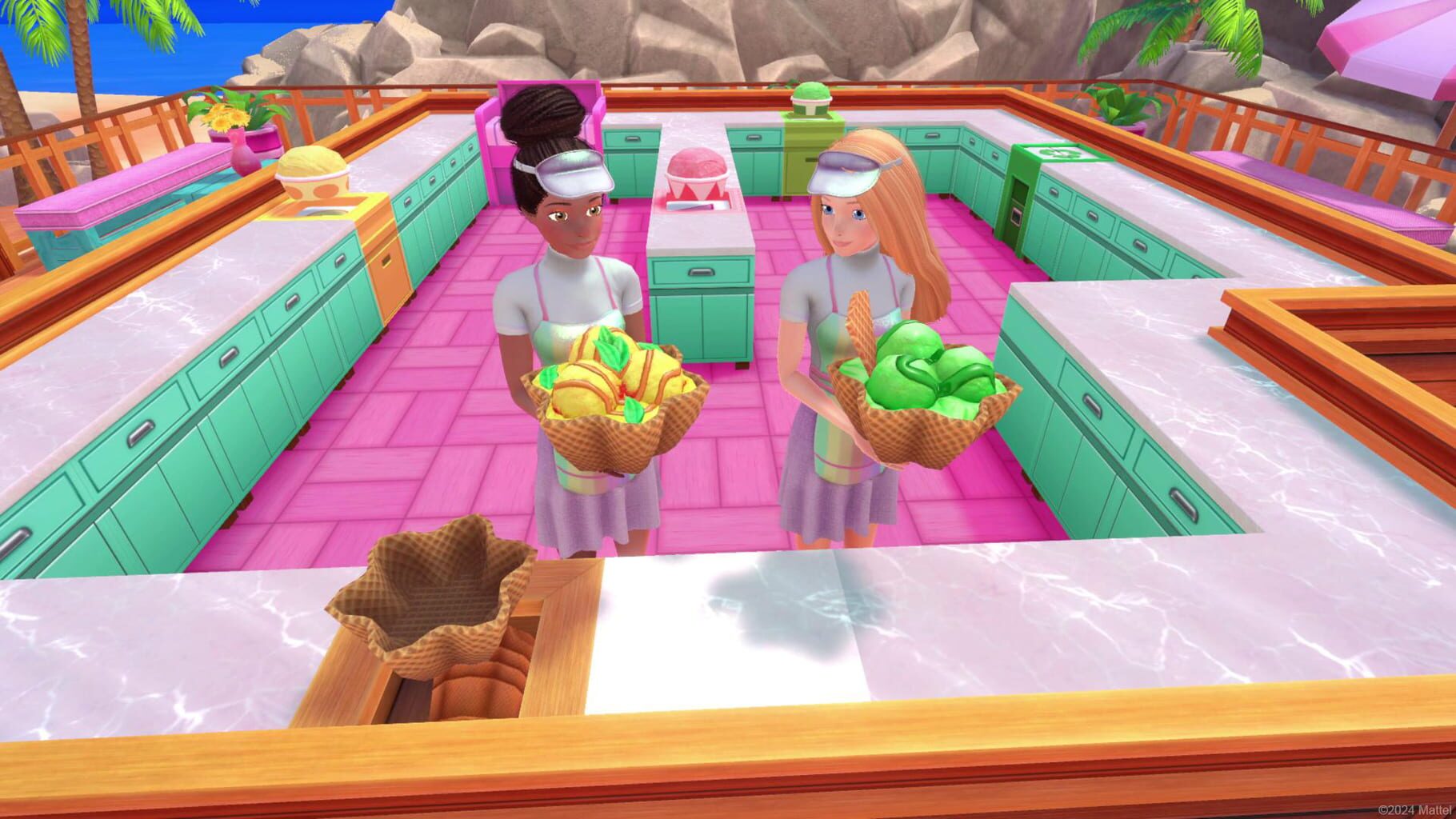
Ice cream building: Read orders fast, knock out simple ones first, and avoid half-building complex cones.
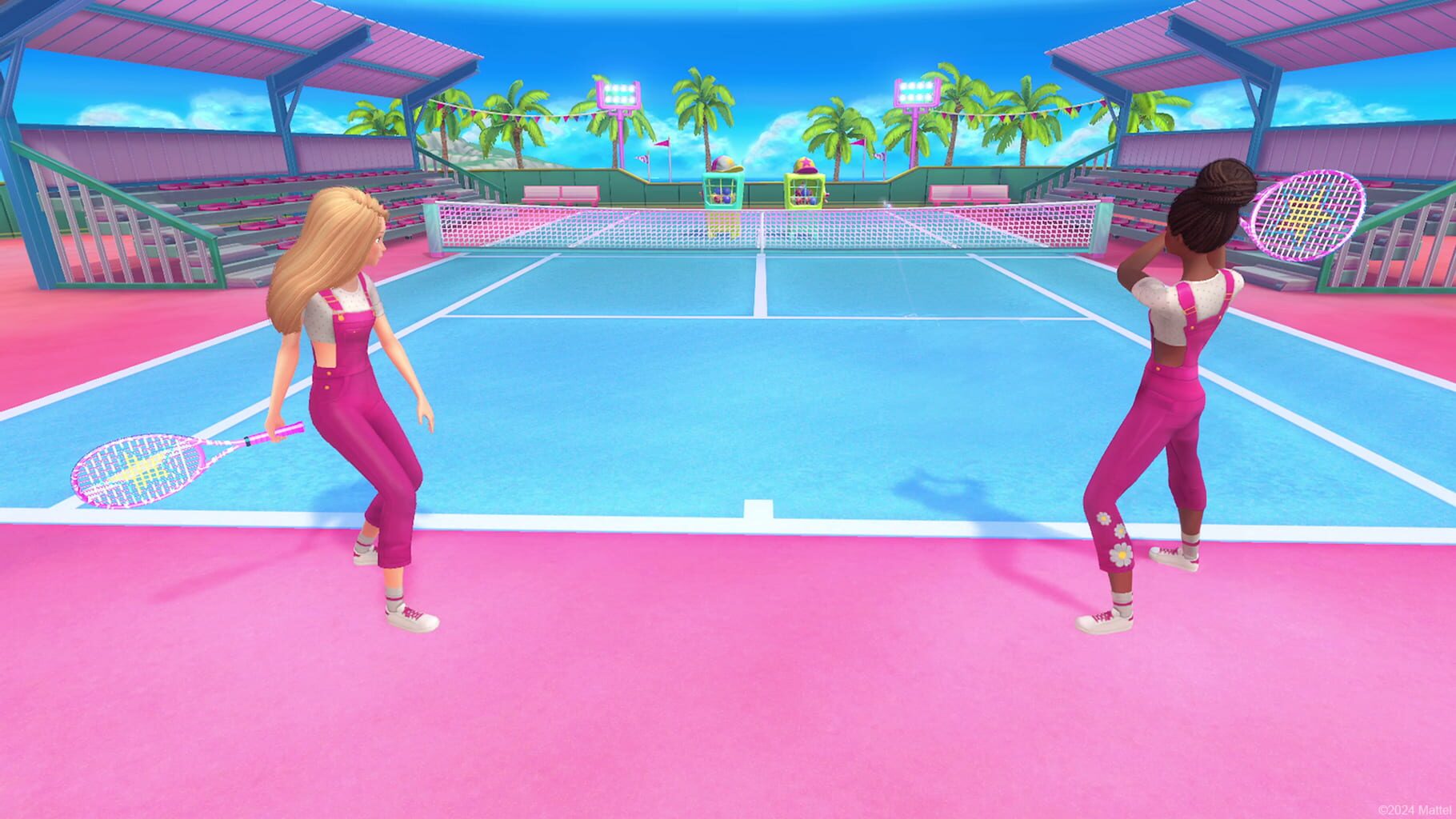
Tennis/ball return: Lock into the rhythm. Consistency beats risky shots. Speeds will ramp—don’t panic.
Construction/repair: Rhythm and sequence rules. Learn the pattern before speeding up.
Cooking/crafting: Manage timers first (heat, cook times), then ingredients. Don’t overcommit to multitasking if it risks mistakes.
Point efficiency
4-star runs give noticeably more CP, but take longer.
When grinding, aim for consistent 3–4 stars instead of chasing perfection every single time.
На сайте: Dave
Fast 100% Roadmap: Achievements and Trophies
Руководства
If you’re chasing a full clear in Barbie Project Friendship, you’re looking at about 8–12 hours with no missables. You can revisit any area whenever you want, so it’s a very relaxed completion.
Platform totals
Xbox: 27 achievements
PlayStation: 28 trophies
How progress works
Blue puzzle pieces = main quests
Gold puzzle pieces = side quests
Six areas unlock in order: Workshop, Beach, Camping Area, Animal Aid Center, Tech Lab, Amphitheater (with the Office as your hub).
Key achievements to plan for
“Heart of the Community”: Hold 1000 Community Points at once before spending.
“Building a Community”: Hold 500 CP at once (a midpoint on your way to 1000).
Minigame stars:
“Barbie-style”: Earn exactly 3 stars in any minigame.
“Playful Star”: Earn 4 stars in any minigame.
Tip: If you hit 4 stars, it won’t count for the 3-star achievement—stop at the 3-star mark on purpose.
Collectibles: 39 total across all areas + hub.
First one pops “Treasure Hunter.”
All 39 unlock “Memories worth a lifetime.”
Shopping list:
Buy all 15 outfits for “Fashion Fun!”
Buy all office decor for “Office Makeover.”
“Treat Yourself”: Spend 175 CP on a single item (the arcade wallpaper is an early candidate).
Quick tips
Bank CP until you hit 1000, pop the achievement, then enjoy your spending spree.
Don’t stress the stars until you’ve done one clean 3-star and one 4-star.
Clear each area fully (main + side) before moving on for smoother progression.
Full Barbie Project Friendship walkthrough with trophy and achievement guide. Learn area order, collectibles, minigame stars, and tips to 100% on Xbox and PlayStation.
На сайте: Dave
Area-by-Area Restoration Path: From Workshop to Amphitheater
Руководства
Think of the game as a community center comeback tour. You’ll unlock areas in order, each with its own flavor.
Office (Hub)
Change outfits, track progress, and swap characters here.
Finish tool sorting and equipment fixes to unlock the Beach.
Beach
Outdoor cleanups, lifeguard prep, sand setups.
Features tennis-style and water-adjacent minigames.
Opens Camping Area and Animal Aid Center.
Camping Area
Tent setups, trail maintenance, gear organizing.
Early quests double as a scavenger hunt primer.
Minigames lean into cooking and survival activities.
Animal Aid Center
Feeding, grooming, basic care for pets.
Variety of animal-specific minigames and maintenance tasks.
Tech Lab
STEM-flavored fun: device repair, puzzle-y challenges, and arcade vibes.
Expect more pattern recognition and logic-style tasks.
Amphitheater (Finale)
Stage setup, audio gear, event planning.
Culminates in a big community celebration and final achievement sweeps.
Tip: Clear blue (main) and gold (side) puzzle quests per area before moving on to keep CP and unlocks flowing smoothly.
Complete Barbie Project Friendship walkthrough and trophy/achievement guide. Learn optimal area unlock order from Office and Workshop to Beach, Camping, Animal Aid Center, Tech Lab, and Amphitheater with tips for quests and minigames.