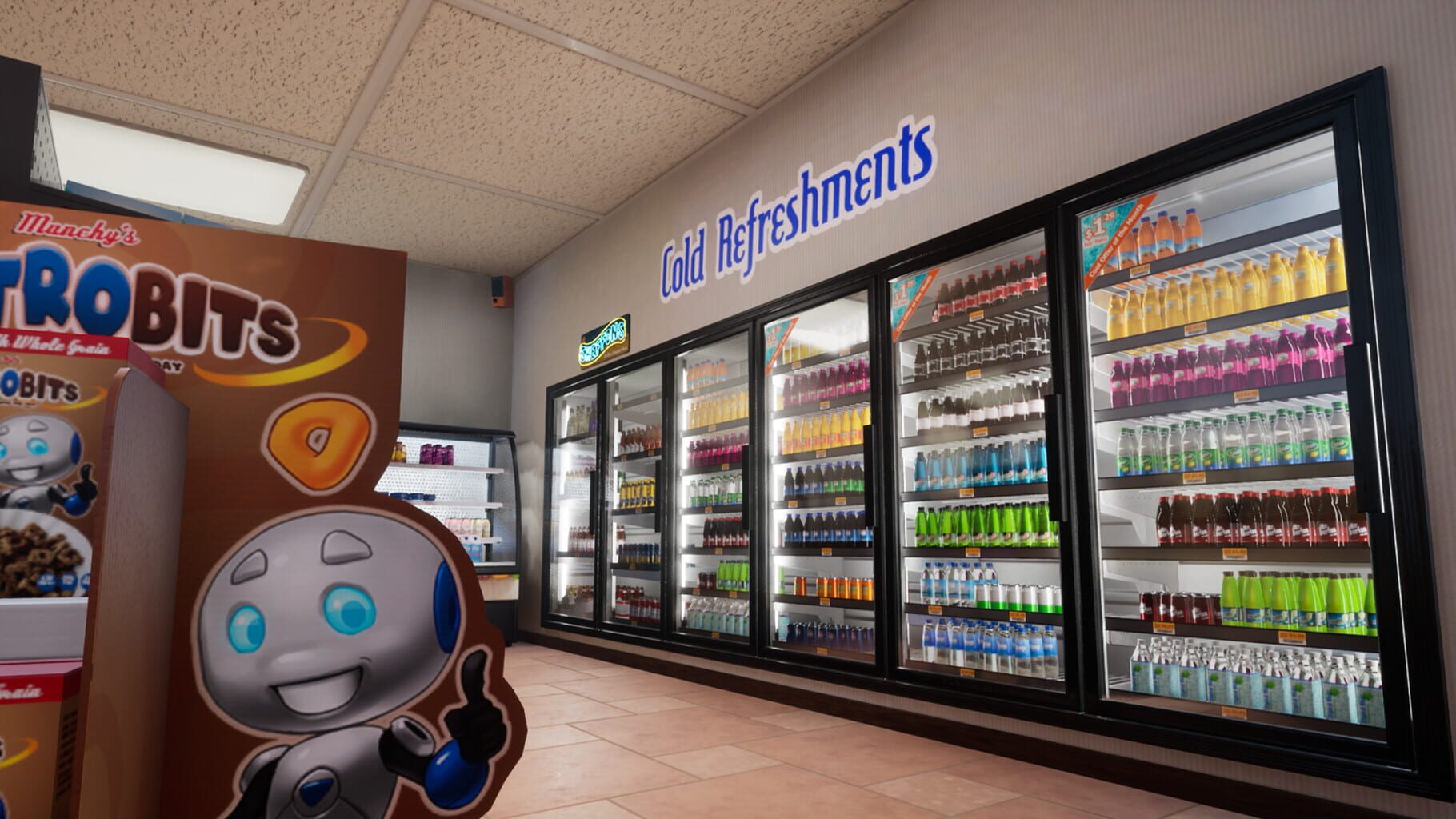
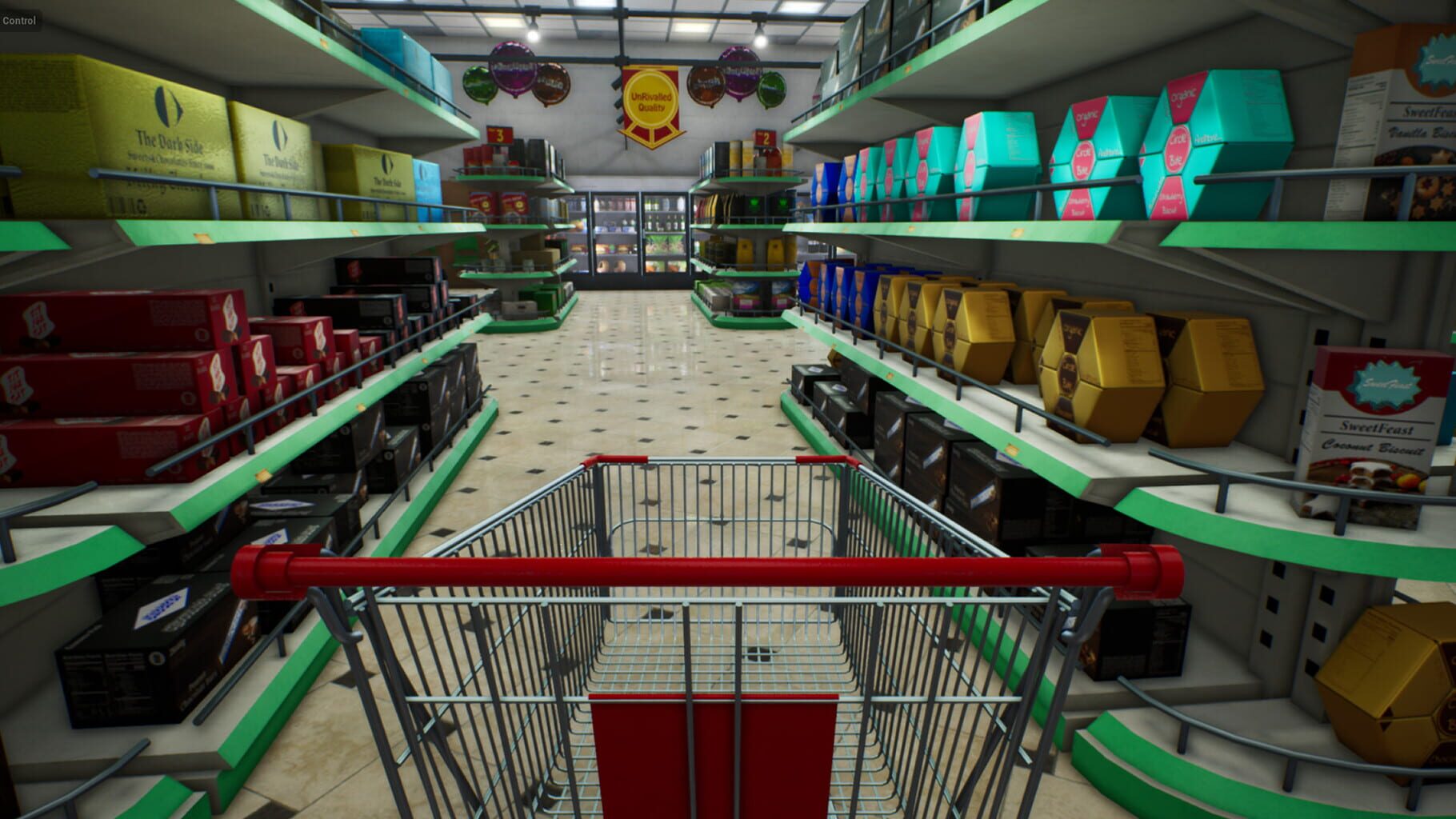
Supermarket Simulator Dicas
- WeMod Trainer: Easy Money, Faster Progress
- Save File Editing 101 (For Control Freaks)
- Cash Register Duplication Loop
- Cheat Engine + Community Tables
- CheatsUnlocked Mod: The Hidden Dev Menu
- Product Licenses: What They Unlock
- Storage Upgrades Unlock Internal Access
- Staff You’ll Unlock As You Grow
- Store Expansions: From Closet to Complex
- The Golden Shopping Cart Hunt
- Hidden Mystery Boxes
- That Locked Door Inside Your Store
- Developer Nods and In-Jokes
- Time Freeze Without Mods
- Storage Room Softlock on Xbox
- Restockers Standing AroundNULL You’re Not Alone
- End-of-Day Freezes and Vanishing Stock
- Co-op Desync Woes
- Smart Pricing That Won’t Make Customers Mad
- Stocking and Layout That Actually Works
- Lights Matter More Than You Think
- When to Hire Cashiers and Restockers
- Don’t Expand Into Empty Space
- License Timing That Won’t Overwhelm You
- How to Unlock the Internal Storage Room Door
- Beginner’s Roadmap: Day 1 To Late Game
- License Picks That Actually Print Profit
- Achievement Tips Without the Grind Spiral

WeMod Trainer: Easy Money, Faster Progress
BatoteirosIf you want to bend Supermarket Simulator to your will without poking at files, WeMod is the smoothest route. Install the app, search for the game, hit Play, and flip on the toggles you want. No digging through folders, no hex editing.
Highlights:
- Unlimited Money – buy every expansion and stock the shelves forever.
- Edit Money – set your balance to a precise amount.
- Multiply Money Get – crank up the cash you earn per sale.
- Multiply Store Point Get – level your store way faster.
- ZA WARUDO! (Time Stop) – freeze time to organize without pressure.
Hotkeys are customizable, and you can toggle cheats mid-session. As always, use at your own risk in case future updates get picky.
Save File Editing 101 (For Control Freaks)
BatoteirosPrefer total controlNULL You can edit your save directly. Find it at: C:\Users\Username\AppData\LocalLow\Nokta Games\Supermarket Simulator\SaveFile.es3. Open with a text editor and use CTRL+F to find what you need.
Useful fields to tweak:
- Money – your current cash.
- CurrentStoreLevel – boosts your store level straight up.
- StoreUpgradeLevel – your expansion progress.
- CompletedCheckoutCount – great for achievement progress padding.
- UnlockedLicenses – toggle specific product licenses by ID.
Tips:
- Back up your save before editing anything.
- Stick to valid license numbers to avoid corrupt loads.
Cash Register Duplication Loop
BatoteirosThere’s an old-school money glitch that dupes the cash register. It’s been patched in some versions, but if it still works for you, here’s the quick loop:
- Pick up your register (hold left-click), press C to box it, then R to toss it outside.
- Return to the main menu and reload your save.
- The original respawns inside, the boxed one stays outside.
- Sell the spare for NULL. Repeat for easy cash.
If it’s patched on your build, no harm done—just try it on a new save so your main file isn’t at risk.
Cheat Engine + Community Tables
BatoteirosIf you’re comfortable with advanced tweaks, Cheat Engine tables can go beyond simple money hacks.
Common toggles include:
- Movement speed and jump height tweaks.
- NULL per card checkout override (warning: can break cash logic and cause negative change on cash payments).
Setup is straightforward: install Cheat Engine, open the .CT table, attach it to the game process, and toggle what you need. Just know that updates can break tables, and some options are truly game-breaking (fun for testing, not great for balance).
This mod flips on the game’s internal debug menu using BepInEx. It exposes tools the devs use for testing—handy if you want “legit” in-engine cheats instead of memory edits.
How it generally works:
- Install the BepInEx pack for Supermarket Simulator.
- Drop the CheatsUnlocked DLL into bepInEx/plugins.
- Press the hotkey (default F5) to open the debug panel.
It’s powerful and cleaner than trainers, but version-sensitive. Keep backups and expect updates to shuffle things around.
Product Licenses: What They Unlock
DesbloqueáveisThere are 26 licenses that unlock new product categories as your store level climbs. Prices range from a few hundred to several thousand, and each license adds fresh items to order from the computer. Smart sequencing attracts different customer types, compounding your daily revenue as reputation grows.
Storage Upgrades Unlock Internal Access
DesbloqueáveisComplete all three storage upgrades to unlock the internal storage door. Beyond the obvious convenience, higher storage levels boost capacity and smooth your stocking flow, which indirectly helps ratings and sales.
Staff You’ll Unlock As You Grow
DesbloqueáveisAs your level rises, more roles become available:
- Cashiers – reduce lines and free you up.
- Restockers – keep shelves topped off.
- Security – deal with shoplifting.
- Customer helpers – assist self-checkout issues.
- Janitors – maintain cleanliness, which feeds into customer satisfaction.
Store Expansions: From Closet to Complex
DesbloqueáveisExpansions roll out at set levels, turning your starter shop into a multi-room operation. Each purchase adds floor space for aisles, storage, and staff stations. Expect near-full build-out by around the 70–80 level range, depending on your pace and priorities.
The Golden Shopping Cart Hunt
Ovos de PáscoaThere’s a Golden Shopping Cart tucked away that isn’t just shiny—it gives you a temporary speed boost. It’s not obvious where it is, and the community loves to keep it mysterious. Poke around spots you’d normally ignore and chase rumors. Finding it is half the fun.
Keep your eyes peeled for Mystery Boxes—they’re not regular inventory and they don’t announce themselves. Crack one open and you’ll get a little surprise for your curiosity. The community is still cataloging locations, so exploring pays off.
That Locked Door Inside Your Store
Ovos de PáscoaNotice the locked internal storage room doorNULL It’s not just for show. There’s a way to open it after certain progression steps, and it becomes a legit shortcut for your daily routine. If you love a good “wait, that actually opensNULL” moment, this is it.
Developer Nods and In-Jokes
Ovos de PáscoaFrom names to small references, you’ll find dev shout-outs and cheeky nods to Nokta Games sprinkled around. If you like peeking behind the curtain, these tiny breadcrumbs add some personality to your late-night stocking runs.
Time Freeze Without Mods
GlitchesThere’s a quirky time stop bug where the clock just… stops. Often triggered by flicking quickly between the map and delivery menus while the game’s busy. Use it to restock in peace and rearrange without customer pressure. It’s inconsistent but harmless—and it’s survived a bunch of updates.
Storage Room Softlock on Xbox
GlitchesOn Xbox Series X/S, some players load in to find the storage room reverted to level 0, trapping the upgrade PC inside. If that’s you, try this co-op workaround:
- Have a friend join your game.
- They can push you through the wall with a shelf or furniture.
- Grab the PC and move it somewhere safe.
Once freed, you can upgrade again and carry on.
Restockers Standing AroundNULL You’re Not Alone
GlitchesSometimes hired restockers just… refuse to restock. Usual culprits are pathfinding and messy layouts.
Try this:
- Reposition shelves and storage to clear paths.
- Fire and rehire the restocker to reset their AI.
- Add a second restocker temporarily to kickstart the system.
Simpler layouts usually fix it faster than over-tweaking assignments.
End-of-Day Freezes and Vanishing Stock
GlitchesA nasty freeze can hit during the day-end summary, especially with big inventories or in co-op. Occasionally it’s followed by save hiccups where boxes or stock vanish on reload.
Mitigation:
- Back up saves regularly.
- Avoid doing huge bulk operations right before closing.
- If you co-op a lot, be extra cautious with end-of-day timing.
Co-op Desync Woes
GlitchesMultiplayer can desync, leaving each player seeing a different version of the store—double-stocking, ghost items, you name it. There’s no in-game chat either, so plan to use Discord or similar. Sessions can get shakier the longer they run, so take breaks to keep things stable.
Smart Pricing That Won’t Make Customers Mad
DicasYou can push prices a bit without upsetting shoppers.
Rules of thumb:
- ~10% above market is generally safe.
- Cheap items under NULL: +20–30¢ bumps are fine.
- Items over NULL: +?–? is rarely a problem.
- Over 25% markup? Expect complaints.
- Round to quarters (?.25, ?.50, etc.) for better perceived value.
Stocking and Layout That Actually Works
DicasCustomers ding your rating when staples are missing, so before you chase new categories, keep your current items consistently in stock.
Organize by logic:
- Group related products (pasta next to sauce, cereals near milk).
- Dedicate aisles by category as you expand.
- Avoid scattering the same item across the store—consistency feels professional.
Lights Matter More Than You Think
DicasFlip those store lights on—yes, even during the day. It boosts foot traffic and makes customers happier. The switch is behind the register. It’s a tiny habit with real impact.
When to Hire Cashiers and Restockers
DicasResist the early hiring spree. Wages chew your profits when you’re small.
A simple plan:
- Do everything yourself early to snowball cash.
- Hire your first cashier around level 20.
- Bring in a restocker around level 30.
- Keep one manual register for yourself so you can progress checkout-related achievements.
Don’t Expand Into Empty Space
DicasExpansions are great—until they become a giant empty box that tanks ratings. Save enough to both buy the space and fill it. If your shelves go barren, customers notice.
License Timing That Won’t Overwhelm You
DicasAdd licenses gradually. Each new category is another thing to keep stocked. Prioritize staples and push freezer-heavy categories later since they carry higher power costs. Build capacity first, then variety.
How to Unlock the Internal Storage Room Door
GuiasThat locked door opens once you fully upgrade storage. From the management PC:
- Upgrade 1: NULL
- Upgrade 2: NULL
- Upgrade 3: NULL,200
Total: NULL,800
Hit level 3, and the internal storage door unlocks immediately. It’s a huge quality-of-life upgrade—no more running outside just to grab boxes.
Beginner’s Roadmap: Day 1 To Late Game
GuiasEarly game:
- Buy staples (pasta, coffee, salt).
- Set prices to about +10% over market.
- Keep shelves full before chasing new categories.
Progression beats:
- Hit level 5 and consider your first license—but make sure you have shelf space first.
- Around days 5–10, plan your first expansion if profits allow.
- Level 20: hire your first cashier.
- Level 30: bring in a restocker.
Mid to late game:
Expand storage, fine-tune layout, and add high-margin licenses. Later, hire security, helpers, and janitors to automate and maintain ratings. Keep one manual register to chip away at checkout achievements.
License Picks That Actually Print Profit
GuiasNot all licenses are equal. A few guidelines:
- Prioritize high-margin staples: toothpaste is excellent (high profit per unit, minimal racks). Coffee/tea are strong and always in demand.
- Delay freezer-heavy licenses and things with high electricity costs.
- Avoid green beans early—low per-unit profit and pricey daily power cost.
Bonus tip: Track your profit per unit and space used so you know exactly what’s worth expanding.
Achievement Tips Without the Grind Spiral
GuiasA few targets worth planning for:
- Checkout Specialist – personally process 100 checkouts. Keep a manual register open and let it happen naturally over time.
- Store Manager – reach level 100. You’ll get there with steady operations and smart pricing; expect a long haul.
- Golden items – rare collectibles like a Golden TV or Cart seem tied to a mix of exploration and progression. The community’s still piecing together the exact triggers.
Screenshots