MotoGP 25 Guias
- MotoGP 25 Cheats and Trainers: Safe Single-Player Mods and How to Use Them
- Known Bugs and Issues Players Report in MotoGP 25
- Controller Calibration and Input Tuning: Best Settings to Stop Crashes
- Make Adaptive Difficulty Work For You
- Community Bike Setups That Actually Work
- Career Mode Turning Points Explained: Choose the Best Path
- Engineering Debriefs and Bike Development: Get Faster Upgrades
- Race Off Training: Flat Track, Motard, and Minibike Skills That Transfer
- Contract Strategy and Riders Market Tips
MotoGP 25 Cheats and Trainers: Safe Single-Player Mods and How to Use Them
BatoteirosWant MotoGP 25 cheats without breaking multiplayer rules? The community uses trusted trainers to tweak performance and difficulty in single-player. These tools let you fine-tune power delivery, braking strength, traction feel, and more—all without waiting on in-game upgrades.
Popular options:
- PLITCH – Offers around fifteen MotoGP 25 trainer toggles for things like performance multipliers and QoL tweaks in career or time trial.
- WeMod – A simple, user-friendly trainer with similar single-player options.
- FearLess Cheat Engine – Requires a *NoEAC* (No Easy Anti-Cheat) exe to run. Copy the MotoGP 25 NoEAC executable into your main game folder (where motogp25.exe lives) and launch the game through that file for offline use.
Essential safety notes:
- Use trainers offline only. Modding online violates the TOS and can get you suspended or banned.
- Run trainers after the game has fully booted.
- Back up your save files before experimenting.
- Expect trainers to stop working after patches until the tool authors update them.
Common trainer tweaks in MotoGP 25:
- Engine power and acceleration multipliers to reduce AI gaps or improve your starts.
- Brake effectiveness caps to prevent instant lockups and highsides.
- Stability and traction helpers to tame sketchy exits.
- Difficulty modifiers for a smoother career progression curve.
SEO tip: If you’re searching for “MotoGP 25 cheats,” “best MotoGP 25 trainers,” or “how to mod MotoGP 25,” stick to single-player and keep your saves safe.
Known Bugs and Issues Players Report in MotoGP 25
GlitchesSome players have hit rough patches after early updates. If you’re troubleshooting “MotoGP 25 bugs” or “MotoGP 25 crashes,” here’s what the community has reported and how to cope.
Physics and handling changes:
- Post-launch updates reduced maximum lean angles by roughly 5–10 degrees for some and made bikes feel stiffer.
- Moto2 and Moto3 became especially tricky, with traction limited and frequent exit highsides—even on higher TC—reported by many.
- Some rigs saw unexpected framerate drops after the same updates.
Controller feedback (DualSense, PC):
- Vibration and trigger feedback on PC with DualSense remained inconsistent for many, despite patch notes saying otherwise.
- Standard fixes (Steam Input tweaks, DS4Windows) didn’t help everyone.
- PS5 users had better luck after patches, but the rollout felt uneven.
Menus and Time Trial:
- Scrolling deep into Time Trial leaderboards initially caused crashes; later patches improved stability.
- Occasional double-input bugs in menus can jump you past options. Slower inputs reduce mis-registration until it’s patched out fully.
Workarounds:
- For handling, revisit setups and braking points; post-patch physics may need new lines and softer exits.
- Avoid rapid-fire leaderboard scrolling.
- Keep drivers and the game updated; recheck controller configs after every patch.
If you’re mid-career in Moto2/Moto3, consider recalibrating controllers and trimming brake saturation to curb highsides until handling stabilizes again.
Controller Calibration and Input Tuning: Best Settings to Stop Crashes
DicasMotoGP 25’s input calibration can make or break your race pace. Tuning Linearity and Saturation, plus separate curves for steering, throttle, and brakes, is the fastest way to reduce crashes and ride smoother.
Key settings to try:
- Linearity:
- Steering: keep it closer to linear for precise mid-corner control.
- Throttle: use a softer early curve so small trigger pulls don’t spin the rear.
- Saturation:
- Lowering saturation means you hit max input sooner. Helpful if you can’t fully press a trigger or want quicker reaction.
- A smart trick: set brake saturation below 100% (for example, around 75%) so you physically can’t over-brake into instant highsides.
- Independent curves:
- Aggressive throttle + conservative brake mapping is a great combo for stability.
- If you oversteer, soften the steering curve slightly.
Safety systems:
- Joint brakes: Useful if you’re on manual gears—less to juggle on corner entry.
- ABS: Helps avoid lockups (especially dry). It trades a bit of precision for consistency.
If you searched “best controller settings for MotoGP 25” or “how to stop highsides in MotoGP 25,” start here, then fine-tune by feel over a few race weekends.
Make Adaptive Difficulty Work For You
DicasMotoGP 25’s Adaptive Difficulty learns your pace over about 5–6 races. It starts easier, then ramps to match your skill. That’s great—unless you throw it mixed signals.
How to get clean calibration:
- Run a consistent block of races at your normal effort level so the AI locks onto your true pace.
- Avoid big swings (a few casual races, then an all-out sweat session) during calibration. One dominant win can make following races oddly easy.
- Recalibrate with another consistent block if difficulty feels off after a patch or control change.
If you searched “how Adaptive Difficulty works in MotoGP 25,” treat it like a long-run practice: stable inputs = stable AI pacing.
Community Bike Setups That Actually Work
GuiasYou don’t need to reinvent the wheel. The MotoGP 25 community has shared tons of proven setups for different tracks, classes (Moto3, Moto2, MotoGP), and weather. Use a solid community baseline, then tailor it to your controller and riding style.
How to quickly dial in a community setup:
- Start from a reputable baseline. Look for setups tagged by track and class.
- Change one thing at a time. For example, adjust rear spring or swingarm angle, then do 3–5 consistent laps to compare.
- Match to your inputs. If you’re running aggressive stick sensitivity, soften throttle mapping and stiffen rear to keep exits stable.
- Track conditions matter. Wet tracks need extra stability and traction; lower preload and soften damping to find grip.
- Log your laps. Note lap times, tire temps, and where the bike feels nervous (entry, mid-corner, exit).
This approach gets you 80% of the gains without hours of random tweaking. Ideal for players searching “best MotoGP 25 setups” and “how to tune bikes in MotoGP 25.”
Career Mode Turning Points Explained: Choose the Best Path
GuiasTurning Points are MotoGP 25’s biggest career mode upgrade. After the international, European, and final race segments, you’ll choose objectives that reshape your path—rivalries, team moves, or elevating an underdog outfit.
What Turning Points can do for you:
- Rival route: Target a specific rider and, with strong results, angle for their seat.
- Factory path: Perform consistently and attract top-team offers.
- Underdog rise: Stay with a smaller team and build it into a contender through smart development.
Keep an eye on:
- Riders Market: Team needs and rider form shift all season. A rival’s slump is your chance to negotiate.
- Social relationships HUD: On-track behavior updates relationships in real time. Strong ties can help in races and during contract talks.
If you’re searching “MotoGP 25 career mode guide” or “how Turning Points work in MotoGP 25,” think of it like a branching story. Your objectives and results decide who calls next.
Engineering Debriefs and Bike Development: Get Faster Upgrades
GuiasMotoGP 25 puts you in the garage with your engineers. Post-race debriefs let you steer development: what to fix, what to keep, and what to test before race day.
How to make the most of development:
- Be specific in feedback. Call out entry instability, mid-corner push, or exit spin so engineers target the right parts.
- Respect the timeline. Upgrades take time to build and install. Plan ahead for key tracks.
- Use test sessions. Validate changes in controlled runs before committing to them on Sundays.
- Avoid shotgun upgrades. Change one system at a time so you can isolate gains and losses.
- Prioritize drive and stability. Most time is won on corner exit; fix traction and throttle pickup first.
If your question is “how to upgrade the bike fast in MotoGP 25,” the answer is focused feedback + disciplined testing. Don’t skip the debrief.
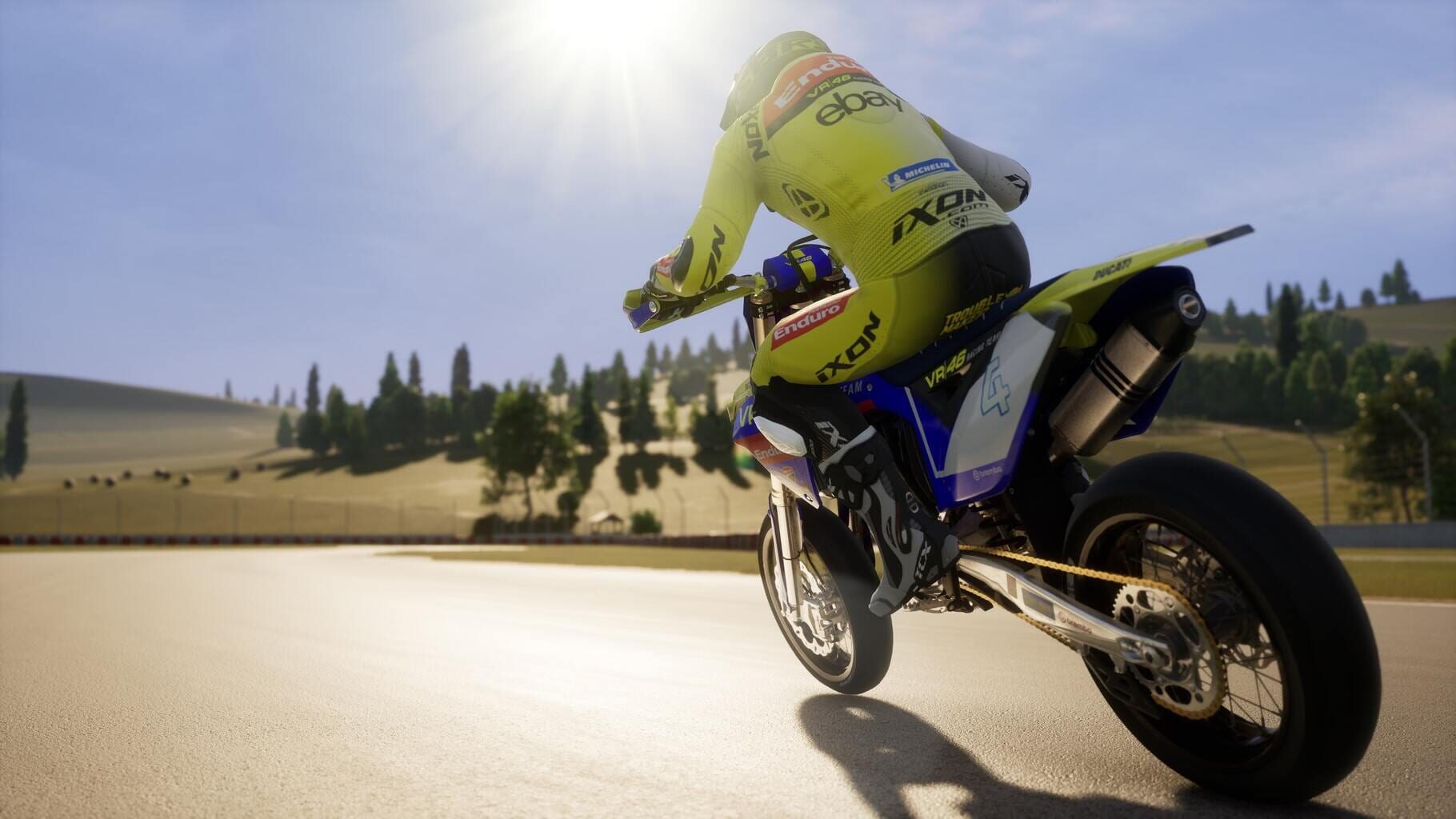
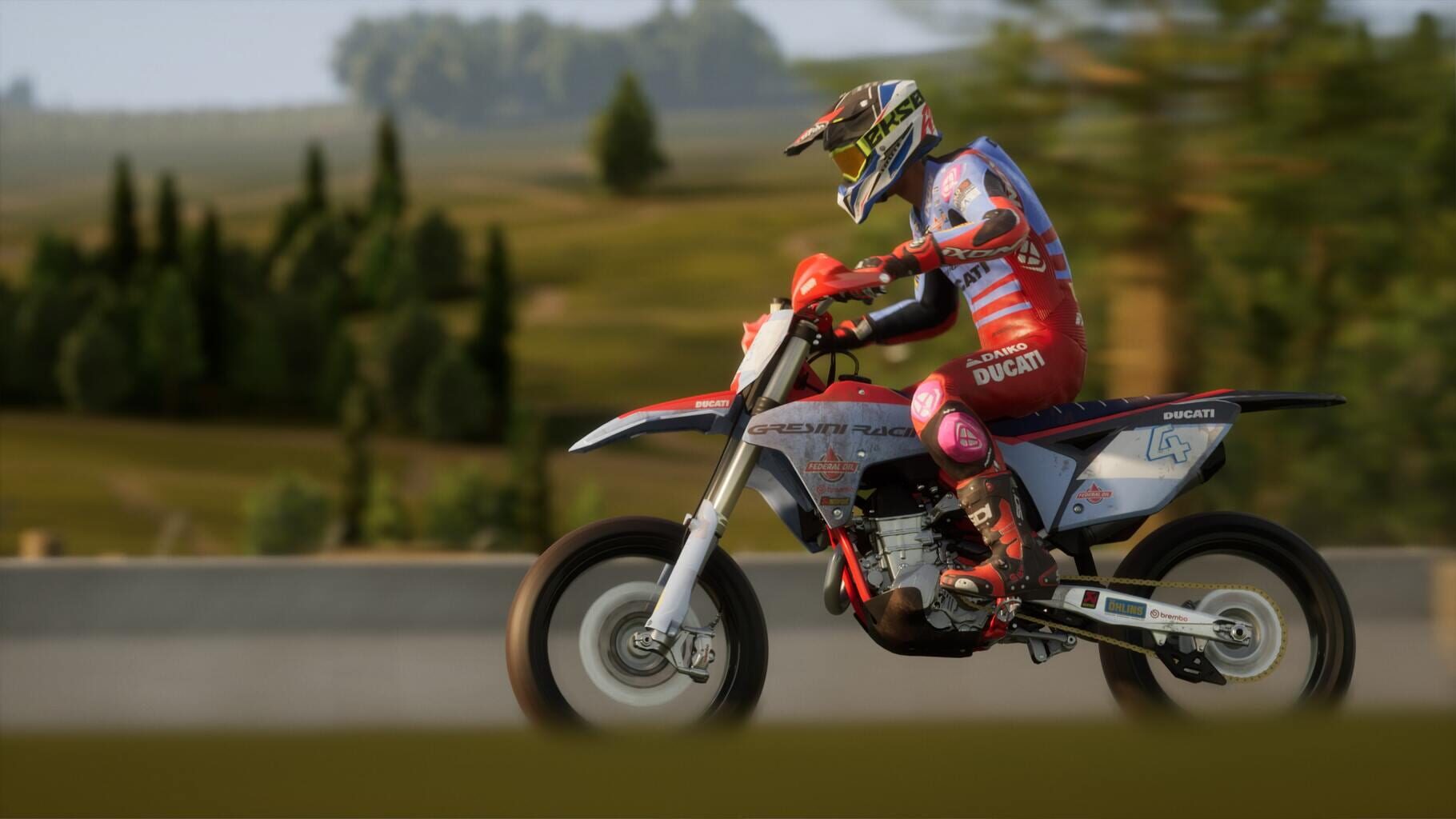
Race Off Training: Flat Track, Motard, and Minibike Skills That Transfer
GuiasRace Off adds three training disciplines that sharpen real race skills on purpose-built tracks. They’re not just side content—they make you faster in the main championships.
What each class teaches:
- Flat Track (dirt ovals): Low grip = throttle finesse. Learn controlled rear slides and smooth exits—perfect for wet MotoGP races.
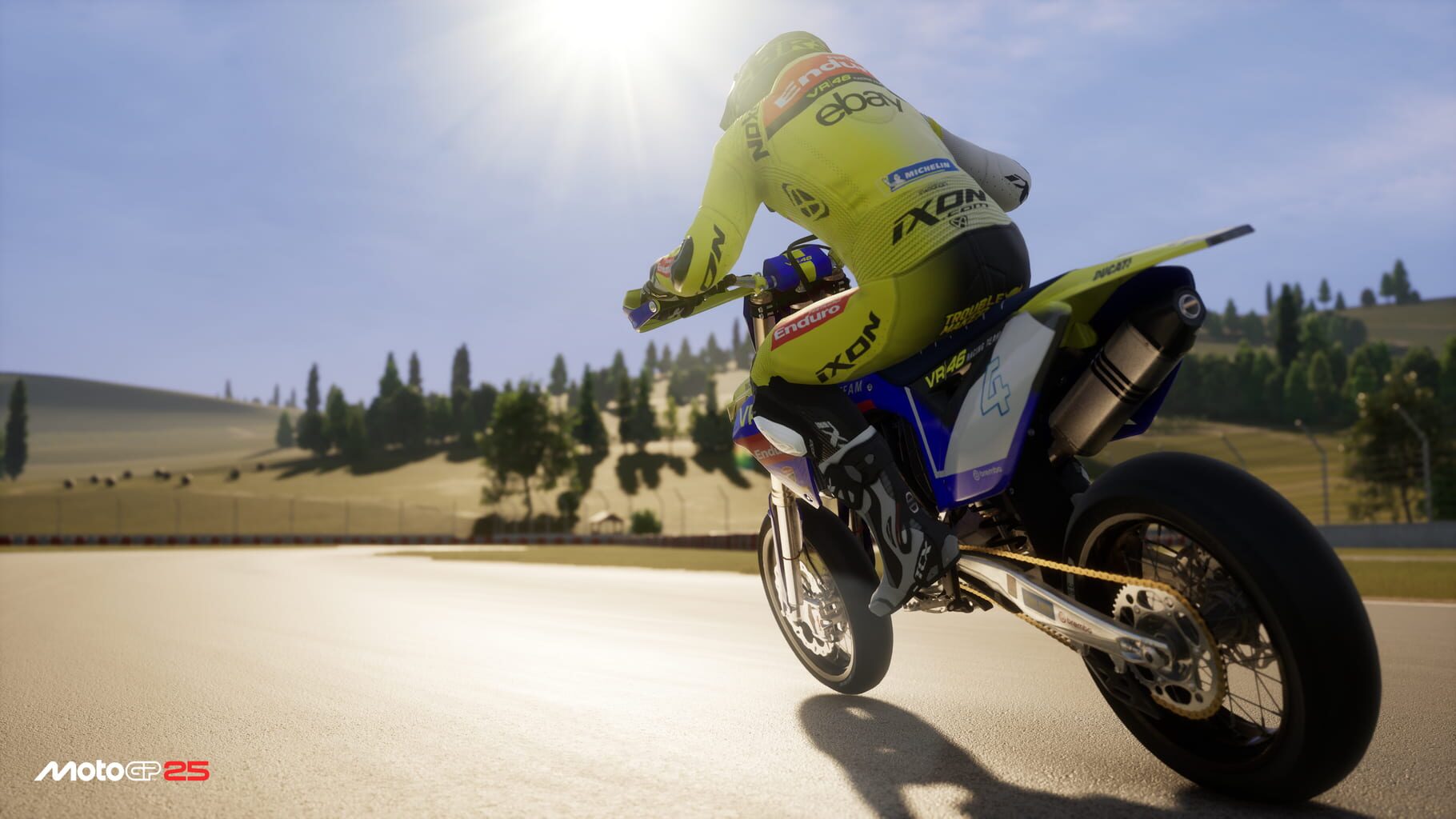
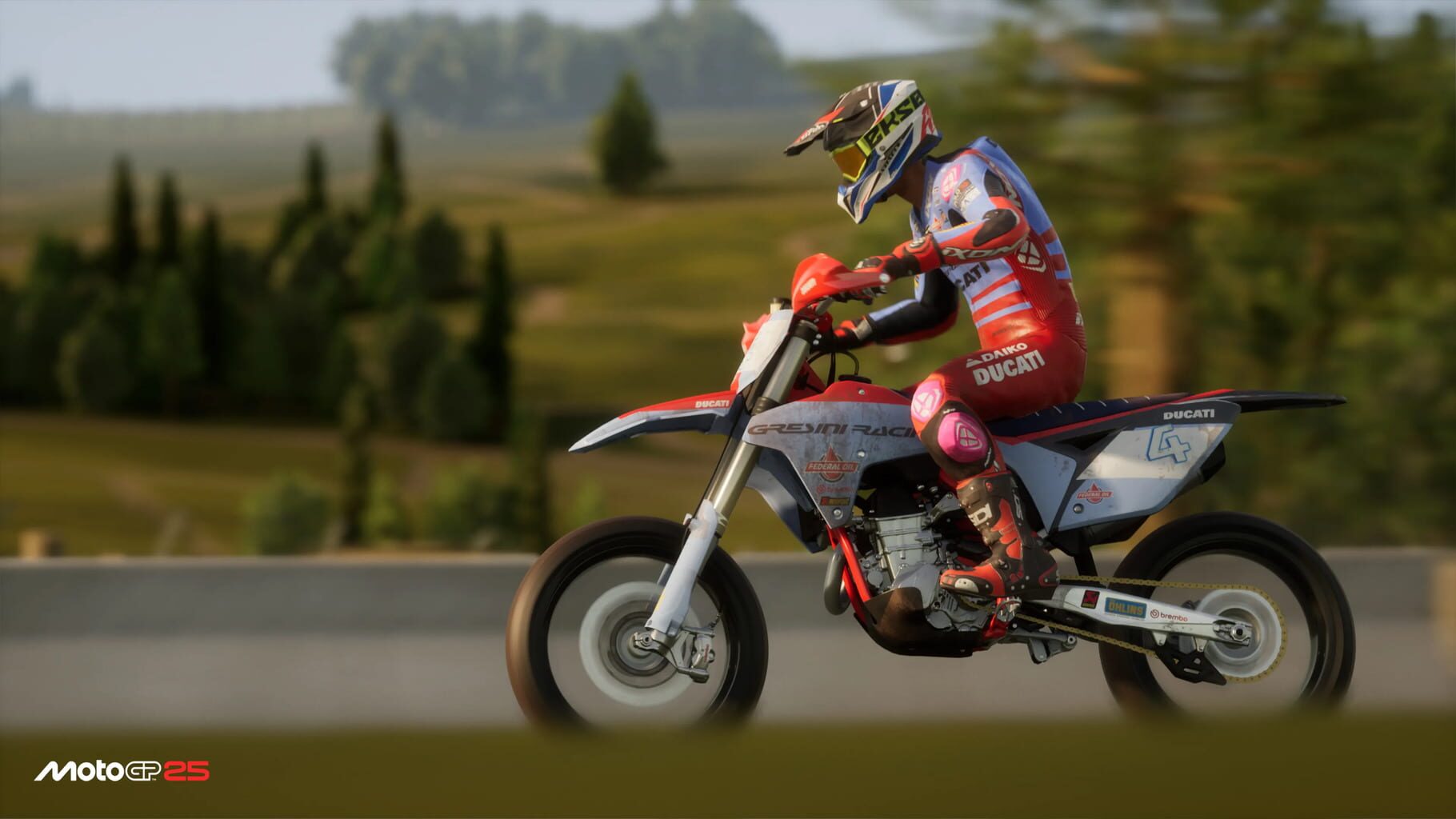
- Motard/Supermoto (tight tarmac): Rapid direction changes and precise corner placement. Great for racecraft in close packs.
- Minibikes (ultra-sensitive): Micro input control. Punishes rough throttle or steering—mastery here levels up your smoothness everywhere.
Extra perks for doing Race Off:
- Rider fitness boosts that reduce fatigue and improve race consistency.
- Exclusive cosmetics like liveries and suits tied to training performance.
- Relationship gains by accepting training invites—handy for future team and race dynamics.
Searchers looking for “MotoGP 25 Race Off tips” or “how to get better control in MotoGP 25” should schedule regular training blocks between key rounds.
Contract Strategy and Riders Market Tips
GuiasThe Riders Market is alive in MotoGP 25. Contracts shift with performance, relationships, and timing. Play it smart and you’ll land the ride you want.
Tactics that move the needle:
- Expectation management: Keeping results modest early, then outperforming later, can make offers look better as teams value visible improvement.
- Time your approach: If a rival is underperforming or a team is in flux, negotiate while they’re vulnerable.
- Factory vs satellite: Factory = stronger machinery and higher expectations. Satellite = more individual focus and a clearer shot at team leadership.
- Relationships matter: Good teammate chemistry can mean tactical help on track and smoother contract talks.
Search phrases like “MotoGP 25 contract tips” or “best Riders Market strategy” boil down to one thing: track your rivals, know your value, and move when the grid is unstable.
Screenshots