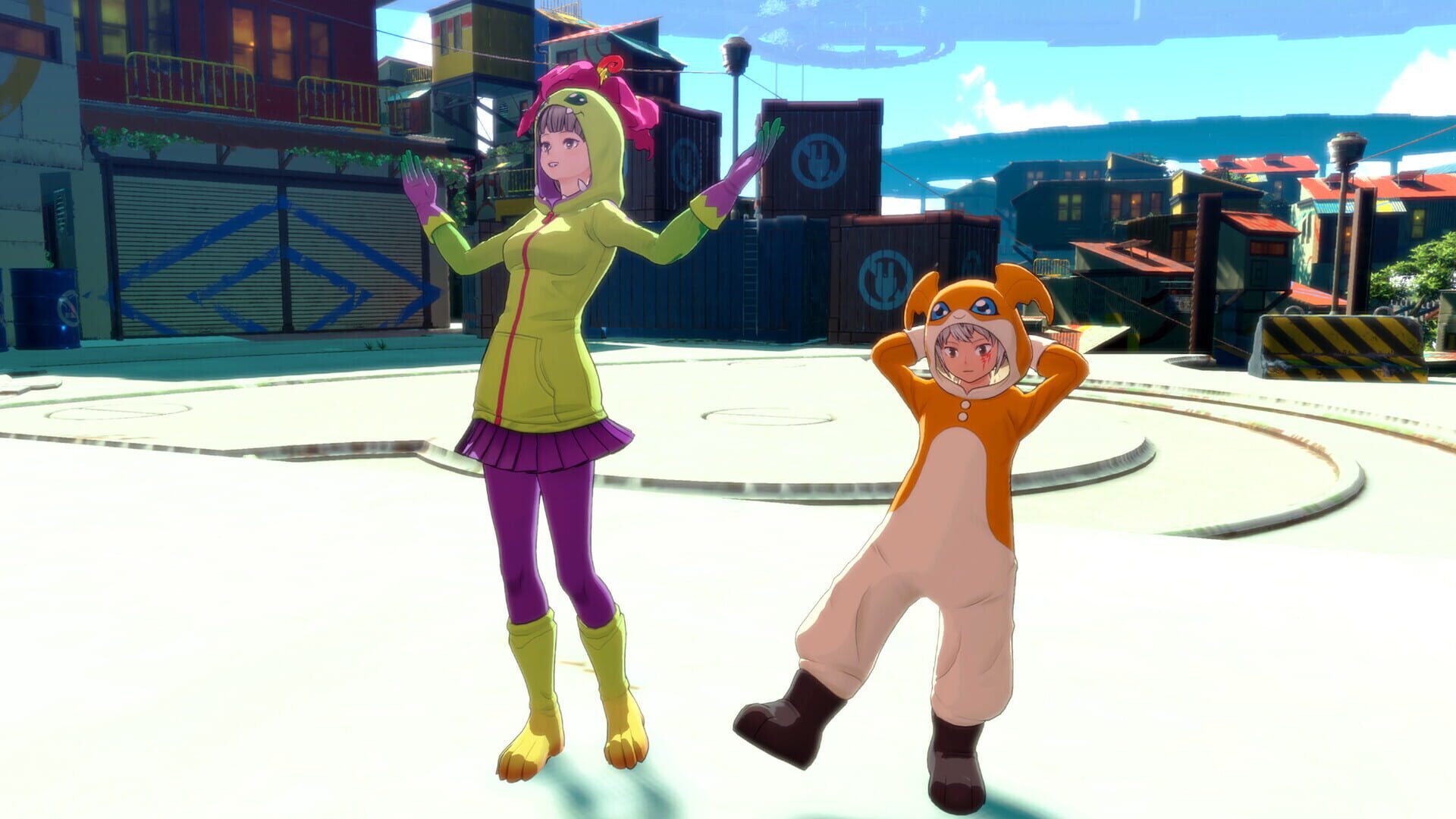
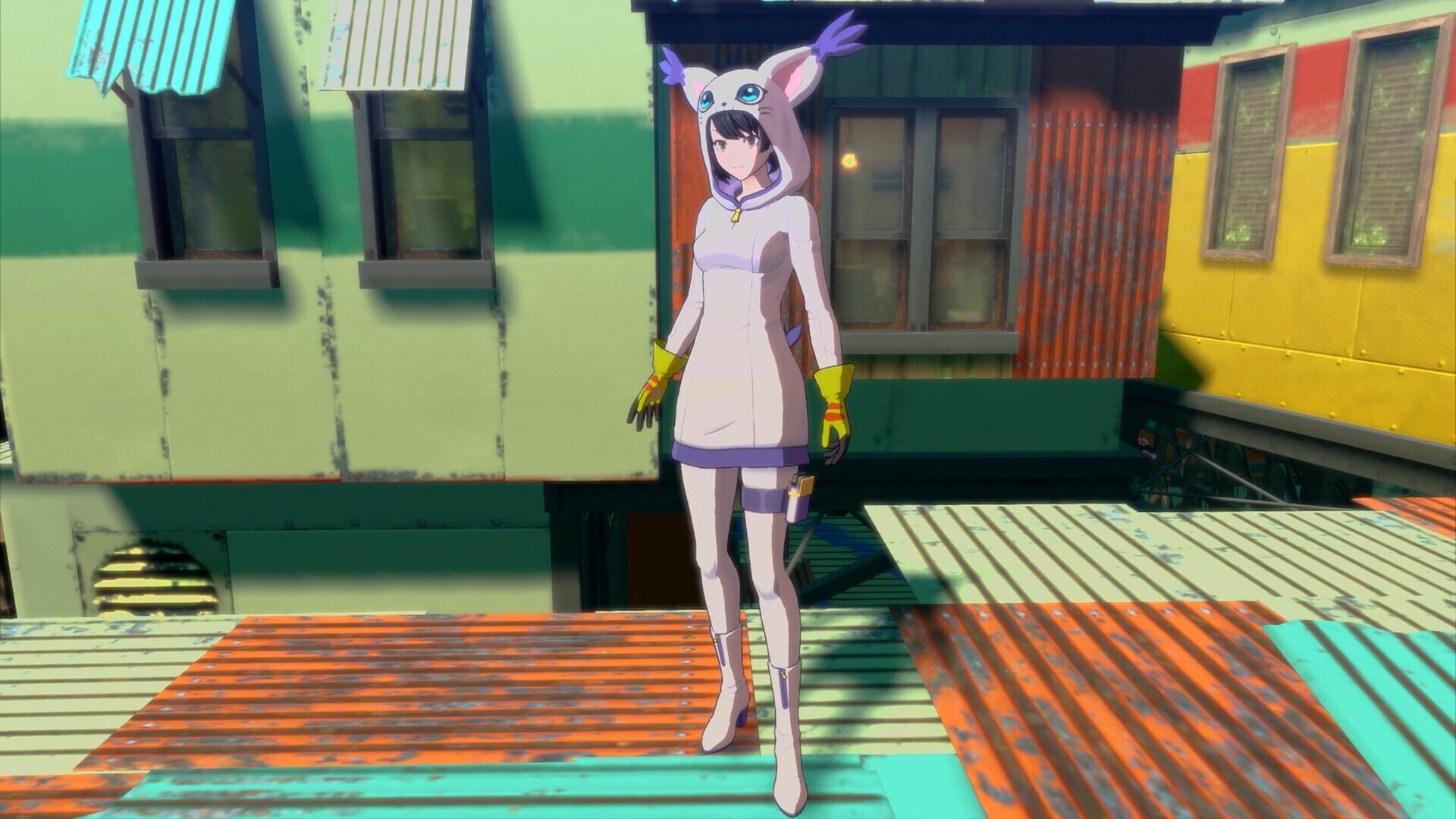
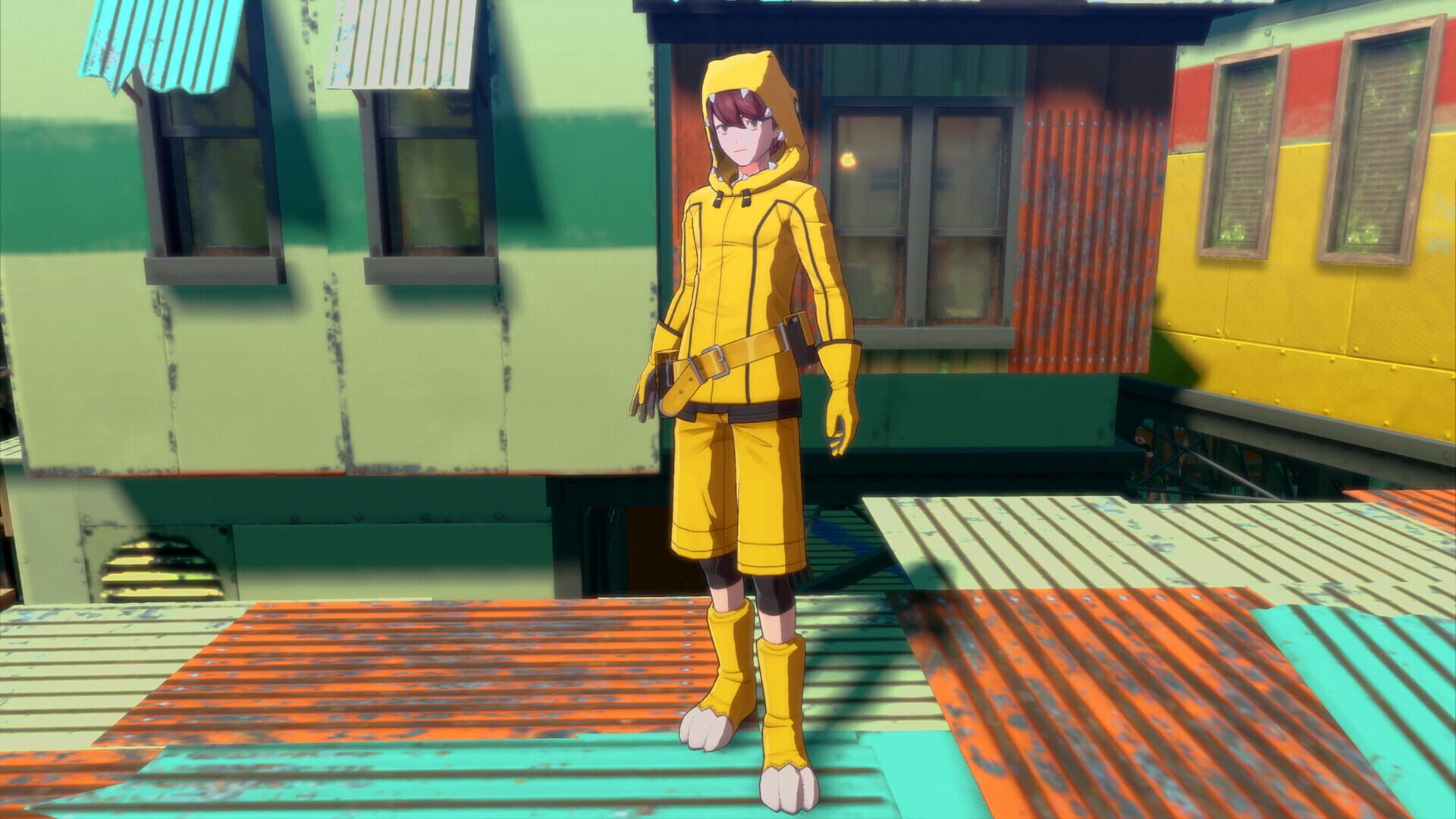
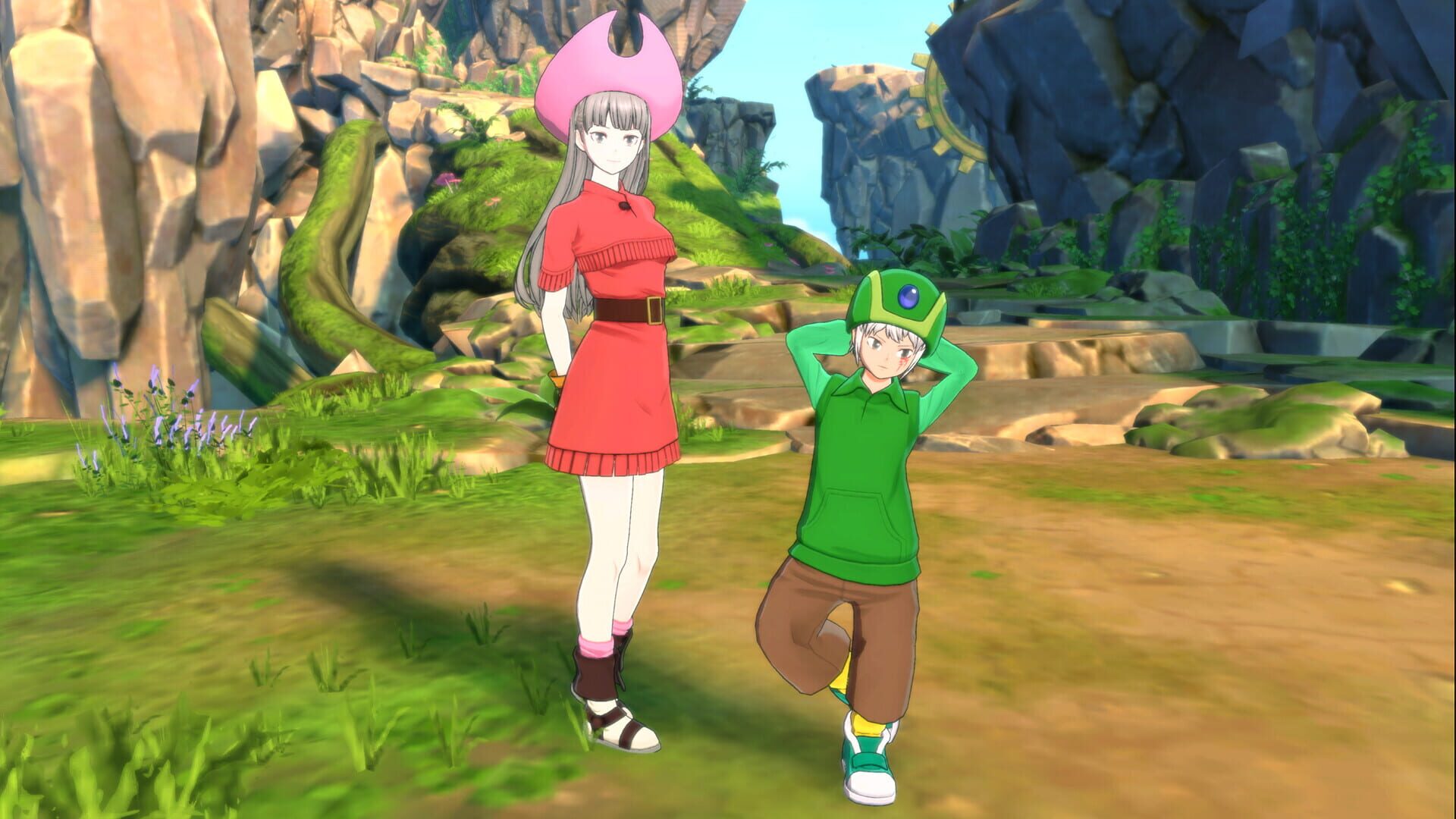
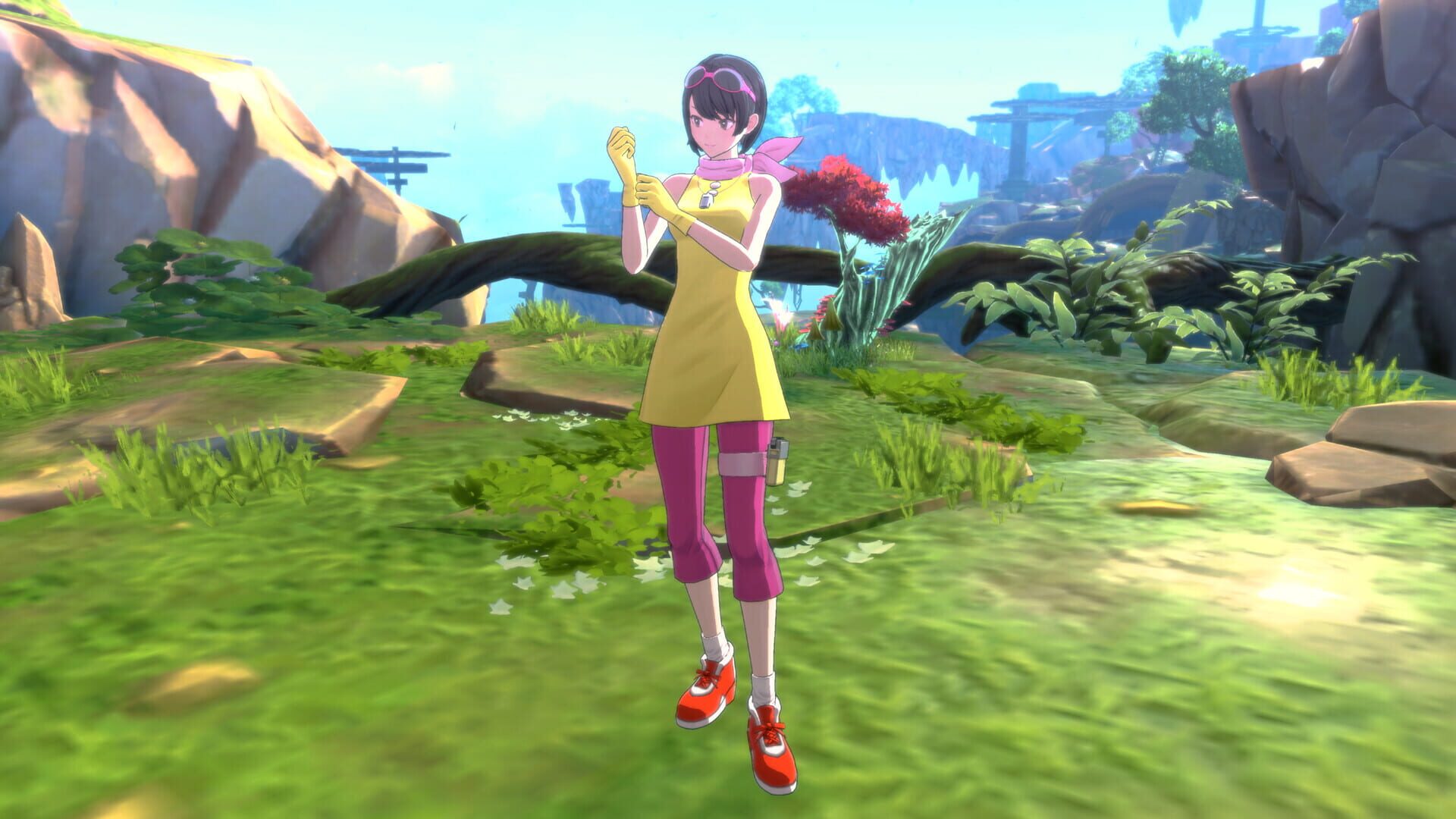
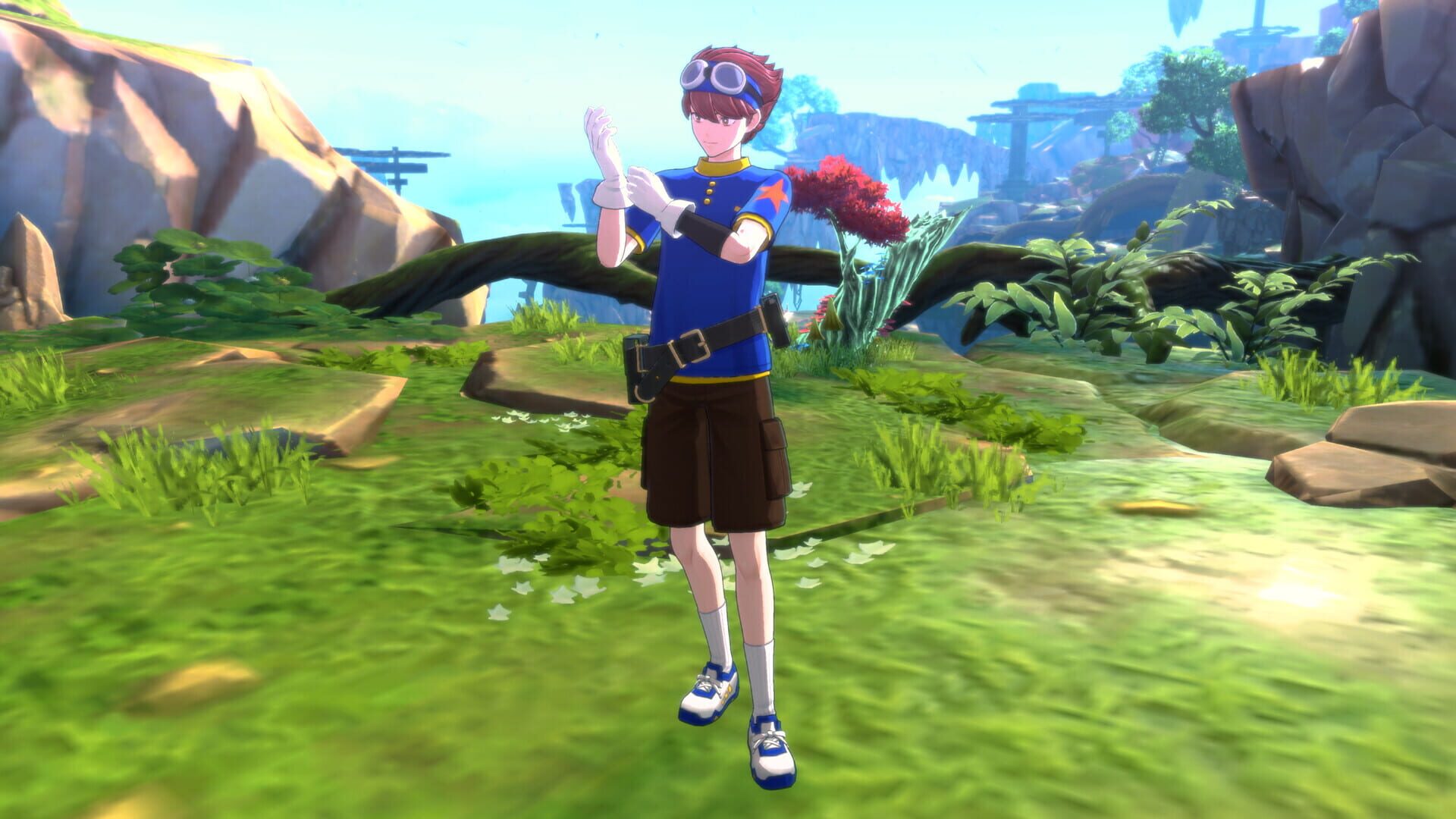
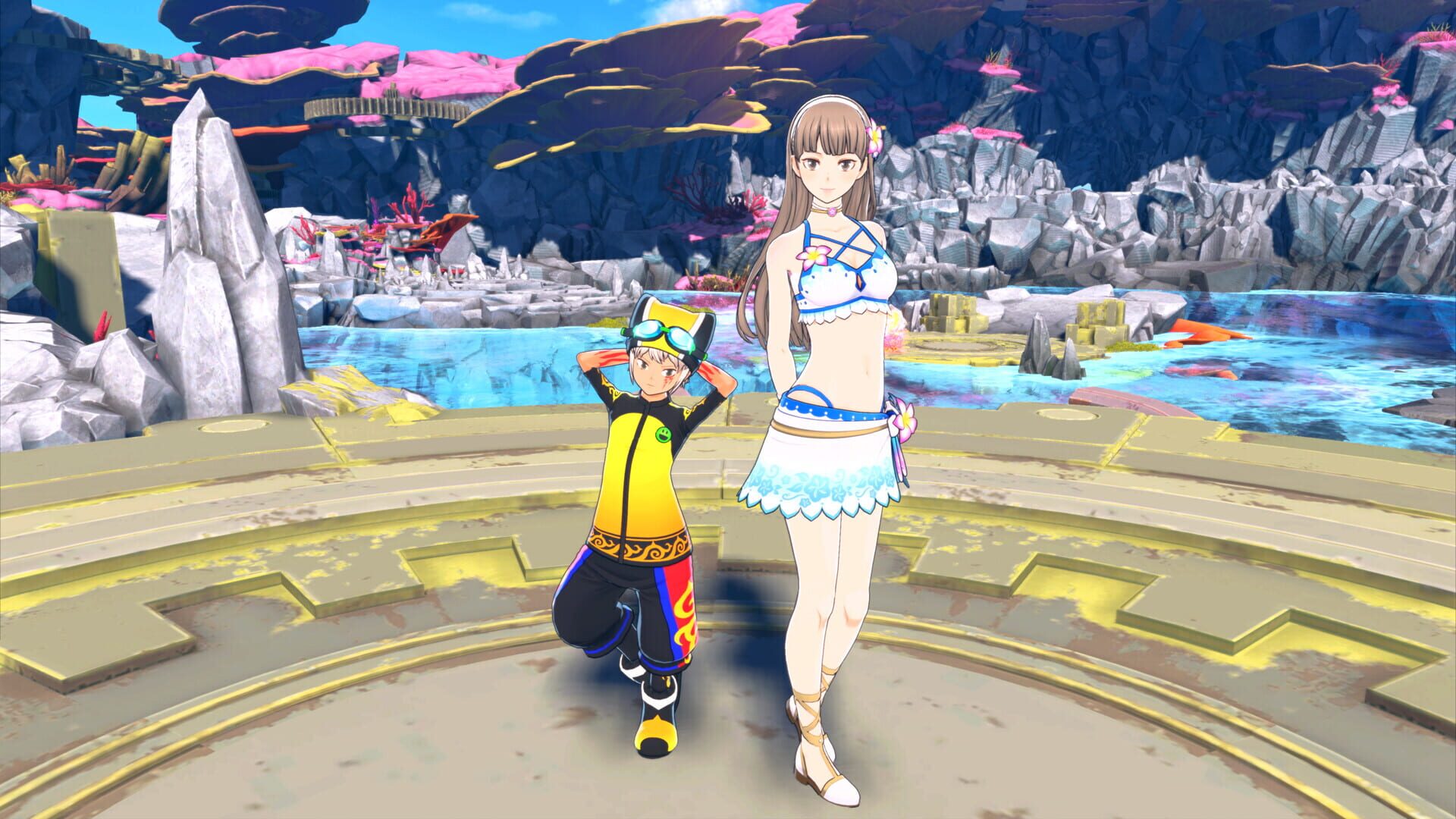
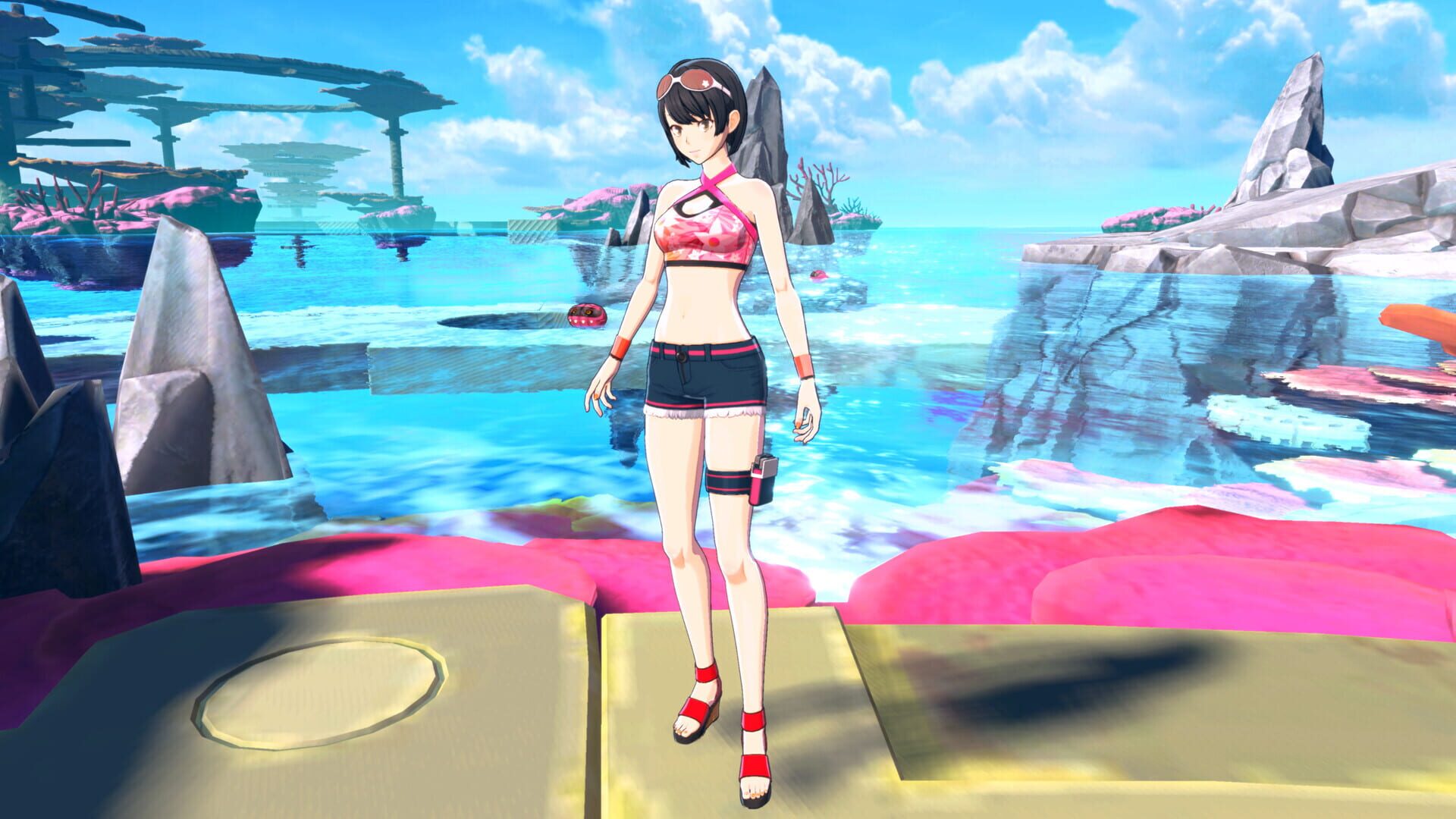
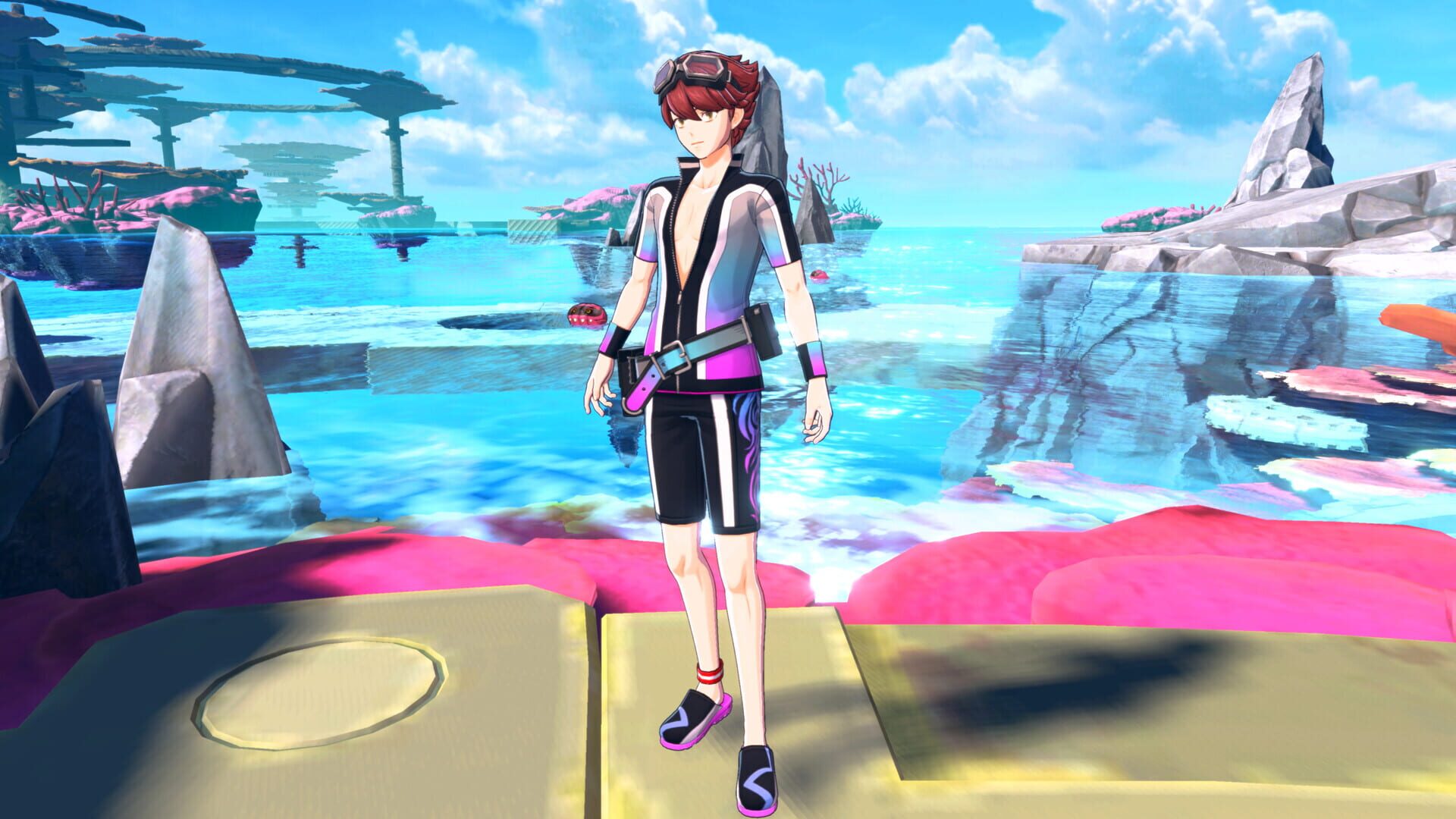
Digimon Story: Time Stranger - Costume Pack Guias

Are there cheats for the Costume Pack?
BatoteirosNo traditional cheat codes here—it’s a cosmetic add-on for Digimon Story: Time Stranger. A couple of quality-of-life moves instead:
- Quick-swap saves: Keep a save slot parked before big scenes so you can rewatch/re-fight in your favorite outfits without replaying hours.
- Outfit-first routing: If any DLC requests are included, clear them early so your wardrobe is fully unlocked for the rest of the story.
How costume unlocks work (and when they show up)
DesbloqueáveisMost cosmetic packs in Digimon Story apply immediately once installed, but there are a few nuances:
- Auto-unlock after install: Costumes usually appear right away in your outfit menu—no grind required.
- Character availability matters: If a character hasn’t joined your story yet, their costume won’t show until they do.
- Cutscene behavior: In some story-heavy scenes, outfits may temporarily revert to default. Don’t panic—your costume re-applies afterward.
- Per-character toggles: Expect outfits to be managed per character, so you can mix styles across the party.
- Variants and accessories: If the pack includes color swaps or small add-ons, they’ll appear under the same menu, often as separate selections.
DLC not showing up or outfits missing? Try this
GlitchesIf the Costume Pack isn’t appearing in Digimon Story: Time Stranger, run through this checklist:
- Verify ownership/region: Your DLC region must match your base game. Cross-region purchases often won’t register.
- Restore licenses/refesh entitlements:
- PlayStation: Settings > Users and Accounts > Other > Restore Licenses
- Xbox: My games & apps > Manage > Ready to install / Full library
- Steam: Library > Right-click game > Properties > Installed Files > Verify integrity
- Redownload the DLC: Uninstall just the pack and reinstall it; it’s small and often fixes entitlement hiccups.
- Clear cache/reboot: Fully power down your console/PC and relaunch.
- Load the right save: Some content flags apply per save. Load your main file, visit a hub, then check the wardrobe/options again.
- In-game DLC refresh: If there’s a “Downloadable Content” or “Additional Content” check in the game’s title menu, run it once.
- Still stuck? Grab a screenshot of your store page showing “Installed” and contact support with your platform, region, and game version.
Smart costume tips you’ll actually use
DicasWant to get more out of dressing up your squad? Try these:
- Photo mode magic: Equip your favorite outfits before story milestones or boss arenas to level up your screenshots. Lighting + bold colors = instant wallpaper.
- Theme your team: Use color-coded outfits to identify roles at a glance (healers in light colors, DPS in darker tones). Sounds trivial—actually super handy.
- Stream/record ready: Stable, readable looks help viewers track who’s who in clips. Pick high-contrast outfits for busier areas.
- Plan around events: If a big scene nudges everyone into defaults, swap back right after. Keep a pre-boss save to quickly reshoot scenes with your preferred look.
- Knock out any DLC errands early: If the pack adds requests tied to outfits, do them ASAP for easy currency/materials while the objectives are low-risk.
Install it, find it, wear it — accessing the Costume Pack
GuiasBought the add-on but can’t see anything new? Here’s the quick run-through for Digimon Story: Time Stranger - Costume Pack.
- Confirm the install: On your platform’s store/library, make sure the DLC shows as “Installed.” If it says “Purchased,” manually download it.
- Update the base game: The costume pack needs the latest patch. Let the game fully update before launching.
- Boot the game and sync: Load your save and wait a moment on the title screen or main hub so DLC content can register.
- Find your outfits: Look for an Outfit/Wardrobe/Appearance option in your menu. In Digimon Story titles, it’s often tied to the DigiLab, your room/base, or a Locker/Wardrobe prompt in a hub area.
- Check Requests/Board: If your pack includes any bonus errands tied to the costumes, they typically appear on the Request Board/Message Board with a [DLC] tag once you unlock the feature in the main story.
Where to find any bonus requests tied to the pack
GuiasIf your Costume Pack bundles in side errands, they’ll usually appear once you’ve unlocked the request system in the main story.
- Check the Board/Requests menu in your hub or DigiLab-equivalent.
- Look for [DLC] or distinctive icons/names to separate them from standard requests.
- If nothing shows, progress the main story a bit—some request boards unlock after a tutorial sequence.
- After completing a DLC request, revisit your wardrobe—new variants or an accessory toggle may appear.
Screenshots