Cheat Engine Setup: Infinite O2, Credits, and Cargo
Batoteiros
If you want to mess around in Digger: Galactic Treasures, third‑party tools can tweak your single‑player save just fine. Cheat Engine lets you change things like credits, oxygen, and inventory size by editing values in memory.
What I do:
Back up your saves. Always.
Run Cheat Engine and attach it to the game’s process.
Scan for a value you can see (credits, oxygen, etc.). Spend or use some, then scan again to narrow it down.
Edit or freeze the correct address to a big number, or lock oxygen for stress‑free digging.
A few friendly warnings:
You’ll nuke the intended progression. That oxygen squeeze and gear grind? Gone.
Memory edits can get weird—expect occasional crashes or save oddities.
Keep it offline/single‑player and use at your own risk.
Por: Dave
Achievement Guide: Easy Wins and the Grindy Ones
Desbloqueáveis
A few early achievements in Digger: Galactic Treasures pop naturally, but some take intention.
A Fresh Start — Acquire your first ship. Just finish the early setup.
Now We’re Talking — Get your first shovel. Prioritize early credit flow to reach it quickly.
Clicking Legend — Max out your first tool. Expect a grind; stack inventory and O2 upgrades to speed income.
Finally, Some Progress — Mid‑game milestone tied to advancing upgrades/progression. Keep pushing tool tiers and story beats.
Quick tips:
Track progress in the achievements menu and align your next upgrade goals.
Farm higher‑value ores to bankroll late‑tier upgrades faster.
Por: Dave
Hunting the Heart of the Void: Where to Find Artifact Fragments
Desbloqueáveis
Story progress in Digger: Galactic Treasures comes from tracking down Heart of the Void fragments.
Use the notebook. Granddad’s notes hint at coordinates and hotspots worth scanning thoroughly.
Watch for special pings. The modified scanner’s unique artifact signatures often sit near or behind dense mineral seams.
Prep longer dives. Bring bigger O2 and lights before committing to deep fragment hunts.
Follow the breadcrumbs. Environmental messages and logs deepen the narrative—sweep areas where you found one clue for the next.
Por: Dave
Bugs and Fixes: Achievements, Saves, and Odd Load Times
Glitches
A few technical hiccups in Digger: Galactic Treasures are worth knowing about.
Achievements not popping — Recent updates fixed most cases where loading a save wouldn’t grant earned achievements. If one still misses, restart the game or load, save, and reload.
Save compatibility — Patches can shuffle things. Keep backup saves before major updates.
Load times vary — Some asteroids take longer to stream in. A quick restart often smooths it out.
Inventory desync — Fast mining/transfer can momentarily miscount resources. Reopen cargo or change areas to refresh the totals.
Por: Dave
Oxygen Is Your Real Currency: How to Stay Alive Longer
Dicas
The best miners aren’t the fastest diggers—they’re the ones who don’t suffocate.
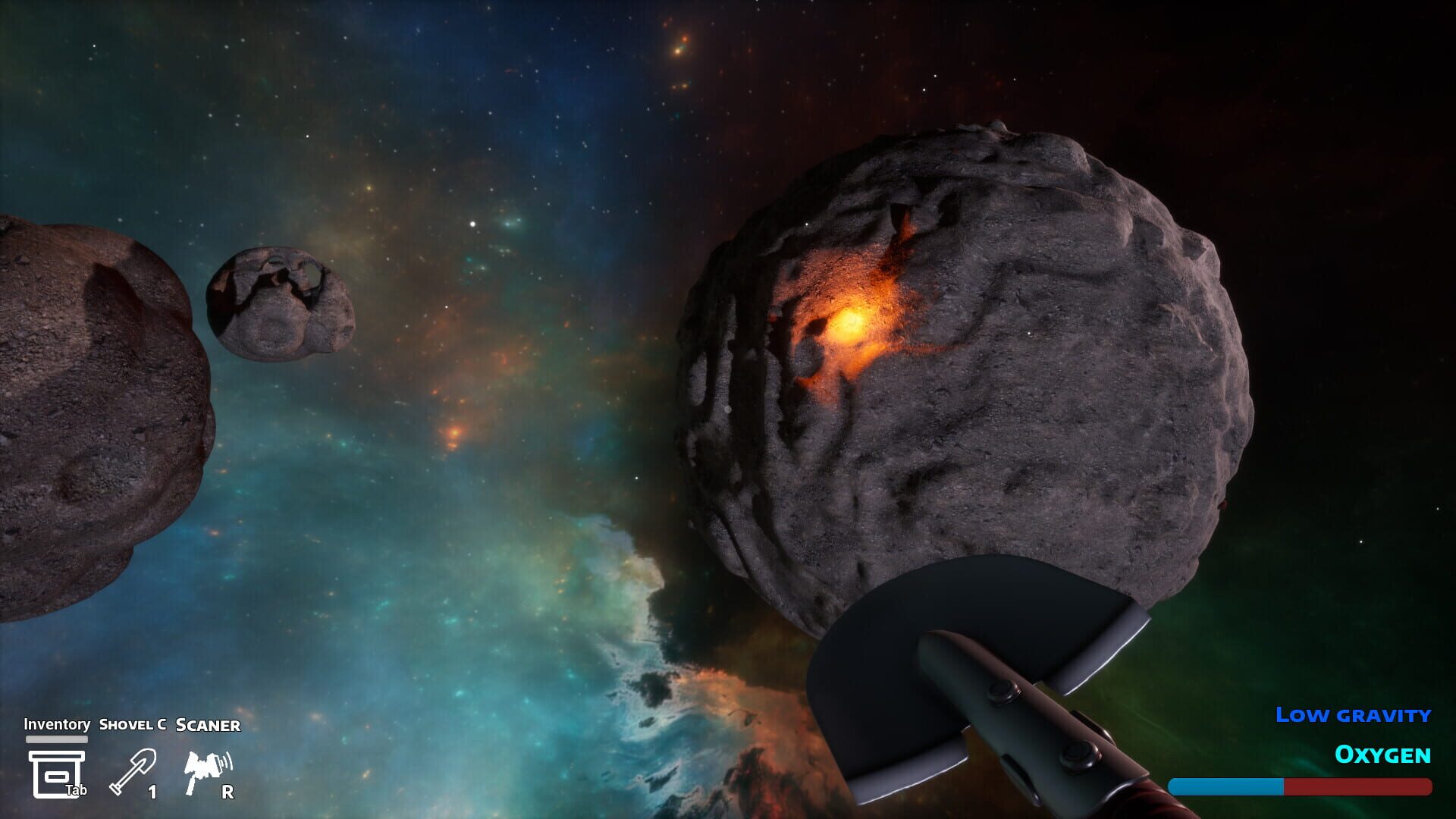
Route first, dig second. Scan an asteroid, tag the juicy pockets, and plan your path before you burn air on guesswork.
The 25% rule. When you’re deep, turn back with a quarter tank left. That’s your “I got lost for a minute” buffer.
Early O2 upgrades pay off. A bigger tank turns sketchy deep dives into comfortable hauls.
Sprint smart. Quick bursts are for returns or emergencies. Floating faster means breathing faster.
Breadcrumbs help. Drop a light at major turns or carve recognizable “hallways” back to your ship.
Bail early, profit more. Half a hold and a safe exfil beats a glorious death two tunnels from safety.
Deep Rock Galactic tip: plug drilled tunnels to create safer routes and control threats during mining runs.
Por: Dave
Dig Faster, Not Dumber: Mining Speed and Movement Tricks
Dicas
Smooth runs come from good habits more than raw tool power.
Hold vs. tap. Holding the dig key is steady; rapid tapping is faster but drains stamina and can get sloppy. Mix both to keep pace without gassing out.
Carve clean lines. Straight tunnels and gentle curves make backtracking faster and safer.
Use speed wisely. The shift boost is great for returns, not for sightseeing. It costs oxygen.
Light your work. A few well‑placed lights make resource veins pop and reduce aimless wandering. Expect to lose some to debris—that’s fine.
Pocket discipline. Finish one resource pocket before chasing a new glint. Fewer U‑turns = more payload.
Deep Rock Galactic Driller tip: a must-do tactic to mine faster and move smarter. Improve tunnel flow, resource hauling, and mission efficiency.
Por: Dave
What to Mine First: High-Value Ore Priorities and Profit Loops
Dicas
Credits don’t care how long you swung a spoon—they care what you hauled.
Value tiers.Iron is common and cheap. Silver, gold, and rarities pay the bills. Prioritize them when time and oxygen allow.
Surface skimming vs. deep dives. Near‑surface nodes are efficient. Go deep only when scans promise big returns.
Inventory upgrades early. Bigger holds = fewer trips and better margins. It pays itself back fast.
Don’t go home empty. If the high‑value pocket is a bust, fill the rest with iron on the way out.
Plan per asteroid. Some rocks are “quick hit and quit.” Others are worth a full excavation. Let scans guide your time investment.
Por: Dave
From Plastic Spoon to Power Tools: Best Upgrade Order
Guias
Your tool path defines your pace. Here’s a clean, credit‑smart progression for Digger: Galactic Treasures.
Plastic Spoon — It works, barely. Don’t get attached.
Metal Spoon — Cheap, noticeable boost. Grab it after your first sell‑off.
Shovel — Big step up with better speed and a wider bite. This is where mining starts to feel good.
Metal Spoon ASAP, then consider inventory/O2 if your routes feel cramped.
Shovel next to accelerate credit flow.
Pickaxe when you’re bumping into harder layers or wasting time on thick walls.
If an upgrade won’t pay itself back in a few runs, keep mining a bit longer.
Por: Dave
Master the Alpha 1000: Scanner Reads and Getting Un-Lost
Guias
Your scanner is the difference between wandering and winning.
Read the pings. Colored indicators = resource types; density hints show how thick the vein is. Learn the palette so you can route on instinct.
Scan close. Range is limited. Hug surfaces and corners to “reveal” pockets as you go.
Upgrade range when you can. Fewer blind spots means fewer wasted tunnels (and less oxygen spent searching).
Artifact signals. The modified scanner also flags Heart of the Void fragments. Their signatures look distinct—follow those trails even if they detour your usual route.
Stay oriented. Use lights at junctions, carve consistent tunnel heights, and keep mental notes of your entry vector back to the ship.
Por: Dave
Keep Your Rig Running: Repair, Maintenance, and Money Timing
Guias
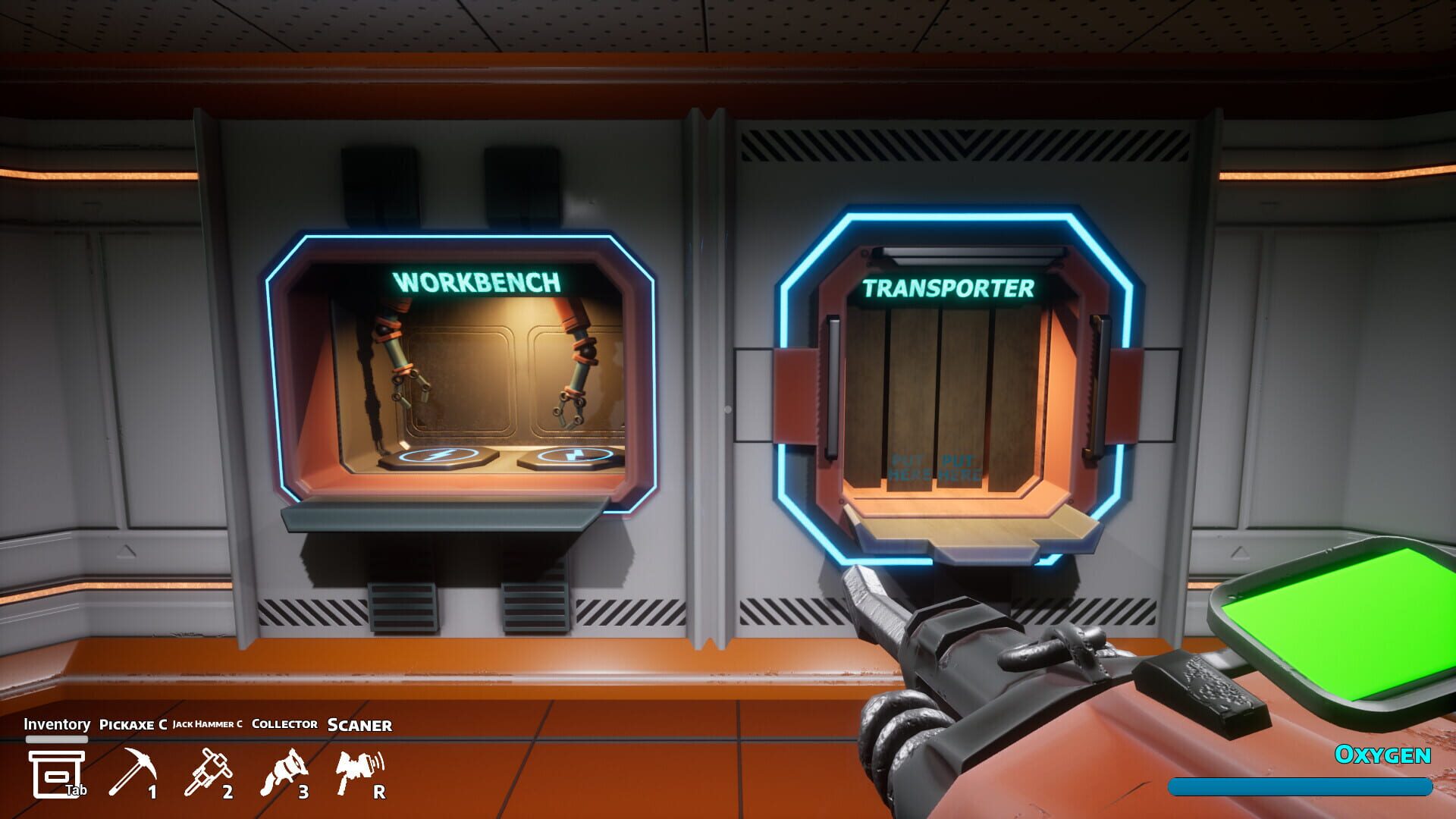
Mining breaks things. The repair machine keeps you in business—for a fee.
Check condition before big trips. Mid‑run failures turn good hauls into panic jogs.
Batch repairs after profitable runs to avoid nickel‑and‑diming your credits.
Keep an emergency fund. A small credit buffer covers surprise fixes so upgrades don’t stall.
Plan around hard rock. Long digs through tougher layers chew durability faster. Repair earlier if you’re going deep next run.
When in doubt, dock. If something’s acting up mid‑expedition, head back, fix it, and relaunch clean.