Alone in the Dark Batoteiros
- Give Yourself an Edge: Third-Party Trainer Utilities
- Under the Hood: Community Memory Hacks
- Don’t Break the Game: Inventory Glitch Risks
- How to Solve the Clock and Star Puzzles in Chapter Two
- Artifact Coordinates: Piecing Together Dr. Gray's Puzzle
- Edward or Emily? Your Puzzle-Solving Approach Matters
- Safely Using Mods: Technical Tips for Tinkerers
Give Yourself an Edge: Third-Party Trainer Utilities
BatoteirosIf you're looking to make things a little easier in Alone in the Dark, a handful of third-party trainer tools are floating around that let you tweak the core survival mechanics. One of the most popular is MrAntiFun's utility for Windows—it's pretty user-friendly and comes stacked with options for both the wary and the reckless. You can:
- Keep your character in fighting shape no matter what (nothing like cheating death, right?)
- Eliminate bullet spread to make those tense shootouts a bit less nerve-wracking
- Stockpile unlimited ammo so you never have to scavenge desperately again
- Crank up your walking speed, which does wonders for knocking down backtracking time
These features typically work for various updates, at least for all the releases from March to May 2025. Just make sure your trainer matches your game version—or risk some weirdness.
Under the Hood: Community Memory Hacks
BatoteirosThe modding community hasn't let Alone in the Dark slip by without poking around in its memory. Tech-savvy players have written scripts to adjust in-game values via hex editing tools. For example, you might lock your health address so you never drop. Here’s the catch: you need to get your timing just right. If you’re careless, you might crash the game, especially during sequences that shuffle around your inventory. Some script snippets look like code out of a sci-fi movie, but with the right know-how, they basically let you rewrite the rules. Not for the faint of heart—or the impatient.
Don’t Break the Game: Inventory Glitch Risks
GlitchesIf you’re running memory mods or cheats that let you tweak inventory counts (like infinite ammo), heads up: sometimes these tools cause items to vanish when you need them most. A lot of players lost essential medallion fragments during Chapter Two because their scripts conflicted with the game’s triggers. Temporary solution? Disable all inventory or quantity mods right before big puzzle sections—especially anywhere the story demands specific items. You can almost always turn them back on for combat scenes, but play it safe when you’re puzzle-solving.
How to Solve the Clock and Star Puzzles in Chapter Two
DicasChapter Two throws a couple of brain-benders your way, including a classic Alone in the Dark set piece with clocks and cosmic riddles. Here’s the deal:
- Jeremy Hartwood’s telescope is more than just set dressing. The stars you see through it line up—literally!—with the moveable dials deep under Derceto Manor’s main clock.
- If you turn those dials so the planets match what’s in the sky, you’ll reveal a hidden compartment crucial to getting further.
Next time you’re stumped and staring at dials, tilt your head and line up those star positions. The answer really is written in the stars for this one.
Artifact Coordinates: Piecing Together Dr. Gray's Puzzle
DicasCan't get past those mysterious fragments in Dr. Gray’s room? Here's your ticket:
- There are nine bits of illustration scattered across the quarters, and your job is to stitch them together into one big clue.
- Each piece maps to a coordinate axis and a value—think of it as a cosmic scavenger hunt.
- For example, top-right is X (+127°42'15
Edward or Emily? Your Puzzle-Solving Approach Matters
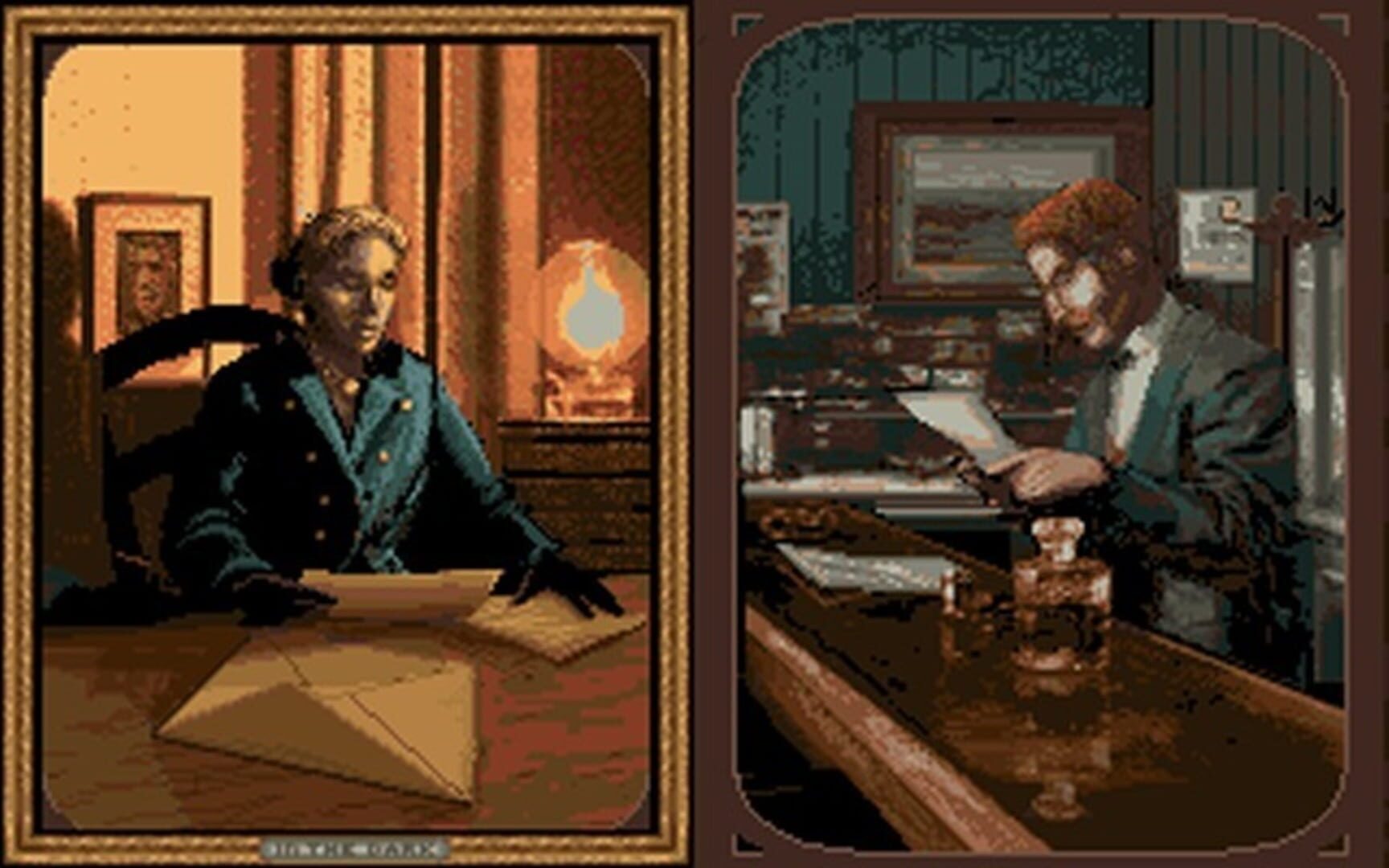
GuiasWho you choose for your run-through genuinely changes how you interpret clues. If you’re rolling as Edward Carnby, you’ll use good ol’ detective tricks: environmental hints that just feel right for a P.I. Fans of forensic detail will love picking these apart. Emily Hartwood, on the other hand, cracks codes using her anthropological background, zeroing in on symbols and the meaning behind ancient trinkets. The best advice? Pay attention to the flavor of clues—they’re tailored for your protagonist, and sometimes switching gears mentally is the only way through.
Safely Using Mods: Technical Tips for Tinkerers
GuiasGoing under the hood and tweaking values directly in Alone in the Dark’s memory? Make sure you understand how the game’s engine handles item tracking. Without safeguards, it’s dangerously easy to cause issues that lock you out of story progression. Most community modders agree: only activate your cheats or mods during combat. Save your game, turn everything off, and restart before diving into important puzzles or exploration. It’s a little extra effort, but it’s way better than wrecking your save file because you got greedy with infinite resources.
Screenshots