F1 25 Cheaty
- MrAntiFun’s Trainer: The Old Reliable
- Advanced CE Tweaks: Telemetry Toys and God Mode Bits
- Cheat Happens Premium: 26 Ways to Break the Grid
- Power-Level Your Career with WeMod (Single-player Only)
- My Team: Unlocks That Actually Matter
- F1 World: Seasonal Unlocks and Rotating Events
- Trailer Tease: Did We Just See VR?
- Reverse Tracks Spotted in the Trailer
- APXGP Joins the Grid
- Hidden Tribute to Niki Lauda (Early Builds)
- AI Pace Oddities (And What’s Been Fixed)
- Career Mode: APXGP/Konnersport Resource Spike
- Visual/Performance Issues to Watch
- Dialing In AI Difficulty Without the Headache
- Tyre Game 101: Softs, Mediums, Hards
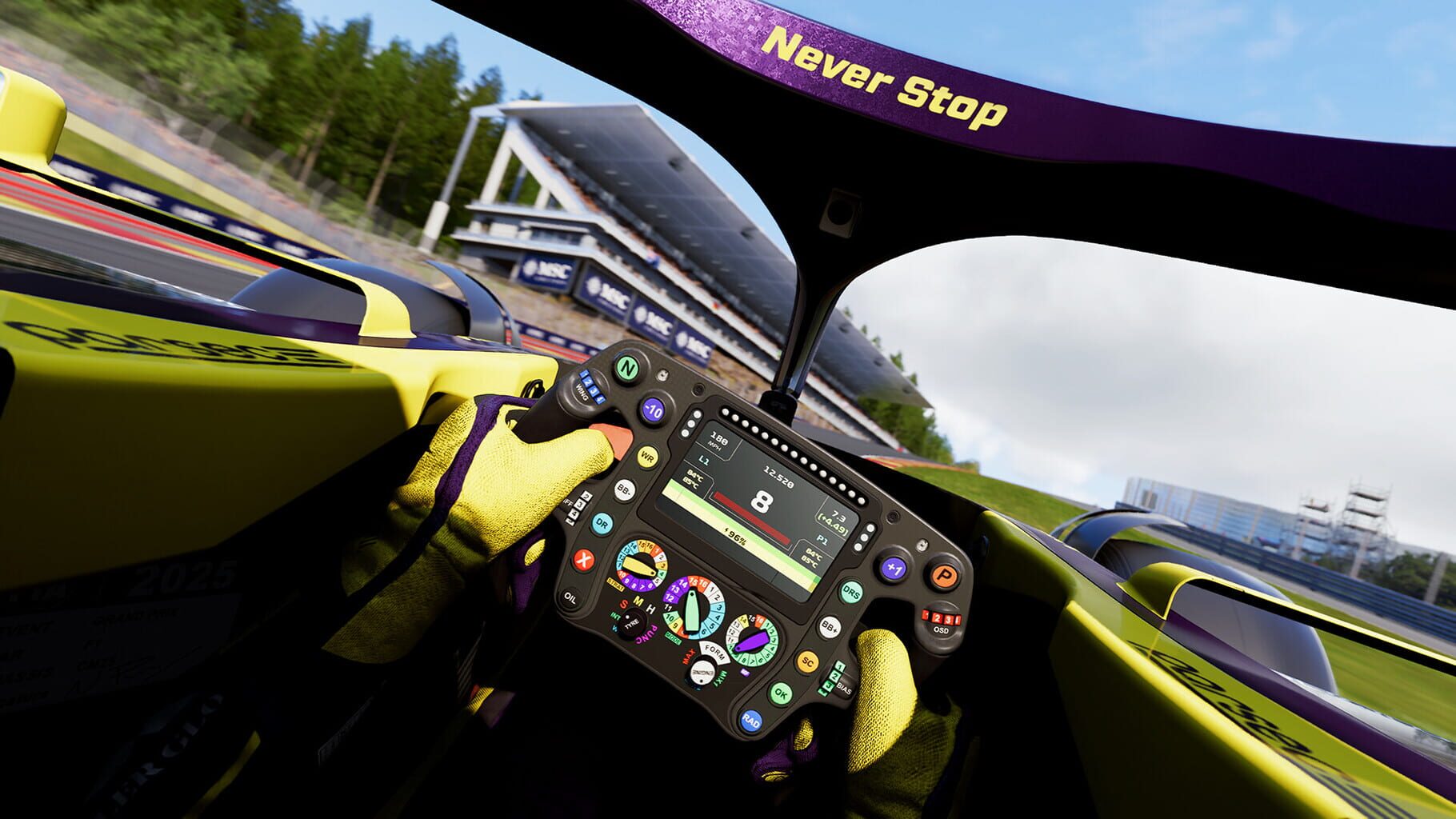
- ERS Like a Pro: When to Push, When to Chill
- Use the Racing Line (At First), Then Wean Off
- Braking Point 3: Chapter-by-Chapter Goals
- Trophy/Achievement Roadmap
- Podium Pass: What’s Worth Grinding

MrAntiFun’s Trainer: The Old Reliable
CheatyMrAntiFun’s F1 25 trainer hits the same greatest hits and gets updated fast to match patches. Expect the familiar eight options:
It works with Steam and EA Play, but (like other trainers) it needs an anti-cheat bypass to function. Make a backup, swap the launcher when you’re playing offline, and restore the original if you go back online. This is strictly for single-player.
Advanced CE Tweaks: Telemetry Toys and God Mode Bits
CheatyIf you want to go beyond basic toggles, advanced Cheat Engine toolsets let you dig into the car’s soul.
They also offer real-time stats and telemetry overlays so you can see exactly what’s changing. These are for educational and single-player use. Don’t take modified saves or tools into multiplayer—ever.
This is the kitchen-sink trainer. It supports current builds and packs a huge toolkit, including:
Plus granular editors for cash, upgrade points, fuel, ERS, timers, and driver stats like EXP, RAC, AWA, PAC, FOC. It’s polished, regularly updated, and absolutely single-player only.
Power-Level Your Career with WeMod (Single-player Only)
CheatyIf you’re grinding solo and just want to tinker, the WeMod trainer has eight simple switches that make F1 25 way more chill.
It supports Steam and EA Play and auto-detects your game version. You’ll need to run the game without EAAntiCheat to use it, so stick to offline, single-player only. Back up your files, follow the loader instructions carefully, and don’t take this online unless you enjoy bans more than podiums.
My Team: Unlocks That Actually Matter
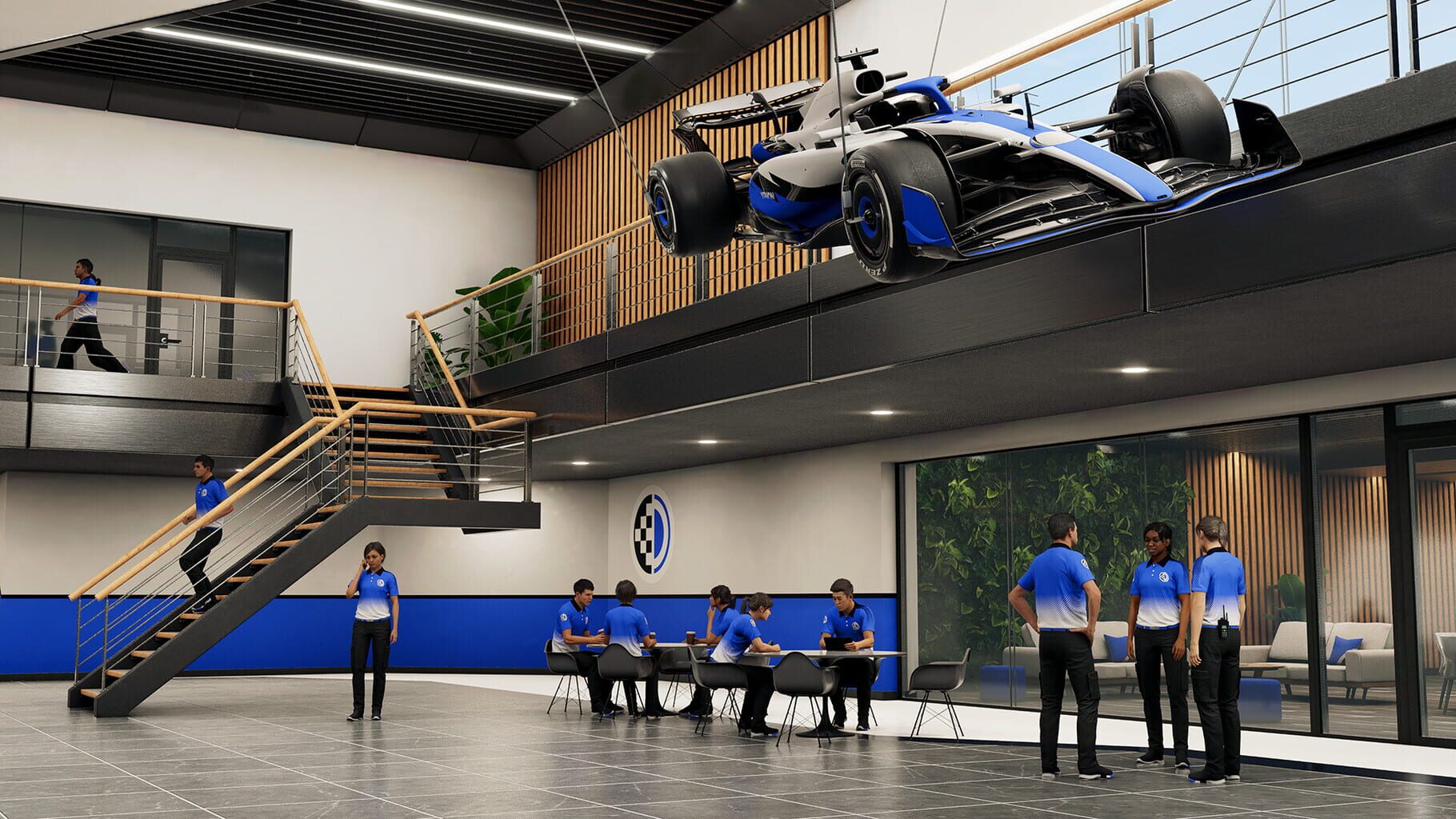
UnlockablesMy Team starts small and snowballs as you unlock:
You can even hire crossover drivers from Braking Point 3 or the F1 movie world. Push facilities early—it’s the backbone of your car’s development curve.
F1 World: Seasonal Unlocks and Rotating Events
UnlockablesSeasonal rotations keep F1 World fresh:
Check the hub weekly; the good stuff disappears fast.
Trailer Tease: Did We Just See VR?
Easter EggsWatch the reveal trailer closely and the camera moves like a human head—quick right glance, snap back, subtle micro-corrections. It looks a lot like VR capture rather than a freecam. Maybe a quiet nod to future VR support? Nothing official was shouted from the rooftops, but the footage definitely raises eyebrows.
Reverse Tracks Spotted in the Trailer
Easter EggsThere’s a blink-and-you-miss-it pit sequence where cars exit from the pit entry—yep, that hints at reverse circuit layouts. Community sleuths spotted reverse configs for Silverstone, Zandvoort, and Red Bull Ring.
If true, it’s a long-requested feature that seriously freshens up familiar circuits.
APXGP Joins the Grid
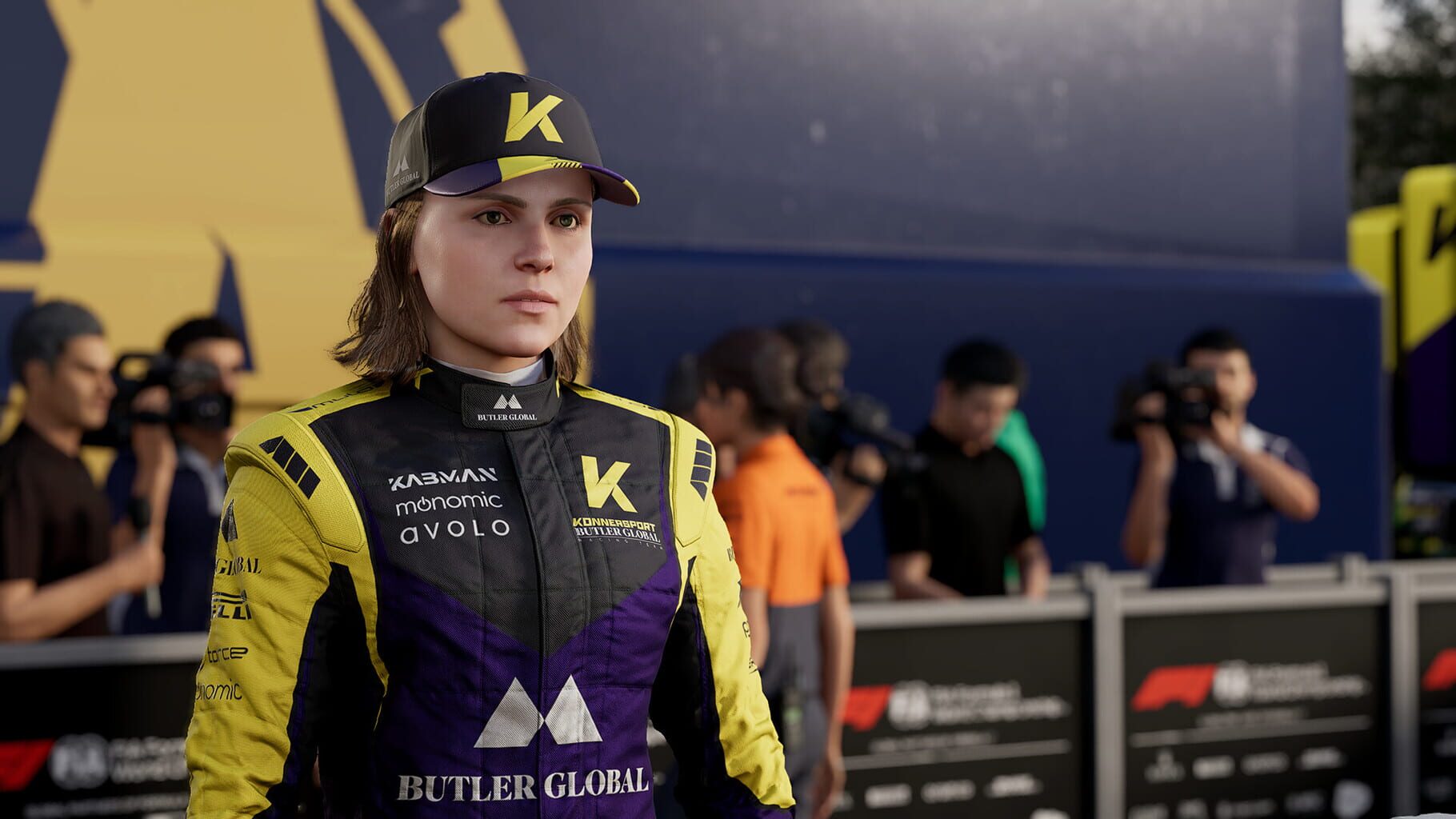
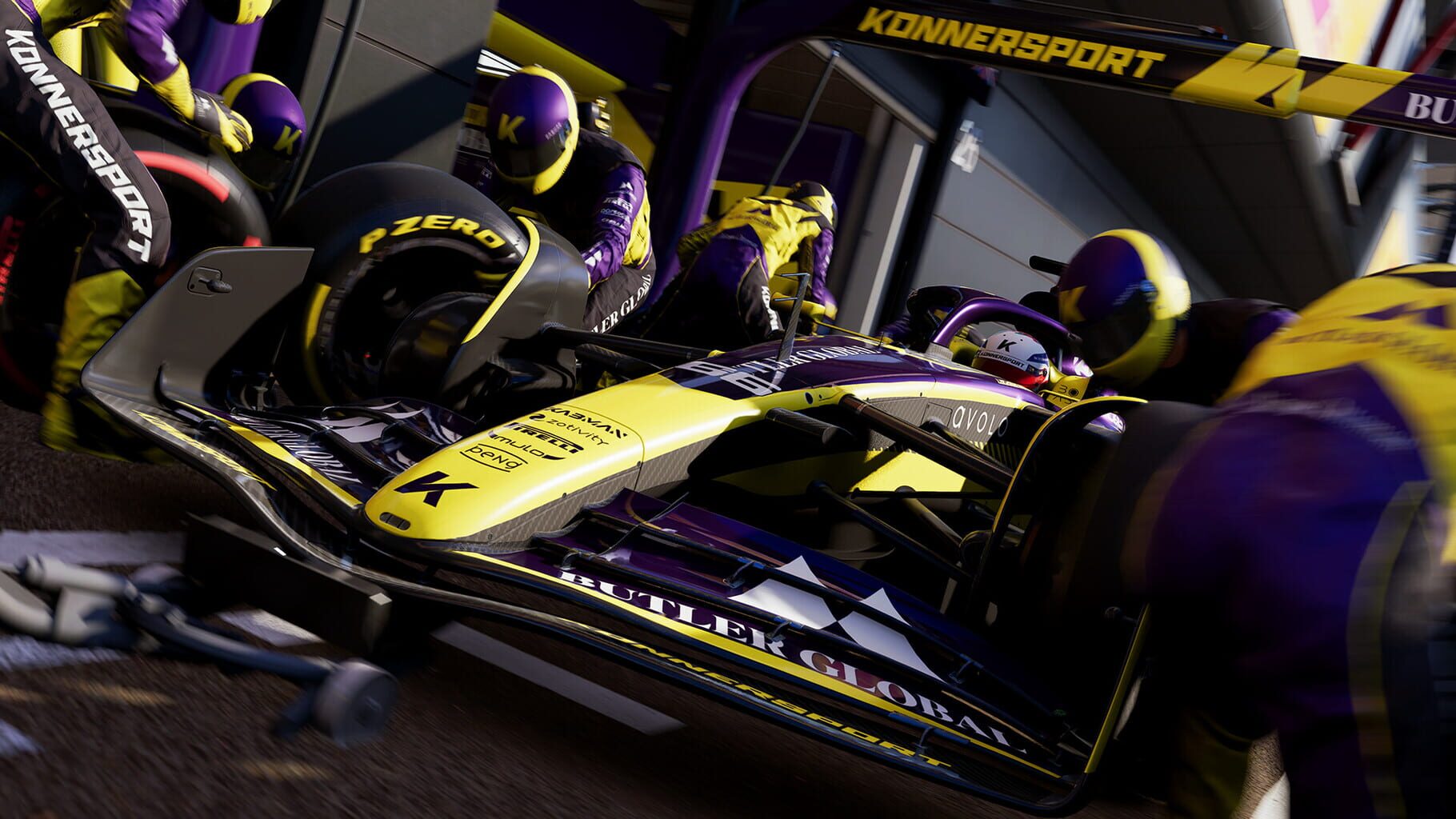
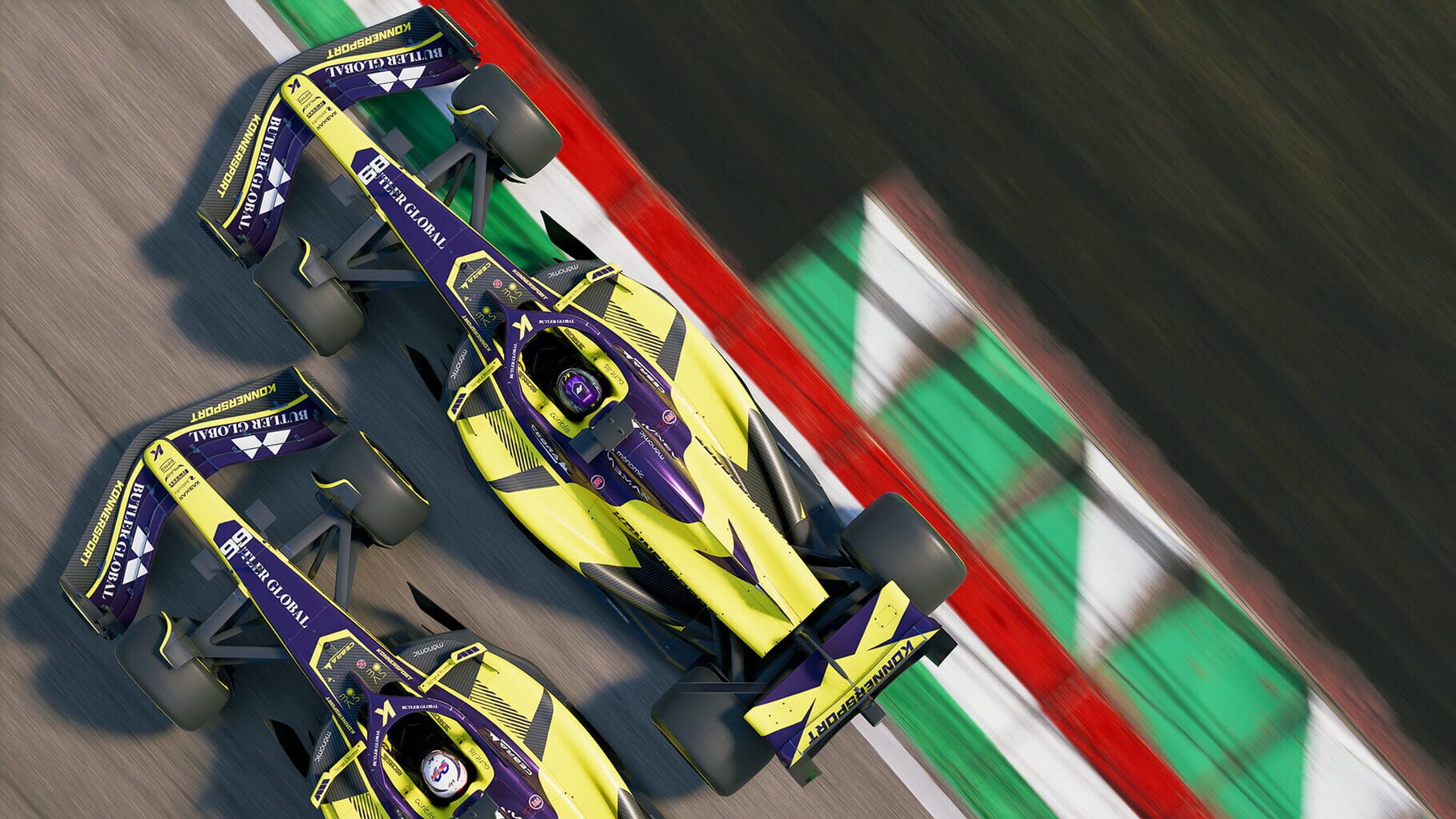
Easter EggsThe F1 movie crossover brought the fictional APXGP team into the game. It’s more than a logo splash: unique livery, drivers, and presence in My Team and Career. It’s a fun bit of movie-meets-game fan service that actually adds playable content.
Early versions included a heartfelt nod to Niki Lauda. Later builds removed it, which turned the tribute into a time-capsule easter egg. If you’re on an older version, you might still encounter that message—a small but meaningful tip of the cap to an F1 legend.
AI Pace Oddities (And What’s Been Fixed)
UsterkiPlayers spotted AI with suspicious top speed while matching setups. Root cause? The player car scrubbed more floor against the track than AI, causing drag and lost speed. A patch adjusted front ride height and floor friction to reduce scraping.
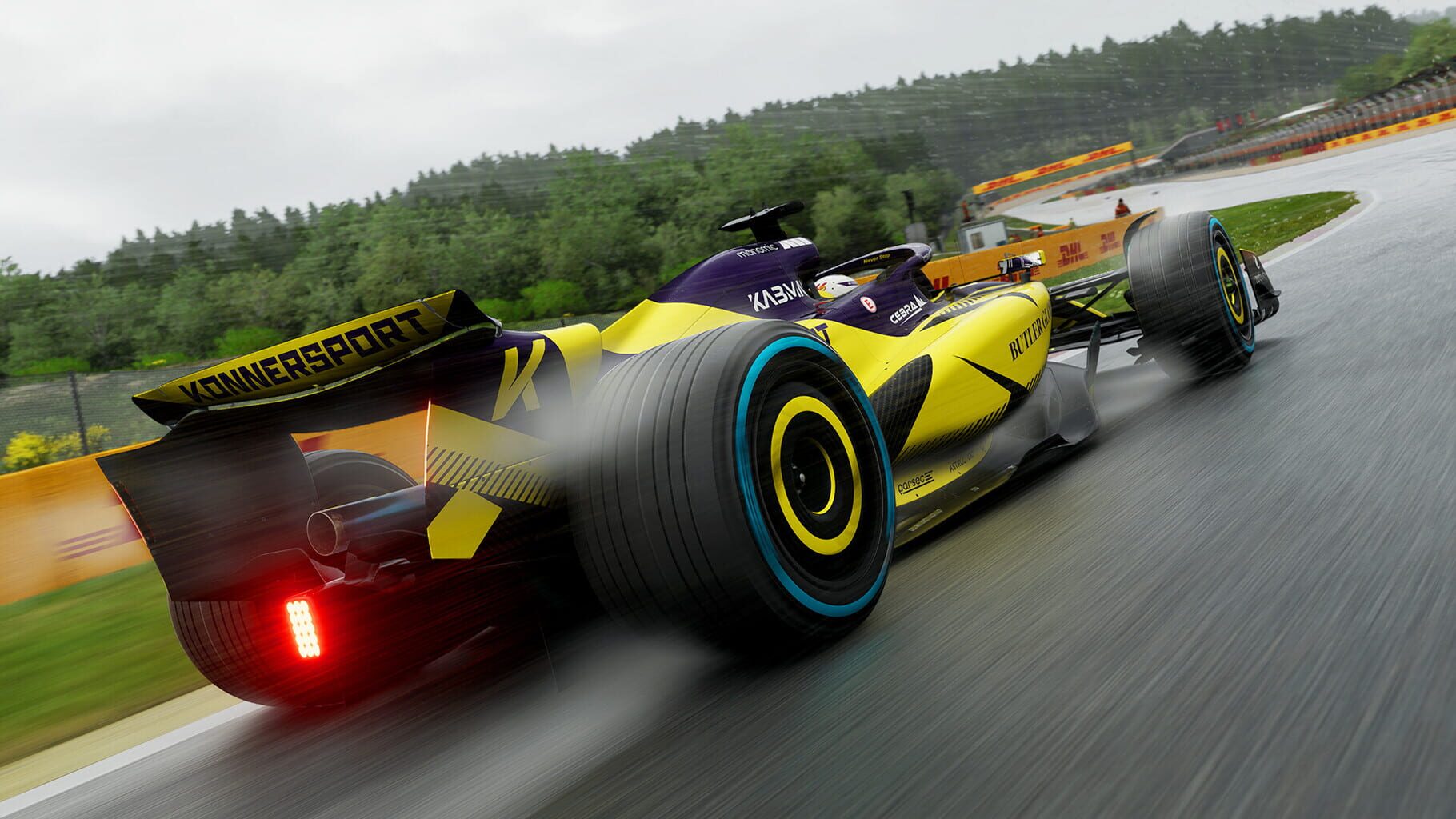
Wet weather is still a sore spot—AI can feel too grippy in the rain. If you’re drowning in the wet, consider trimming AI difficulty specifically for those races until further tuning lands.
Career Mode: APXGP/Konnersport Resource Spike
UsterkiEarly builds gave APXGP and Konnersport way too many resource points in Driver Career, which skewed the pecking order. Updates toned down their income, but existing saves won’t have points removed; the economy just normalizes over time.
If your save is affected, expect a slow return to sanity, not an instant fix.
Visual/Performance Issues to Watch
UsterkiA few graphics/perf gremlins have made the rounds:
Keep drivers up to date, tweak upscalers, and check patch notes—most of these are being chipped away patch by patch.
Dialing In AI Difficulty Without the Headache
WskazówkiDon’t guess—calibrate.
You want “tough but fair,” not “rage uninstall.”
Tyre Game 101: Softs, Mediums, Hards
WskazówkiPick compounds with a plan.
Aim for one or two stops; three-stoppers are rarely worth the pit delta. Watch wear indicators and try to pit under safety car if you can. Always adapt to weather—compound choices change the moment the sky does.
ERS Like a Pro: When to Push, When to Chill
WskazówkiERS is free lap time—if you juggle it smartly.
If you sit in Medium and only tap Overtake, you’re leaving time on the table. Plan your deployment around battery state, straights, and traffic. Treat it like a mini strategy game layered on your lap.
Use the Racing Line (At First), Then Wean Off
WskazówkiThe Dynamic Racing Line is fantastic for learning tracks. Colors do the teaching:
Use it to nail braking points and apexes, then start turning parts of it off as you memorize each circuit. Your lap times will thank you.
Braking Point 3: Chapter-by-Chapter Goals
PrzewodnikiBraking Point 3 is 15 chapters plus a prologue, each with clear targets. A few standout objectives:
Finale (Abu Dhabi): catch your teammate before Lap 12 and win. Keep an eye on mid-session prompts—meeting interim goals often sets up the chapter win.
Trophy/Achievement Roadmap
PrzewodnikiThere are 47 achievements, spread across story, career, online, and management.
The “platinum” equivalent requires the lot, so plan a clean save for story/career and keep notes on missables.
Podium Pass: What’s Worth Grinding
PrzewodnikiThe Podium Pass has 50 tiers across Free and VIP tracks. You earn XP by playing basically anything.
Claim from the Player Hub (F3 on PC or the View button on Xbox). If you forget, rewards queue up—you won’t lose them.
Zrzuty ekranu
Filmy
Premetto che me la cavo ma vorrei provare l esperienza di provare i cheat e capirne il senso anche per valutare le persone intorno a me se giocano pulito o meno.
Gioco da ps5 volevo sapere come era possibile fare
Grazie mille