Want to tinker under the hood? Better Mart plays nicely with a few trainer apps that can speed up cash flow, XP, and even game pacing. Use responsibly—especially in single-player—and always back up your saves.
PLITCH: Lightweight and simple. Expect an “activate first” toggle, plus Add Money, Sub Money, and Add Experience for quick progression nudges. Free and premium options exist.
WeMod: Clean UI with around ten toggles for the Steam build. Turn cheats on/off in real time without tabbing out—handy for testing pricing ideas or fast-tracking expansions.
Cheat Happens: Focused but powerful. Two clutch tools: Game Speed (fast-forward the boring bits or slow down chaos) and Edit Cash (front-load your upgrades).
Fling: The kitchen sink. 40+ options covering money, XP, inventory, and operational tweaks. Menu usually opens with the Insert key.
Practical tips:
Expect breakages after updates. Early Access changes can desync trainers—check for new versions.
Keep it chill in multiplayer. Many trainers are meant for solo play.
Make manual saves. Before flipping big toggles, snapshot your progress.
przez: Dave
What Unlocks When: Products, Departments, and Upgrades
Unlockables
There are 336 unlockable items, with new categories rolling in as your level climbs. Plan your store around what’s coming next, not just what you have now.
Core grocery ramp
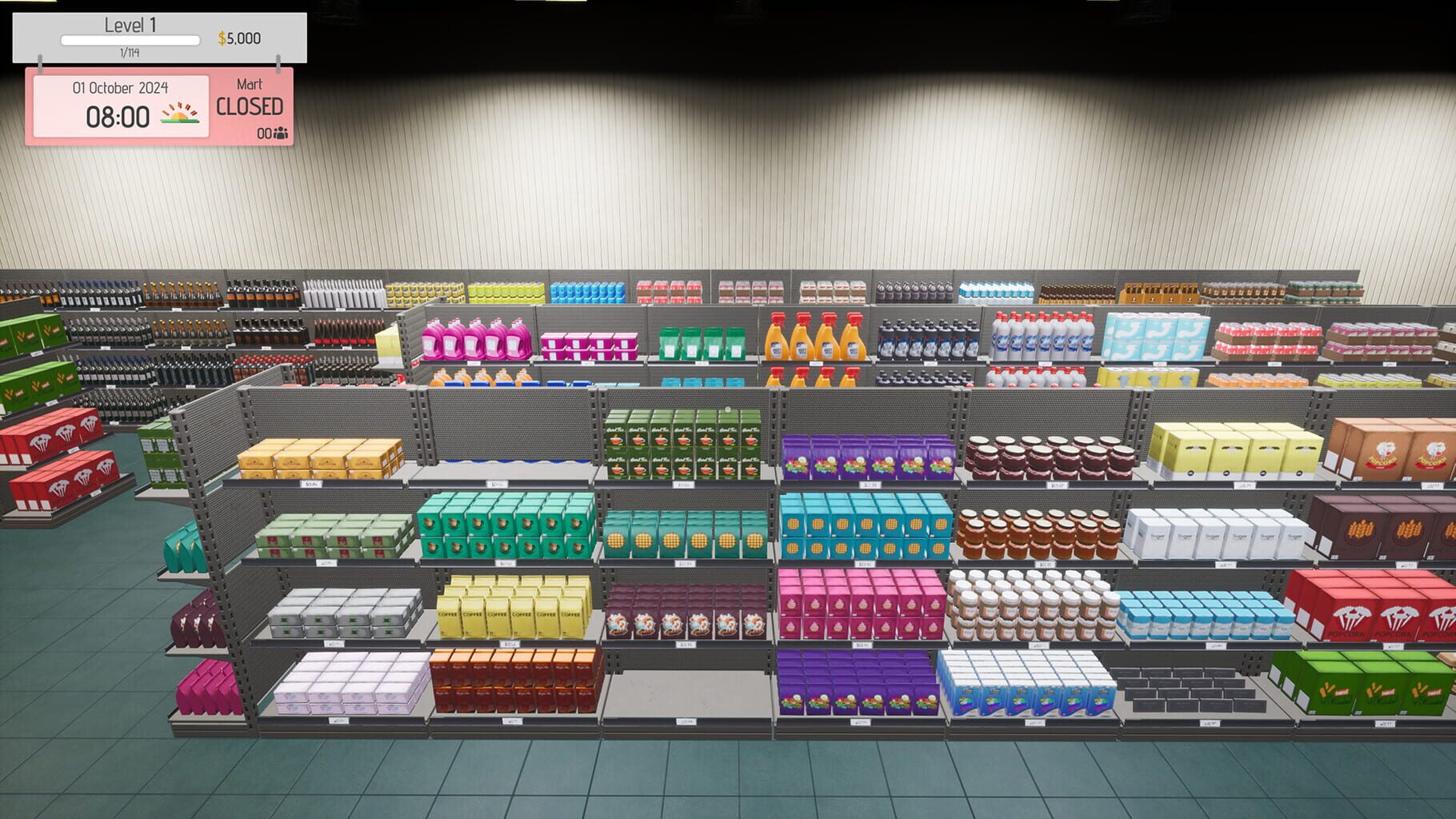
Start with bread, milk, water, pasta, and staples. They’re reliable earners while you learn pricing and rotation.
Beverages branch out fast—similar items with different margins and demand. Watch your reports to spot premium variants worth stocking.
Cold chains and fresh
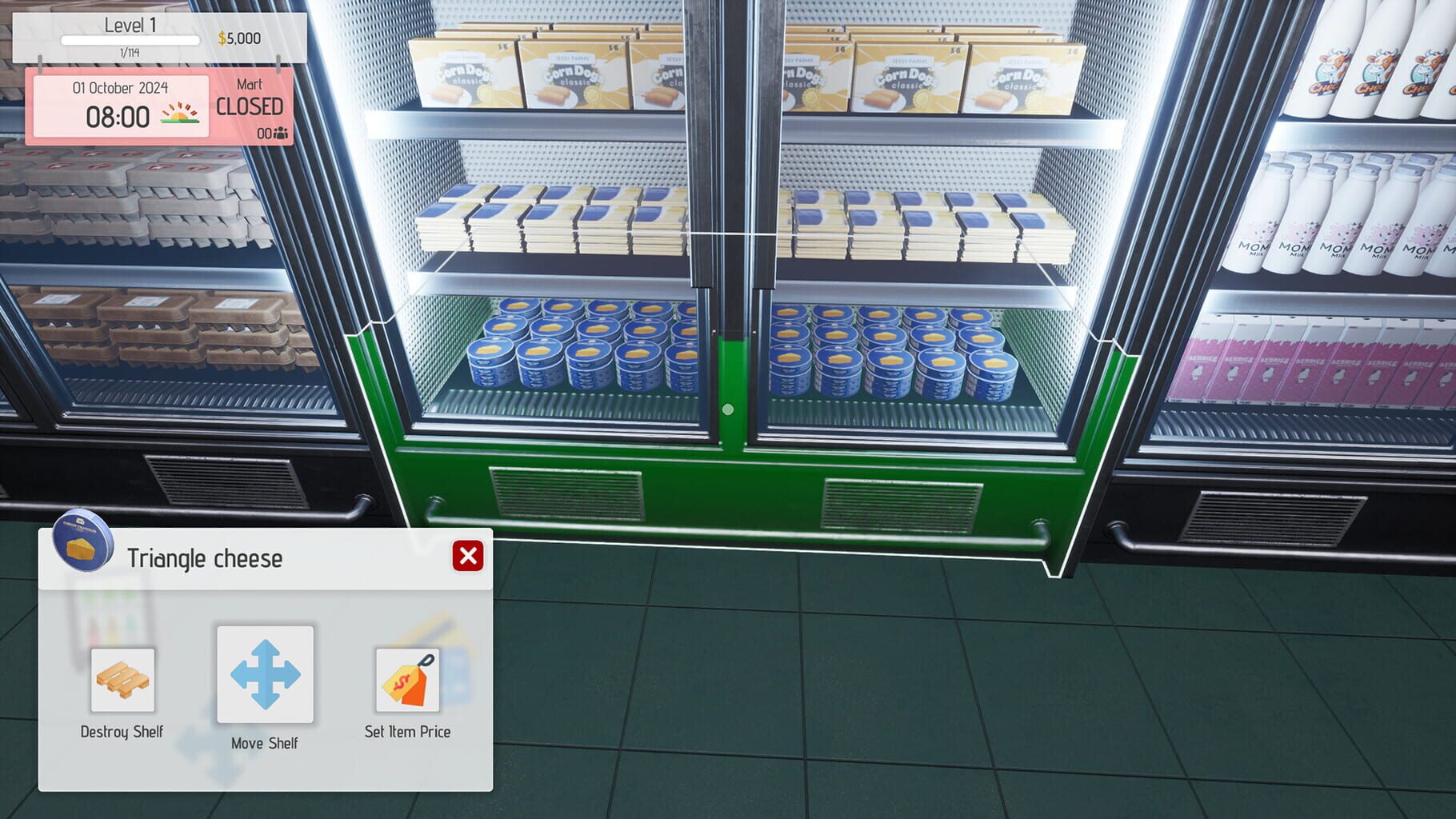
Frozen foods require freezers and more space planning.
Produce/meats/seafood introduce spoilage—tighten FIFO and order in smaller, more frequent batches.
Specialty departments
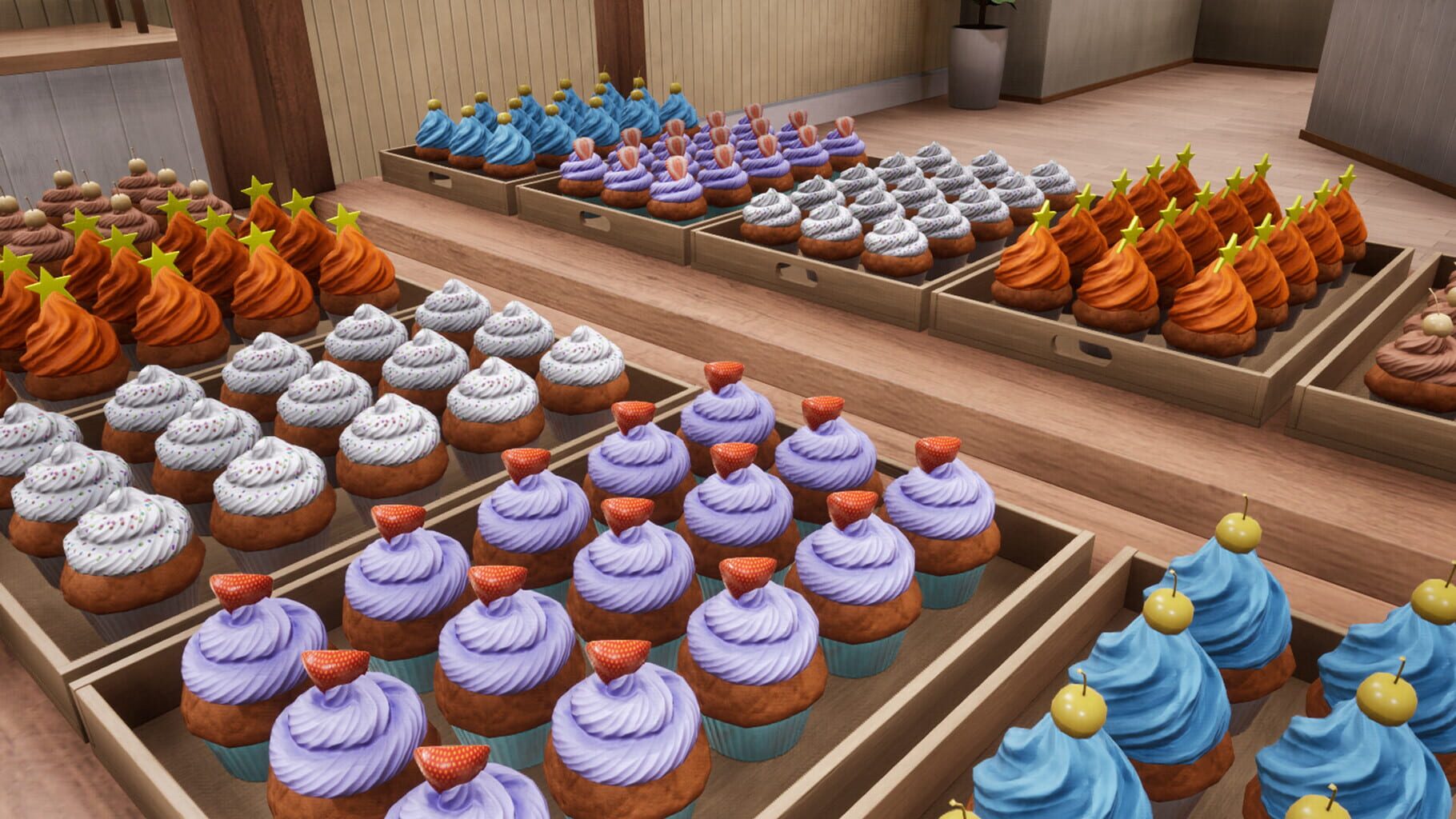
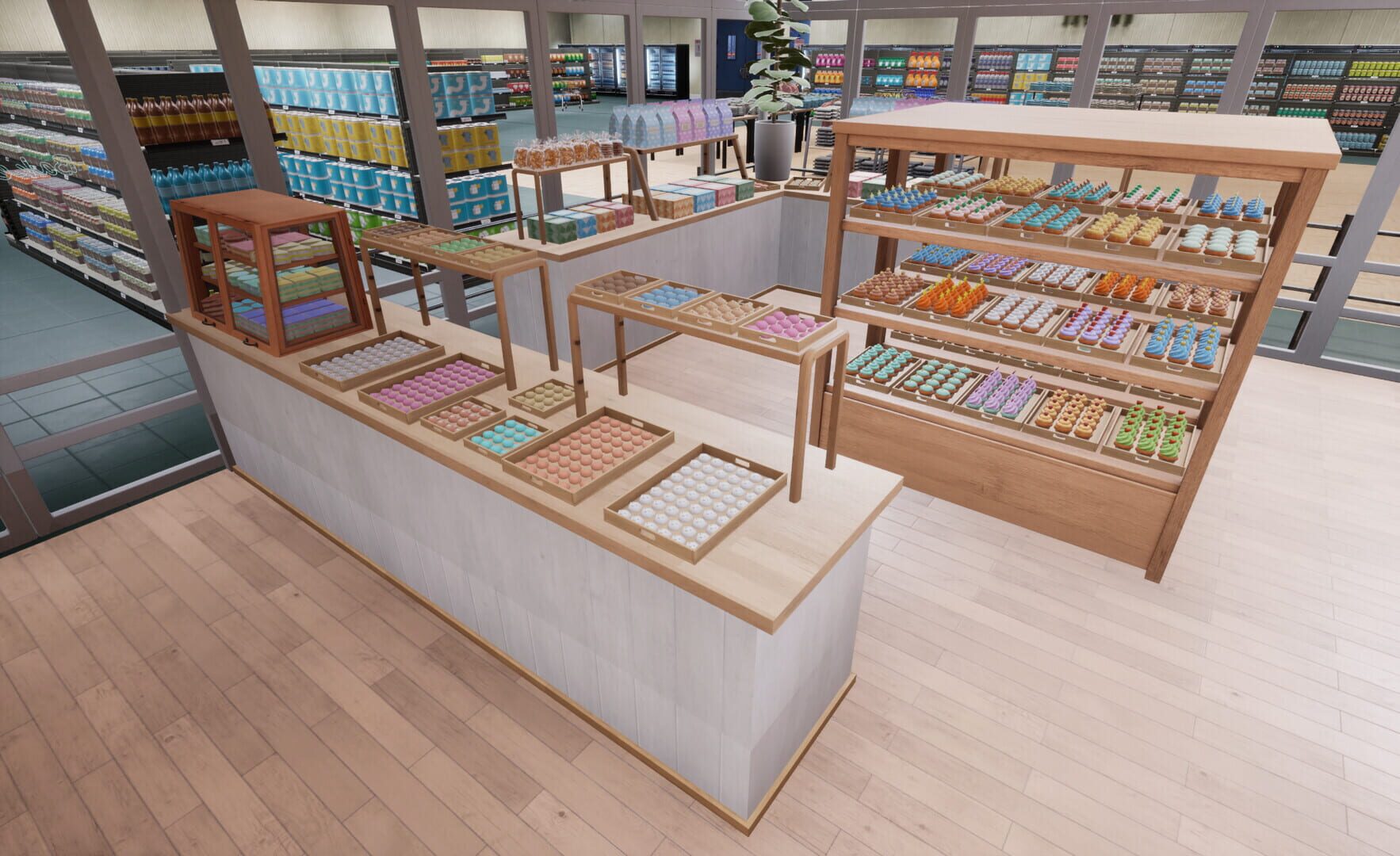
Bakery unlocks around level 30 with specific equipment. Great margins, but needs ingredient logistics and steady production.
Electronics add high-value items and security-minded displays—expect larger upfront costs with juicy returns.
Personal care and household round out the “one-stop shop” vibe and increase basket size.
People, gear, and square footage
Staff unlocks add more cashiers, restockers, and managerial roles for smoother, bigger operations.
Store expansions unlock bigger floors, more departments, and higher daily throughput—hit revenue and reputation thresholds to qualify.
Better Mart Level 100 gameplay with all products unlocked. Explore every category—from core groceries to specialty departments—and see late-game progression to help plan upgrades and expansions.
przez: Dave
Bugs to Watch (and How to Work Around Them)
Usterki
Early Access means quirks. Here are the common ones and the best band-aids I’ve used.
Store and fixture oddities
Disappearing walls: Visual-only most of the time. Save, wait a bit, or reload. Avoid moving items until they’re back.
Shelf/freezer misalignment: If snapping gets weird, pick up and re-place the fixture. Leaving a tile of breathing room helps.
Customers being, well, NPCs
Pathfinding stalls: Widen choke points and clear clutter near entrances/checkouts. Reload if a crowd freezes.
Queue display mismatch: Lines look wrong, patience tanks. A quick restart usually fixes the visual desync.
Wrong-equipment complaints: If you’re seeing “missing scales” warnings, verify the exact type (produce vs. butcher) and placement.
Inventory illusions
Cart visuals: Items clipping out of carts are mostly harmless. Transactions still resolve correctly.
Box counts lying: Cross-check shelves and storage; don’t trust a single panel if it looks off.
Multiplayer desync: Non-hosts may see phantom stock. Rejoin the session and try to have one person handle ordering.
A/V and UI hiccups
Sound out of sync in co-op: Reconnect to the session; keep sessions shorter if it reappears.
Animations out of order: Mostly cosmetic; re-place the item or re-open the panel.
Stale UI data: Close/reopen management screens or restart to refresh. Use the out-of-stock filter to sanity-check.
When all else fails, grab screenshots, note steps, and report it—fixes have been rolling out steadily.
przez: Dave
Price, Place, Profit: Smart Store Management Tips
Wskazówki
Better Mart rewards small, smart decisions that compound over time. Dial these in early and watch your margins grow.
Pricing that actually sells
The game’s color cues matter. Green is customer-friendly and great for early cash flow. Orange is your mid-game sweet spot on fast movers. Red is niche—use sparingly on specialty or scarce goods.
Check sales reports regularly. If something sells out daily, nudge it up a tier. If it lingers, drop it to green and push volume.
Layout customers love
Create a natural loop from entrance to checkout. Avoid hard dead-ends and bottlenecks around coolers/freezers.
Place essentials (bread, milk, water) far enough apart to encourage browsing—but not so far it feels annoying.
Keep impulse buys near checkout. Candy and small treats = easy cart padding.
Inventory that doesn’t bite back
Forecast with your sales data. Fast movers get smaller, frequent orders. Durables can be bulked for discounts.
Practice FIFO (first in, first out), especially on produce and dairy. Rotate shelves often.
Don’t choke storage with slow sellers. Space is a currency—spend it on what turns.
Staffing that matches traffic
Schedule cashiers for peak hours to prevent patience meltdowns. Scale back during lulls to protect margins.
Keep restockers trained and active; empty shelves silently tax your reputation.
Cross-train when possible so gaps don’t snowball into abandoned carts.
przez: Dave
Achievement Roadmap: From Day One to Retail Royalty
Przewodniki
Chasing cheevos in Better Mart doubles as a great progression path. Here’s how to line them up with your growth.
Early milestones
“Welcome to Better Mart!” Start your first day and learn the ropes—setup, first sales, basic flow.
“Place an order” Get comfortable with suppliers: minimums, deliveries, and timing.
Operational grind goals
“Customer” (5,000 served) Optimize checkout capacity and layout. You’ll get this faster by keeping shelves full and queues short.
“Items Sell” (1,000,000 items) Aim for high turnover categories (water, bread, basics) plus steady restocking. Pricing discipline and FIFO are everything.
Supply-chain mastery
High-order-count achievements (think thousands of orders) favor a rhythm: set reorder thresholds, buy in sensible bulk, and align deliveries with shelf space.
Expansion and specialization
Growth-focused goals trigger as you unlock more departments, hire multiple staff roles, and maintain happy, high-volume days.
Department milestones (like bakery/electronics) reward smart reinvestment and equipment planning.
Pro tip: Make a weekly routine—report review, price tweaks, restock plan, layout check. Achievements tend to pop when you’re consistent, not just busy.