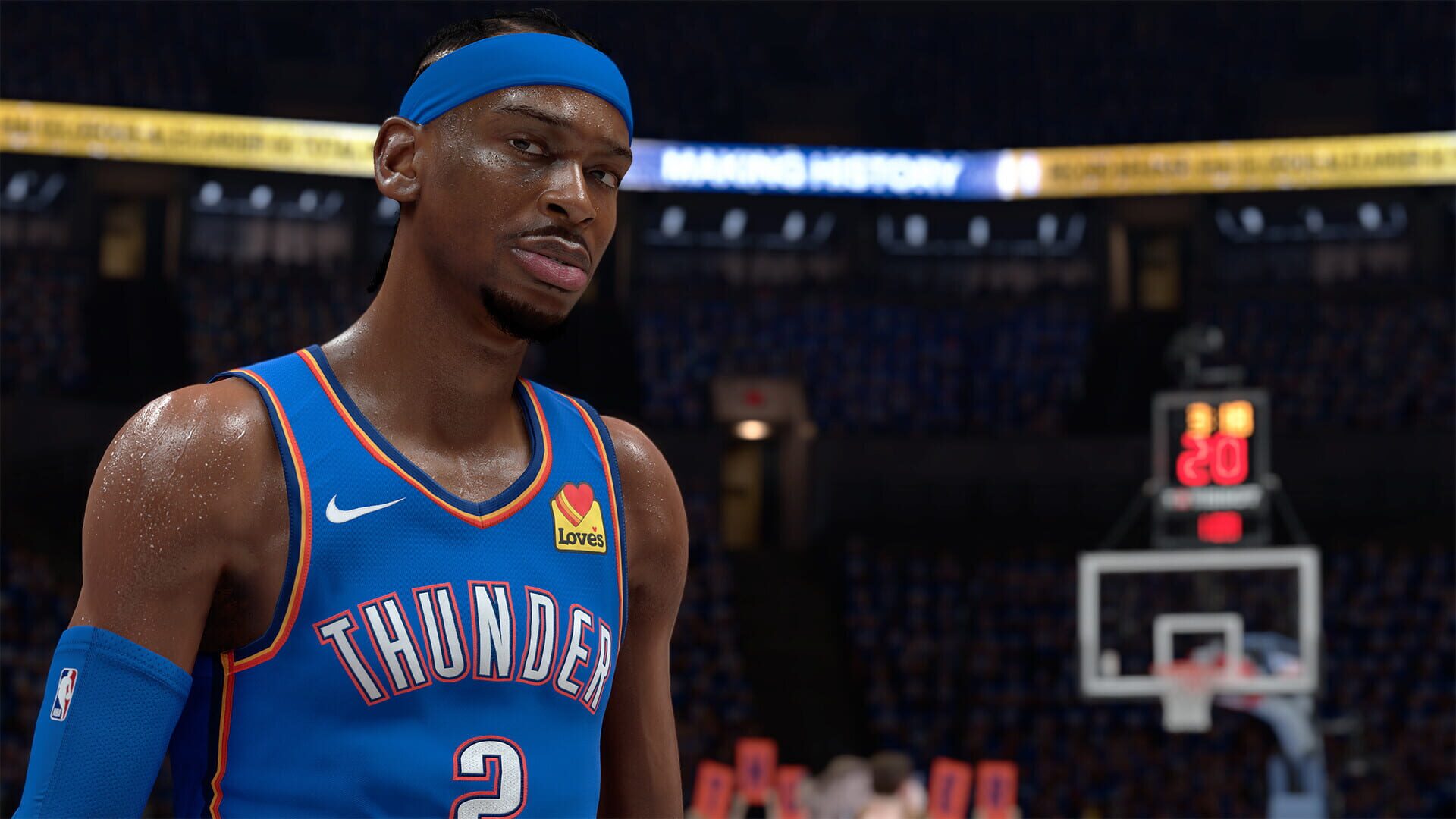
NBA 2K26 Glitches
- Trainers, Mod Menus, and the Ban Hammer
- Fast Locker Codes You Can Redeem Right Now
- MyTEAM Hidden Gems: How They Rotate and When to Lock
- Secret Build Names You Can Actually Trigger
- Fixes for 2K26 Crashes and Freezes on PS5
- Crew Cap Breakers Showing Negative Numbers
- The “No-Pants” Wardrobe Bug
- Player Control Freezes Mid-Play
- Why Defense Feels Nerfed (and How to Cope)
- Post Scoring That Actually Works
- Turn Off Your Shot Meter for a Sneaky Boost
- Smarter Builds: Caps, Wingspan, and Key Ratings
You’ll see a lot of apps claiming they can crack 2K26 wide open. Some can edit memory; most can also nuke your account. Use at your own risk—especially online.
What’s out there:
- WeMod — Trainer platform; not supporting 2K26 yet.
- Cheat Engine — Free memory scanner; can tweak values like VC, stats, or timers in single-player.
- CoSMOS — Similar tool from Cheat Happens; no official 2K26 trainers yet.
- Mod menus/trainers — Often promise unlimited VC, maxed attributes, unlocked animations, etc.
Reality check:
- Using these violates 2K’s Terms of Service.
- Online modes can get you permanently banned.
- Downloading random executables is a security risk.
If you care about your account, stick to legit methods and offline practice.
Fast Locker Codes You Can Redeem Right Now
CheatsLocker codes are the legit “cheats” in NBA 2K26—free VC, MyTEAM packs, cosmetics, the works. They’re time-limited, so redeem fast and exactly as shown.
Current codes:
- FREE-BOOSTS — 3 games of Skill and Gatorade boosts
- 2K26-CREATOR-CHALLENGE — MyTEAM Game On Pack + MyPLAYER Drawstring Bag
- 2K26-MYTEAM-GAME-CHANGERS — Game Changers option pack
How to redeem:
- MyTEAM > Market > Locker Codes > enter the code
- Or use the MyNBA2K26 mobile app for quick syncing
Tips:
- These codes can expire within hours or days.
- Enter them exactly as written (including dashes).
Hidden Gems are temporary cards that disappear once that player gets a proper themed release. It’s a moving target—and that’s the point.
How it works:
- Early access feel. A player shows up as a Hidden Gem, then vanishes when their official set drops.
- Lock-in incentives. Collecting diamond/pink diamond Hidden Gems can grant immediate rewards.
- Quality control. Stronger players rotate out faster; weaker ones linger to keep packs interesting.
Strategy notes:
- If you love a Gem, lock it before the player’s set hits. It won’t stick around.
- Badge-heavy small guards can be sneaky good early, even if they’re undersized.
- Expect continuous churn—build flexibly.
Secret Build Names You Can Actually Trigger
Easter EggsThere are thousands of build names, but a handful are true Easter eggs that pop only with oddly specific stat combos. They’re more for bragging rights than comp meta.
What to know:
- About ~10 special names hide behind strict attribute recipes.
- Examples include quirky labels like “Physical Two-Way Table Setter.”
- They often require precise physicals + defense + playmaking blends that aren’t always optimal.
How to hunt:
- Tweak wingspan/height in tiny steps and re-check the name.
- Record your stat combos when a new name appears.
- Don’t force it for ranked. Keep a sweat build for gameplay and a fun build for the name hunt.
Fixes for 2K26 Crashes and Freezes on PS5
GlitchesIf your game keeps crashing or hard-freezing, try these in order:
- Update the game—stability patches drop fast post-launch.
- On PS5, Restore Licenses in settings to refresh DRM checks.
- Sign out of PSN, reboot, sign back in, and relaunch 2K26.
- Avoid beta system firmware; stick to stable versions for new releases.
If issues persist, capture error codes and submit a ticket to speed up a targeted fix.
Crew Cap Breakers Showing Negative Numbers
GlitchesLeaving a crew can make your cap breaker tally go… negative. Don’t panic.
The reality:
- It’s a display-only bug—your real progression isn’t harmed.
- Cap breakers can’t be earned twice, so crew-hopping won’t dupe the system.
What to do:
- Keep playing normally and watch for a UI patch to clean it up.
The “No-Pants” Wardrobe Bug
GlitchesYes, players are popping into games sans shorts. It’s a visual glitch, not a meta shift.
What’s happening:
- Clothing fails to load and your MyPLAYER renders without pants.
- It’s cosmetic only—no gameplay impact.
Try this:
- Change outfits or re-equip pants in MyPLAYER.
- Restart the game or clear cache.
- Wait for a patch; these tend to get hotfixed.
Player Control Freezes Mid-Play
GlitchesSome games you’ll suddenly lose control for a few seconds while the AI puppets your player. It hits most during dribbles or defensive shifts, especially online.
What helps (sometimes):
- Rapid input taps can snap control back, but it’s inconsistent.
- Stabilize your connection and kill background downloads to reduce lag-triggered occurrences.
- Clip and report to help get it prioritized for a fix.
Why Defense Feels Nerfed (and How to Cope)
GlitchesTraditional pluck steals are gone, and high-adrenaline handlers can feel unrippable. Contests also miss more than they should, which tilts games offense-first.
What’s working now:
- Blitz steals: Shade the ball side, sit on the hip, and time the steal input as they change direction.
- Lane reads > on-ball swipes: Jump lanes and bump early to kill angles.
- Body-up positioning: Beat the first step; don’t chase from behind.
Until tuning lands:
- Build for lateral quickness, strength, and badge efficiency over pure steal spam.
- Team defend—force picks, send help, and rotate to corners proactively.
Post Scoring That Actually Works
HintsThe post is back if you mix footwork with timing. Think setups first, shots second.
Core controls:
- Enter/exit post: Hold/release L2 near the free throw line or below.
- Setups (RS taps): Shimmies, pivots, jabs, shoulder fakes to tilt the defender.
- With turbo:
- RS toward rim = post drive fake
- RS away = retreat
- RS left/right = lateral shifts
- Go-to shots: Hold RS up for signature fades and shimmies tailored to your player.
Scoring tips:
- Post hop jumpers on the catch can beat set defenses.
- Mix speeds and angles. Don’t be predictable.
- Read strength/size matchups before committing to a move.
Turn Off Your Shot Meter for a Sneaky Boost
HintsWant more greens? Disabling the shot meter gives a hidden accuracy bump. It rewards learning your jumper’s rhythm and audio cues over chasing a visual bar.
How to set it up:
- Turn off the Shot Meter in settings. Many players also disable Shooting Feedback to go fully by feel.
Tips to adapt fast:
- Lock in your jumper. Pick a base you like and don’t swap constantly.
- Use audio cues. The perfect-release sound can be easier than the meter.
- Practice catch, off-dribble, and fatigue timings. Each window feels different.
Smarter Builds: Caps, Wingspan, and Key Ratings
HintsThe builder looks familiar, but details matter. Don’t waste VC chasing ratings you can’t reach.
What to watch:
- Max potential is hard-capped. If a build lists 85 for Speed with Ball, cap breakers won’t push it to 86.
- Wingspan trades. Longer = better defense/rebounding, worse shooting/ball control. Shorter = cleaner offense, softer D.
- PG must-have: 85 Ball Handle unlocks tier-3 momentum crossover packages that open up elite space-creation.
Quick process:
- Start with your must-hit thresholds (dunk packages, dribble sigs, defensive badges).
- Adjust height/wingspan to hit those without overpaying.
- Check badge tiers after every tweak—small nudges can flip badge costs.
Screenshots