Vampire: The Masquerade - Bloodlines 2: Premium Edition Hints
- Console Cheats with UE4SS: Godmode, Invisibility, and Masquerade Tweaks
- Style With Bite: How Customization and Outfits Work
- FOV Fix: Stop the Tunnel Vision
- Motion Blur Fix (Sort Of): Dial It Down in Settings
- Saving in Bloodlines 2: What You Can (and Can’t) Do
- Smoother Frames: Stutter and FPS Fixes
- Resonant Blood: Feed Smart, Grow Strong
- Aggressive Combat Fundamentals
- Don’t Skip Your Nightly Side Jobs
- Rooftop Parkour 101
- Find Every Collectible With the Cursor Trick

Console Cheats with UE4SS: Godmode, Invisibility, and Masquerade Tweaks
CheatsBloodlines 2 doesn’t ship with a native console, but you can add one with the UE4SS mod. Once it’s installed and loaded, hit the tilde key (~) in-game to open the console and start testing things.
Useful commands to try:
- debug_change_masquerade_level [value] — nudges your Masquerade up or down. Handy for undoing a slip-up.
- demigod — toggles invulnerability.
- invisible — makes you unseen on demand.
- silent and ninja — crank up stealthy movement.
A few tips:
- Back up your saves before experimenting.
- Mods can break after patches, so update UE4SS when the game updates.
Style With Bite: How Customization and Outfits Work
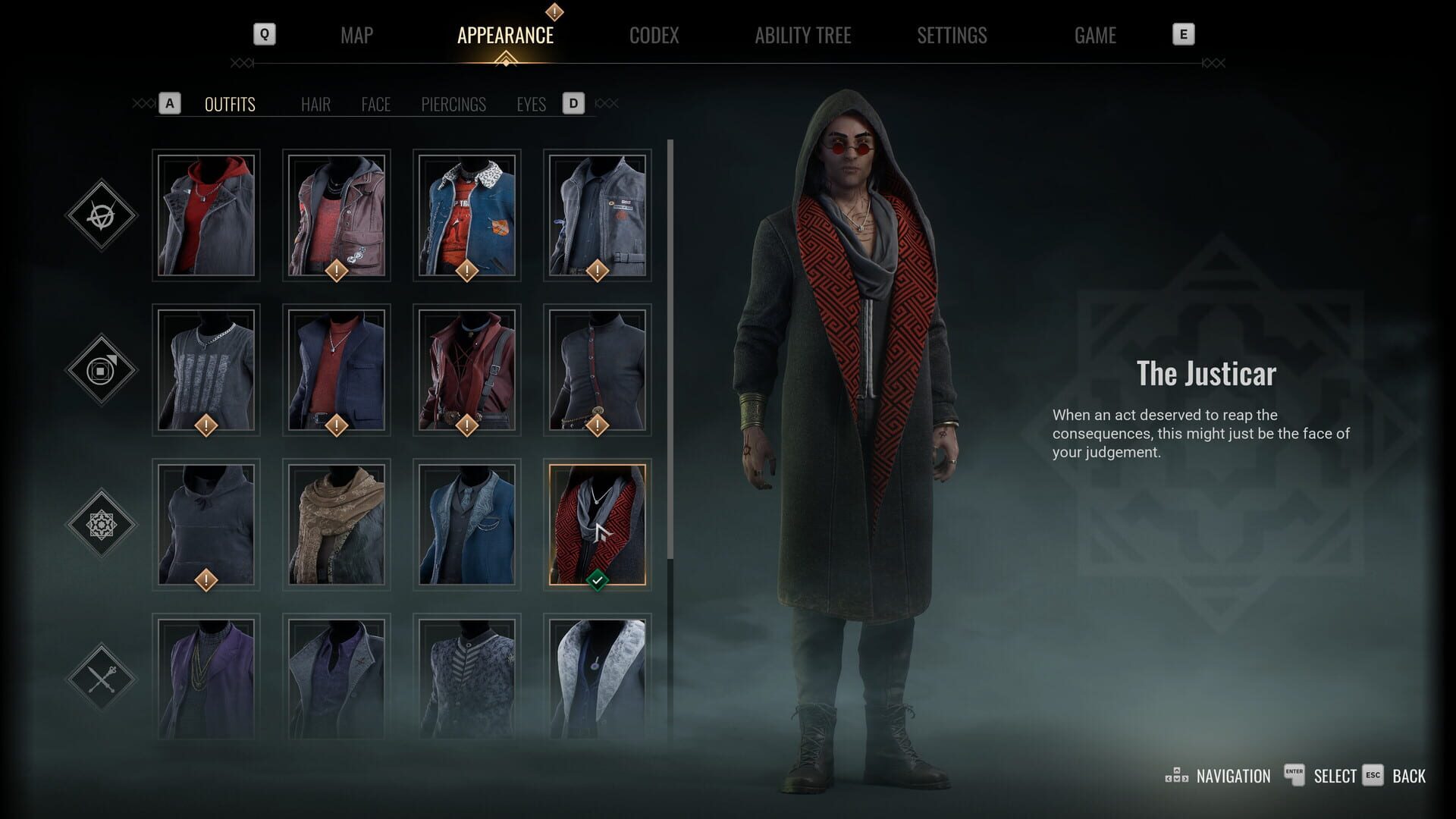
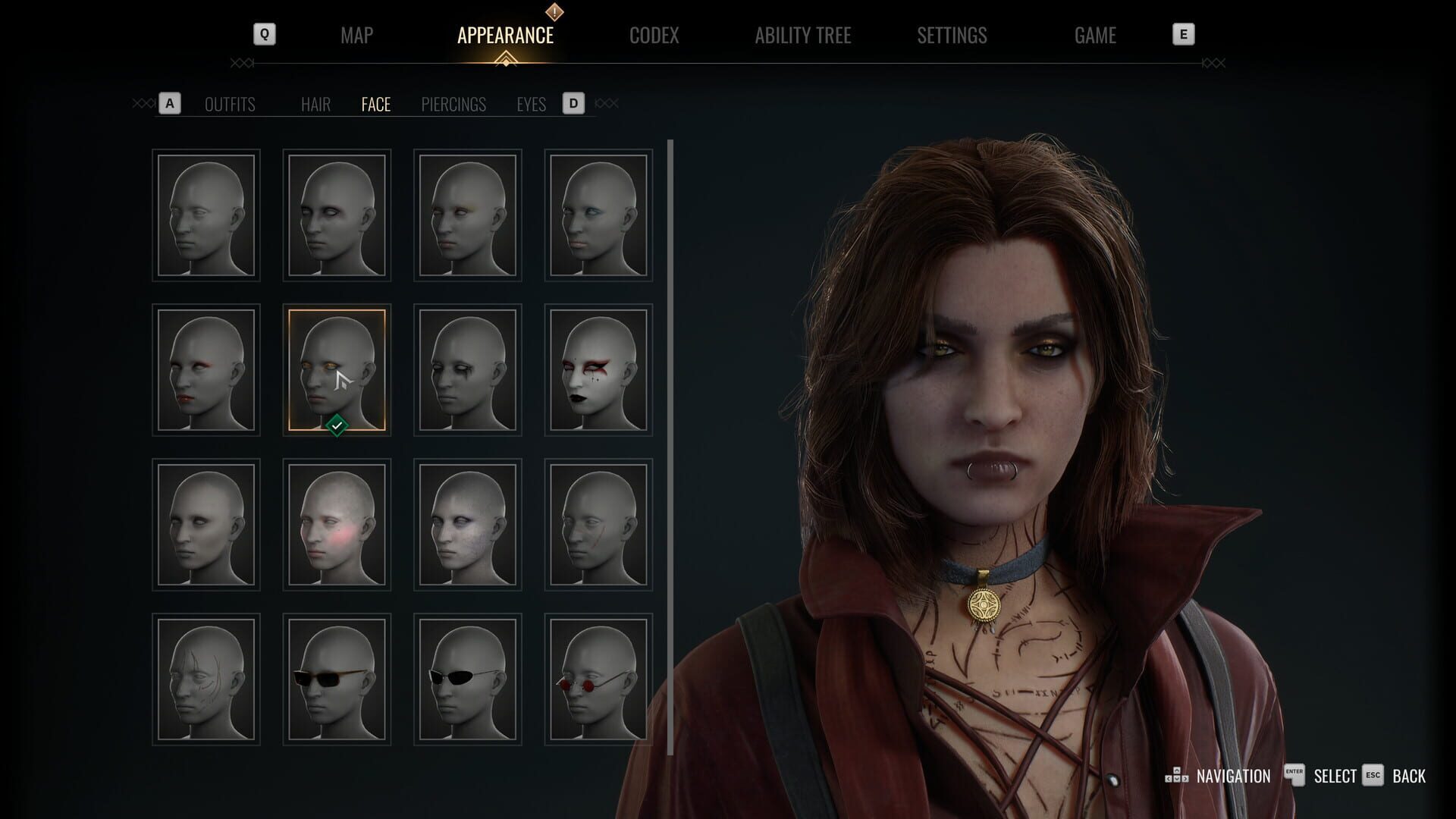
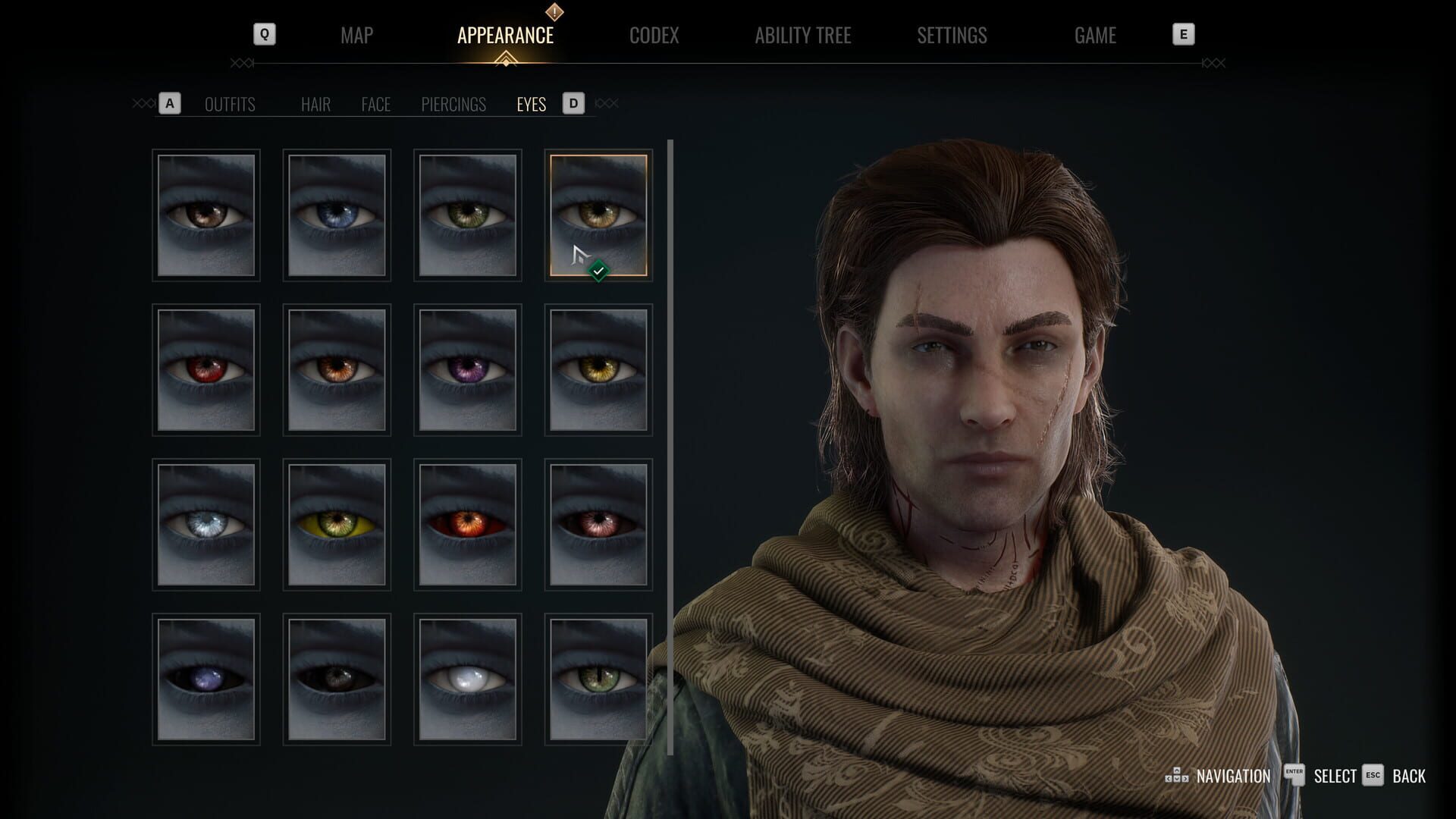
UnlockablesYou can edit Phyre’s look anytime via Pause > Appearance—no cost, no restrictions. Hairstyles, piercings, facial tweaks, and eyes are unlocked from the start.
About outfits:
- You unlock outfits by buying abilities on clan skill trees (yours and any you dip into).
- Clothing isn’t just fashion—outfits affect NPC perception and can tilt resonant blood chances in your favor.
- There’s one male and one female base model; faces don’t fully reconstruct, but you have lots of modifiers and palettes.
FOV Fix: Stop the Tunnel Vision
GlitchesThere’s no FOV slider in the menu, but you can set it via the UE4SS console.
- Open the console with ~.
- Type fov 90 (or your preferred number, like 100) to widen your view.
- If the world starts looking warped at high FOVs, pull it back a bit.
Motion Blur Fix (Sort Of): Dial It Down in Settings
GlitchesNo motion blur toggle? Yep. The best in-game workaround right now is to lower post-processing.
Try this:
- Graphics > Post-Processing: Low — this slashes most of the blur without external tools.
- If you’re motion-sensitive (or playing a speedy clan), this tweak helps a lot.
Saving in Bloodlines 2: What You Can (and Can’t) Do
GlitchesThe game uses autosaves only and a single save slot. Starting a new run overwrites your current progress.
What to know:
- Watch for the autosave icon in the top-right.
- Load Game offers mission checkpoints (one for each of the 21 main missions) so you can replay from those beats.
- Quitting without an autosave means you’ll lose progress. If you’re mid-exploration, push to a checkpoint before exiting.
Smoother Frames: Stutter and FPS Fixes
GlitchesIf your frames hitch or nosedive, a few changes go a long way.
Try this mix:
- Community performance mod packs (like optimization bundles) can trim stutter without altering gameplay.
- Close background apps and set Windows Power Mode to Performance.
- Use FSR upscaling to keep frames stable with minimal visual loss.
Resonant Blood: Feed Smart, Grow Strong
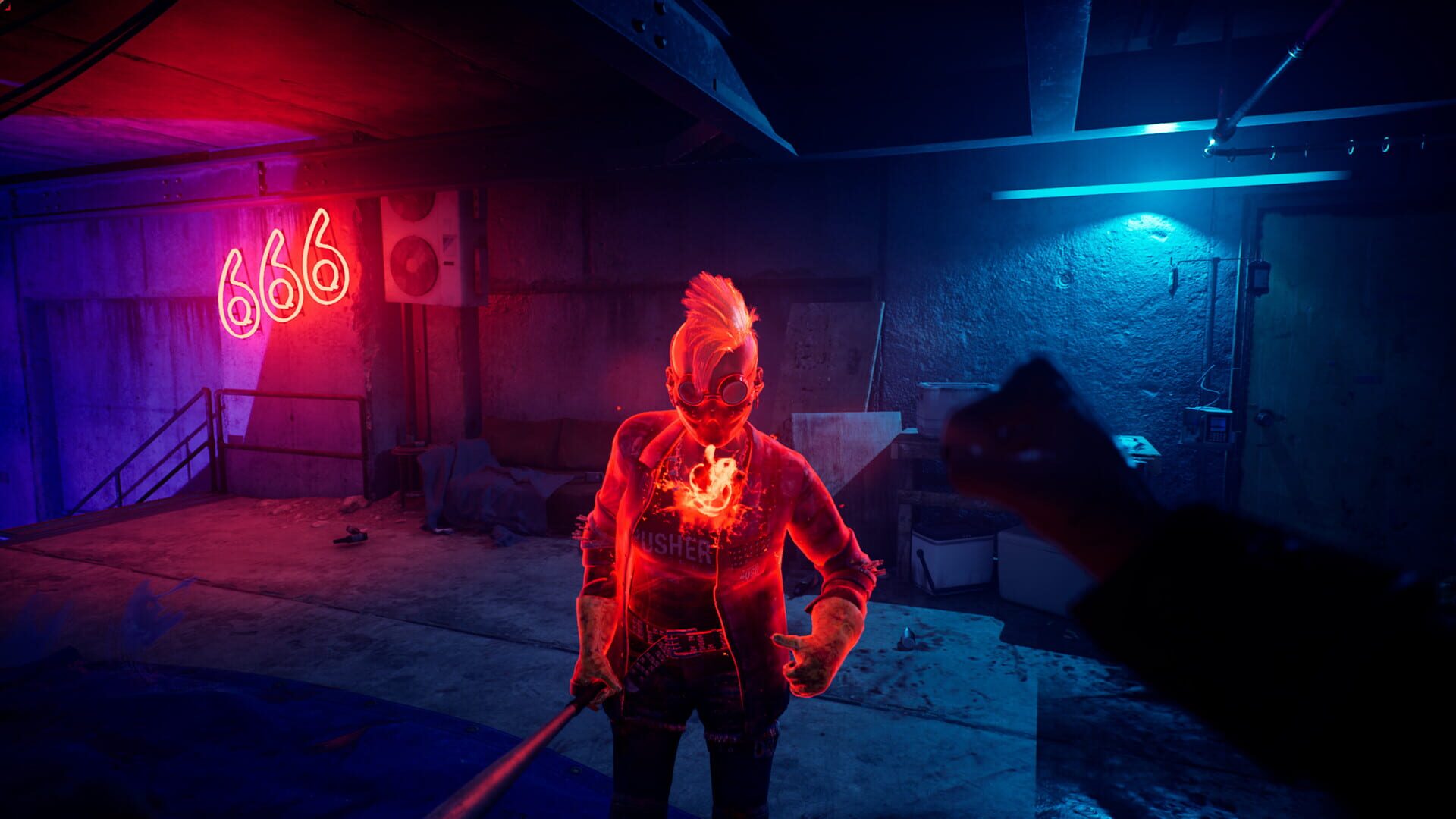
HintsResonant blood fuels powers beyond your clan. Use Heightened Sense to read a target’s vibe, then play to it.
The big three:
- Sanguine (pink) — respond to seduction.
- Choleric (red) — bring out with antagonizing.
- Melancholic (purple) — trigger via intimidation.
Feeding tips:
- Never feed in sight of bystanders. That Masquerade meter fills fast.
- Dress the part. Outfits that match a district’s dominant faction make NPCs more receptive and help you awaken the resonance you want.
Aggressive Combat Fundamentals
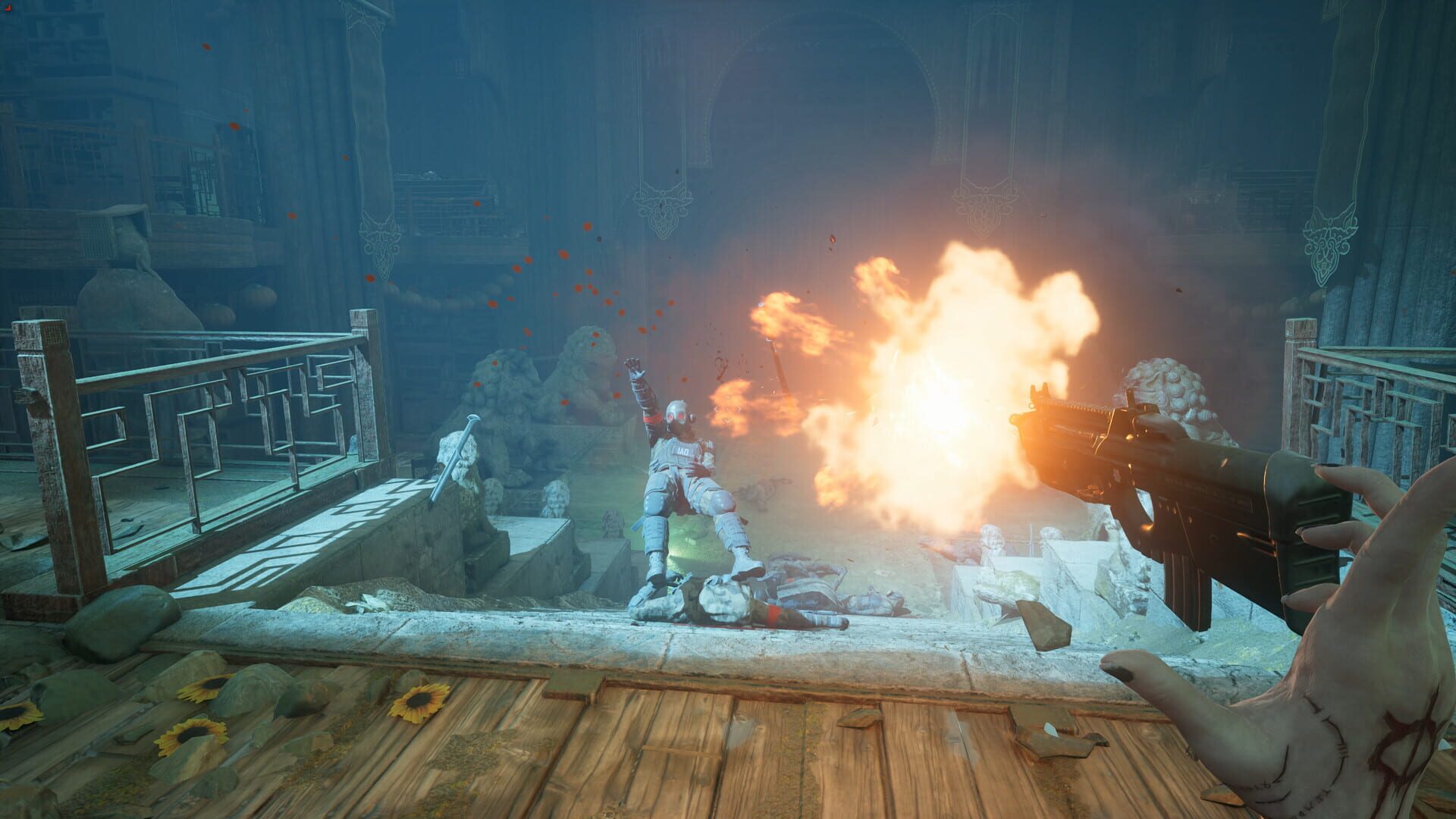
HintsStanding still is how you get shredded. There’s no real block or parry, so evasion and aggression carry fights.
- Dash constantly to break enemy surrounds and create space.
- Re-engage with your strongest abilities instead of turtling up.
- Well-timed ability chains outpace what defensive tools can mitigate. Keep pressure high and fights short.
Don’t Skip Your Nightly Side Jobs
HintsThree daily side quests reset every night and they’re great XP. Do them before you push the main story.
- Certain main story steps expire the daily quests.
- You’ll see a warning before you lock yourself out—take it seriously.
- Missing nights compounds XP loss over a run, so clean your quest log before advancing.
Rooftop Parkour 101
HintsYour sprint is short, but it’s insanely fast—perfect for the skyline.
Movement loop:
- Climb up via pipes, AC units, and ledges to get off street level.
- Sprint, jump, then hit sprint again mid-movement for a bigger burst; chain this to clear big gaps.
- Use rooftops for travel; keep the flashy vampire moves off the sidewalks to protect the Masquerade.
Find Every Collectible With the Cursor Trick
GuidesCollectibles are easier than they look thanks to the UI.
How it works:
- As you approach a hidden item, your cursor gradually expands.
- When it turns red, you’re basically on top of it—check walls, posters, desks, and props right in front of you.
- Sweep areas methodically and watch the cursor behavior to skip blind pixel-hunts.
Screenshots