The Sims 4: Essential Glam Kit Hints
Last Updated: October 9, 2025
All
7
Cheats 1
Hints 2
Glitches 2
Guides 2
Screenshots 2
Submit Your Content!
Ask a Question
Get Notified!
Quicklinks
- Cheats That Make Glam Way Easier
- CAS Not Showing Your Glam? Here’s What’s Going On
- Layering Woes, Patch Gremlins, and “Alpha” Lips
- Pro Makeup Tips: Color, Opacity, and Layering
- Make It Show Up: Gender Settings and Age Limits
- Find Every Essential Glam Item in CAS (Without Losing Your Mind)
- What’s In the Box: Every Makeup Item, Broken Down

Cheats That Make Glam Way Easier
CheatsMake CAS behave and keep your glam flowing with these base game standbys.
- Enable cheats first: Open the console (PC: Ctrl+Shift+C, Mac: Cmd+Shift+C, Console: all four shoulder buttons). Type testingcheats true (or on).
- Full CAS editing: Type cas.fulleditmode, then Shift+click a Sim and pick Modify in CAS to change makeup, facial features, and more—any time.
- Nudge DLC into showing: If items don’t appear after install, use bb.ignoregameplayunlocksentitlements. Pair with bb.showhiddenobjects if you need to surface hidden stuff.
- Age tweaks: With testingcheats enabled, Shift+click your Sim for quick age changes (handy since this kit is teen+ only).
- Money for matching fits: motherlode (+50,000), kaching/rosebud (+1,000), or money 500000 to set an exact total.
Use these to apply looks on existing households, fix visibility hiccups, and build full outfits without budget stress.
By: Dave
CAS Not Showing Your Glam? Here’s What’s Going On
GlitchesIf your new makeup isn’t appearing—or only a few items are—try this checklist.
- Skip the pack filter: It can falsely show only a handful (like six eyeshadows). Manually browse each category: Eyeshadow, Eyeliner, Blush, Lips, Face Paint/Skin Details.
- Fix gender settings: Enable Feminine or Show All under the gender icon in CAS.
- Check age: Items won’t appear for children or toddlers.
- Basic troubleshooting:
- Update the game to the latest patch.
- Repair your game via your platform’s tool.
- Temporarily remove mods/CC to rule out conflicts.
- Fully quit and relaunch after installing the kit.
- If it still fails, contact support to verify the purchase is linked correctly.
By: Dave
Layering Woes, Patch Gremlins, and “Alpha” Lips
GlitchesA few quirks to watch for—and how to work around them.
- Skin detail conflicts: Some Face Paint (contour/highlight) can clash with skin details due to overlapping layers, causing one to hide the other. Try changing application order or swap to different skin details to find a combo that stacks cleanly.
- Gloss vs. matte drama: A couple of lip styles skew very glossy/“alpha.” If it looks too intense, lower opacity or switch to a softer finish in the set.
- Patch shuffles: The Aug 21, 2025 patch added new wrinkles/skin details but also caused some CAS weirdness—makeup or details shifting/disappearing on existing Sims. If you’re mid-save and stable, consider waiting on patches until hotfixes drop.
- Get Famous hiccup: The gig “Hair and Makeup” interaction briefly broke around launch timing; a follow-up patch addressed it. If it resurfaces, update first and re-test.
By: Dave
Pro Makeup Tips: Color, Opacity, and Layering
HintsTurn great assets into great looks with a few quick tricks.
- Dial in color: Items with a color wheel let you fine-tune. Saturated brights live near the edge; muted and pastel tones sit closer to the center.
- Build a palette: Match eyeliner to your shadow, sync blush to your lip. Try analogous colors for soft cohesion, or complementary for high-contrast drama.
- Use opacity smartly: Subtle day looks = lower opacity. For contour/highlight, 50–70% often blends best.
- Layer like a pro: Start with contour, add blush, then eyeshadow + liner, finish with lips and a touch of highlight. It reads more polished, especially for events.
- CC eyelash synergy: The kit plays well with base lashes, but CC lashes can make shadows/liners pop. If a look disappears under certain lashes, bump pigment or opacity.
By: Dave
Make It Show Up: Gender Settings and Age Limits
Hints- All items are flagged Feminine. In CAS, click the gender icon and set clothing preference to Feminine or Masculine & Feminine so every Sim can use them.
- Availability is Teen, Young Adult, Adult, Elder. Children and toddlers won’t see these options.
- Aging notes:
- Kids/toddlers won’t carry makeup into their teen birthday.
- Teens aging up keep their Essential Glam looks intact.
By: Dave
Find Every Essential Glam Item in CAS (Without Losing Your Mind)
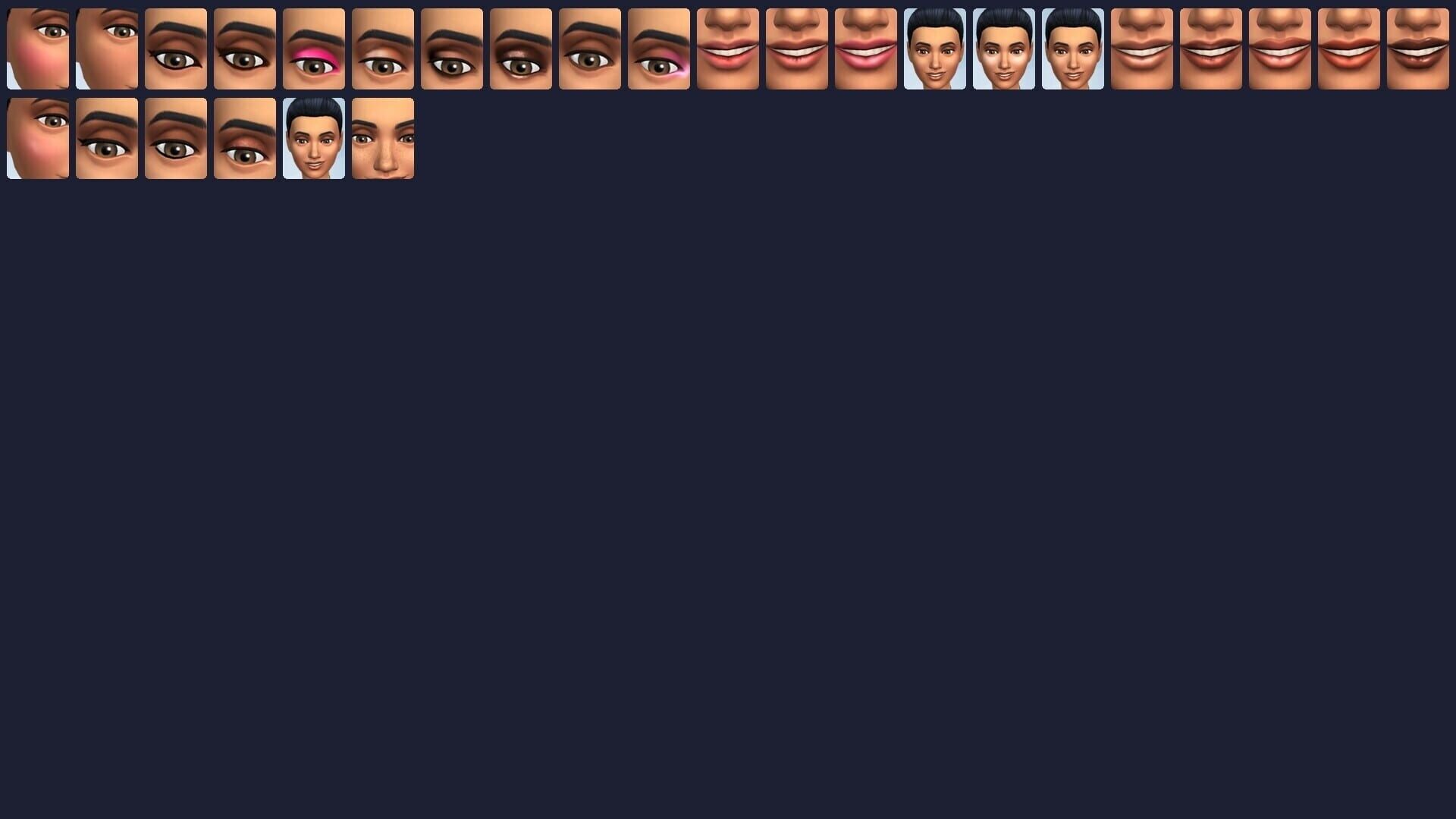
GuidesBought the kit and can’t see everything? Here’s the clean path to all 26 pieces.
- To edit an existing Sim with full control, open the cheat console and use testingcheats true then cas.fulleditmode, Shift+click your Sim, and choose Modify in CAS.
- The kit spreads items across CAS. Check:
- Eyeshadow for the six shadow looks
- Eyeliner for five liners
- Blush for three cheeks
- Lips for eight lipsticks/glosses
- Face Paint/Skin Details for contour, highlight, faux freckles, and beauty marks
- Don’t rely on the pack filter. It can show only a handful (often just six eyeshadows). Manually browse each category to see everything.
- All items are tagged Feminine. In CAS, click the gender symbol and enable Feminine (or Show All) so the makeup appears on any Sim, regardless of frame.
By: Dave
What’s In the Box: Every Makeup Item, Broken Down
GuidesHere’s the kit at a glance, plus how each category plays.
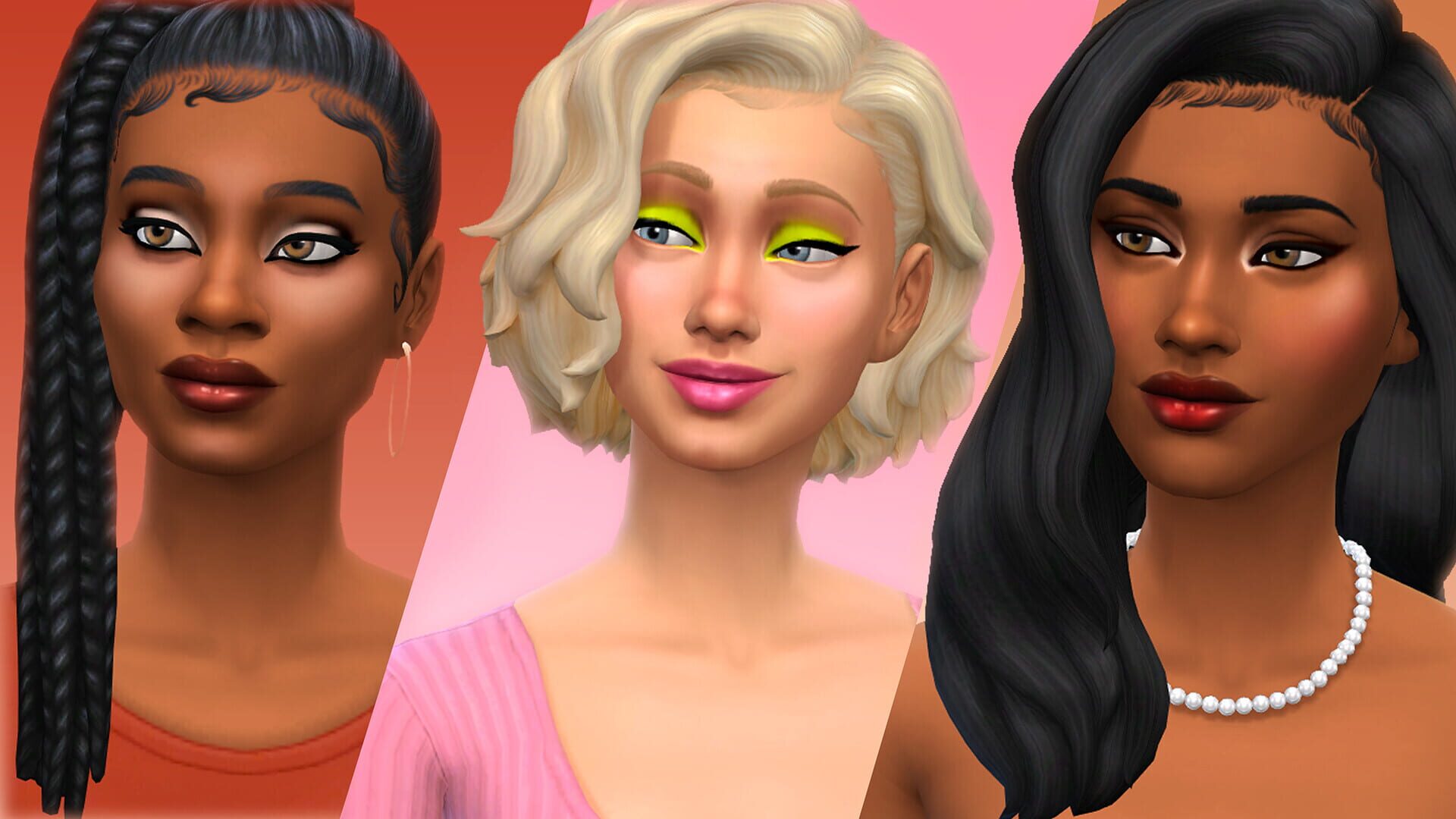
- Eyeshadow (6): From soft neutrals to loud, glittery color. Several have a bright center highlight for dimension, and one set leans ultra-saturated to cover that “vibrant” gap. Plays nicely with base lashes and looks extra clean with CC lashes.
- Eyeliner (5): Sharp, customizable lines. Includes a lower-lash emphasis style you don’t get in the base game, and some vivid color options to match your shadows/clothes.
- Blush (3): Different placements and intensities, including across-the-nose warmth for that sun-kissed vibe.
- Lips (8): Everyday glosses to bold statements. Some finishes skew more “alpha” (smooth, high-shine). If that’s not your style, there are softer options—and you can tweak opacity.
- Face Paint (4): Contour, highlight, faux freckles, beauty marks. Opacity sliders help blend these naturally with your Sim’s skin details.
Most items support hue shifting, so you can dial in exact tones to match outfits—or go wild with complementary color combos.
By: Dave
Screenshots