The Outer Worlds 2 Ostereier
- PC Console Commands on TOW2 (with a catch)
- WeMod Trainer: Flip All the Switches
- Cheat Engine Tables 101
- Item/Money Duplication Exploit (From TOW1)
- Fallout Nods You Might Miss
- Star Wars Lines in Corporate Space
- Vicar Max and The Walking Dead Gag
- A “Real” Recipe on a Whiteboard
- Weapons That Reference Music
- Nahimic Overlay Causing HUD Boxes
- Companions Dying on Non-Supernova
- Quest Markers Going Weird
- Supernova Save Bug (Can’t Save at the Ship)
- Smoothing Out Performance Hitches
- TTD: Slow Time, Win Fights
- Damage Types Made Simple
- Early Build Priorities That Pay Off
- Gear Up Your Crew (They Won’t Do It Themselves)
- TOW2 Achievements and Trophy Targets
- Unique Weapons Worth Chasing
- Stealth Build That Breaks Encounters

PC Console Commands on TOW2 (with a catch)
SchummelnThe Outer Worlds 2 doesn’t ship with old-school cheat codes, but PC players can still tinker with console commands—once you install a third‑party console enabler (same deal as the first game).
After it’s set up, pop the console open (usually with the tilde key) and try classics like:
- god – infinite health
- SetLevel – power-level instantly
- AddCurrency – free bits
- PerkPointsAdd / AddItemDebug – perks and items on demand
- toggledebugcamera / Teleport – free cam and blink where you’re looking
- fov – adjust your field of view
- QuestStart / QuestComplete – jump quests forward
Tips:
- Use a separate save. Commands can break quests or disable achievements.
- Expect updated console enablers to appear on mod sites close to launch.
WeMod Trainer: Flip All the Switches
SchummelnIf you prefer a clean interface over raw memory editing, WeMod is the easy button. Expect a TOW2 trainer soon after launch (the first game had 20+ toggles).
Likely options include:
- Unlimited Health, Unlimited TTD, Unlimited Ammo/No Reload
- Unlimited Items/Weight, Unlimited Money
- Mega Exp, Set Skill Points, Set Perk Points
- One-Hit Kills, Max Positive Reputation, Easy Locks Unlock
Notes:
- Works with Steam/Epic/Game Pass versions.
- Free tier covers basics; premium adds full access, hotkeys, and overlay tweaks.
- Many users prefer the Legacy overlay if the new one clashes with Windows Game Bar.
Cheat Engine Tables 101
SchummelnCheat Engine gives you surgical control—great power, great responsibility. Community-made .CT tables will likely add:
- Infinite HP/Ammo, EXP Multiplier
- Max Durability, Zero Item Weight, Huge Carry Capacity
- Force Item Quantity on Pickup
- Pointers for attributes, skills, perks, companion HP, and faction reputation
- Quality-of-life: Save/Fast Travel Anywhere on Supernova
How to use:
- Install CE, open the TOW2 table, select the game process, then tick options.
Pro tips:
- Some toggles only work in a loaded save.
- Back up saves—bad flags can crash or corrupt your file.
Item/Money Duplication Exploit (From TOW1)
SchummelnIn the first game, you could duplicate items by dropping one near a fast travel spot, fast traveling, then coming back to find it both on the ground and still in your inventory. Repeat and your stash snowballs—then sell for millions.
Steps (as it worked before):
- Grab a high-value item.
- Drop it by a fast travel point.
- Fast travel away and back.
- Pick it up; drop your stack; repeat for exponential growth.
Will it work in TOW2? Maybe not—devs love patching this kind of thing. But it’s worth testing early.
Fallout Nods You Might Miss
OstereierObsidian can’t resist winking at Fallout. In TOW1 we got:
- The Hope discovered on October 23 (Fallout’s Great War date)
- Big “13” markings and a vault-style door on the Groundbreaker
- “Water chip” blueprints that secretly diagram a theremin
Expect more sly dates, numbers, and props in TOW2. If something looks suspiciously retro-post-apocalypse, it probably is.
Star Wars Lines in Corporate Space
OstereierTOW1 sprinkled in classic Star Wars riffs if you built into dialogue:
- On HRS-1084: “Uh, everything’s fine here. How are you?”—pure Han Solo energy.
- In restricted zones: “You don’t need to see my identification.” Hello there, Obi‑Wan.
These usually needed a UDL ID cartridge or high Persuade/Lie. TOW2 will likely keep the tradition—try cheeky options when facing authority.
Vicar Max and The Walking Dead Gag
OstereierBring Vicar Max to Roseway’s front gate in TOW1 and he riffs on the infamous “Don’t Dead Open Inside” sign. Companion-specific quips like this were everywhere.
With seven companions in TOW2, mix up your party at key locations—HQs, weird setpieces, and story hubs—to trigger hidden one-liners.
A “Real” Recipe on a Whiteboard
OstereierTOW1 hid a legit recipe on a blackboard near Roseway—a “concentrated distillate” that reads like DIY apple cider in corporate-speak. The nearby dead scientist sells the joke.
TOW2’s terminals, notes, and whiteboards are prime hunting grounds for cheeky formulas, ad copy, and “totally safe” recipes. Read everything.
Weapons That Reference Music
OstereierObsidian loves naming gear after songs:
- “Thunder” nods to Imagine Dragons with a young-gun lyric
- “Maxwell” is a silver hammer (yes, that one)
TOW2 continues the trend with unique weapons that wink at pop and classic tracks. Check names and descriptions—science weapons especially love a punchline.
Nahimic Overlay Causing HUD Boxes
FehlerIf you’re seeing a left-side “radar” and right-side “Audio Boost” box glued to your screen, that’s Nahimic’s Sound Tracker misfiring.
Fix:
- Open Nahimic > disable Sound Tracker entirely > restart the game.
- If it persists, uninstall Nahimic and use standard Windows audio. TOW2 doesn’t need Nahimic to function.
Companions Dying on Non-Supernova
FehlerThere’s a bug where companions can die permanently (and auto-fail their quests) on difficulties below Supernova—usually from hazards, falls, or scripted moments.
Workarounds:
- Manual saves before dangerous areas or big fights.
- If it happens, reload immediately.
- Keep an eye on companion HP and command retreats.
A fix is reportedly in the pipeline—until then, treat risky zones with extra caution.
Quest Markers Going Weird
FehlerMarkers sometimes vanish, stack on top of each other, or refuse to clear after you’ve finished the objective.
Try this:
- Toggle the quest track on/off.
- Fast travel out and back to refresh the area.
- Prioritize the most recently accepted quest if multiple markers clash.
Future updates aim to tidy the waypoint logic, especially for out-of-order completions.
Supernova Save Bug (Can’t Save at the Ship)
FehlerOn Supernova, you’re supposed to save at your ship’s bed—some players can’t save at all. Until a patch lands:
- PC workaround: SaveGame bIgnoreSuperNova 1 0 (creates a new save that bypasses the restriction).
- Console players: consider avoiding Supernova for now, or rotate multiple characters to hedge progress.
Use this sparingly if you’re chasing pure Supernova bragging rights.
Smoothing Out Performance Hitches
FehlerSome PCs hit sudden drops (60 to ~15 FPS) in crowded towns or busy interiors. A few fixes that help:
- Drivers & Overlays: Update GPU drivers; disable overlays (Discord, GeForce, Game Bar).
- Graphics Tweaks: Lower shadows and post-processing first. Borderless window + VSync can stabilize frame pacing.
- Config edits (AppData/Local/TheOuterWorlds2/Saved/Config):
- r.MotionBlurQuality=0
- r.SceneColorFringeQuality=0
- r.Fog=0
- Resolution scale: Dropping to ~70–90% can smooth 1440p without a big visual hit.
- RAM sanity check: Make sure your memory is at its rated voltage/frequency (not overvolted).
There’s also a rare morphing black blotch artifact tied to engine/drivers—driver updates and the above tweaks usually nix it.
TTD: Slow Time, Win Fights
HinweiseTactical Time Dilation isn’t for spraying bullets—it’s for precision and control.
- Stop moving on activation to conserve the gauge.
- Tag weak points to inflict debuffs (blind, cripple, disorient).
- Use it defensively: escape, reposition, or delete the priority target.
Build tips:
- Perks that extend TTD or boost its effects are huge.
- Perception helps line up clutch shots.
- Mods can add TTD-friendly bonuses.
Keep an eye on the new Temporal Detonation tools—they pair nicely with careful aim.
Damage Types Made Simple
HinweiseMatch the damage to the target and fights melt.
- Physical: great vs. unarmored organics; weak vs. heavy armor/robots
- Plasma: cooks organic flesh; good burn effects
- Corrosion: shreds armor and metal
- Shock: zaps automechanicals; stuns organics
- N-Ray: spreads DoT—perfect for groups
Quick read:
- Flesh? Try plasma.
- Heavy armor/robots? corrosion or shock.
- Swarms? N‑Ray.
Carry weapons with different modded damage types and swap as needed. Watch colored damage numbers and enemy reactions to confirm you’ve got the right tool.
Early Build Priorities That Pay Off
HinweiseNo confirmed respec at launch? Plan ahead.
- Attributes: Favor Personality/Intelligence. Social/tech opens quests and shortcuts; raw Body can wait.
- Skills to 50 early: Dialogue (Persuade/Lie/Intimidate), Lockpick, Hack. That covers most checks and sneaky access routes.
- Specialize carefully: Pick your main combat skill and either Sneak or a social skill as your two specialties—broad competence beats min-maxing early.
- Armor swap: Keep sets for dialogue, stealth, and combat. Skill-boosting mods let you pass checks you’d otherwise miss.
Gear Up Your Crew (They Won’t Do It Themselves)
HinweiseCompanions don’t auto-upgrade. If you don’t manage them, they’ll fall behind—and in higher difficulties, they can die for good.
- Equip better armor/helmets as soon as you find them.
- Match weapons to their style: tanks get durability, marksmen get range and damage.
- Mod their guns—scopes, mag swaps, and damage types matter.
- Watch their HP; order retreats if they’re getting shredded.
Suggested roles:
- Tristan: two‑handed melee + heavy armor (frontline)
- Inez: rifles + field medicine (mid‑range support)
- Niles: gadgets and flexible loadouts (utility)
TOW2 Achievements and Trophy Targets
LeitfädenThere are 49 total achievements/trophies, including one Platinum (PlayStation).
Highlights to plan around:
- Story & Difficulty: Finish the campaign; complete on Hard and Very Hard.
- Build/Systems: Flawed Hero (accept 3 Flaws), Level 30, Elemental Maelstrom (stack all damage types on one enemy).
- Companions: One for All (recruit all 7), All for One (complete their quests), and the spicy All for None (everyone dies/abandons you).
- Factions/Choices: Corporation Cooperation (broker peace), Destroyer of Worlds (tank all faction standings).
- Challenge Runs: Anti-Consumerist (beat the game without spending money).
- Weapons: Maximum Gun (fully level up Rookie’s Reward).
Expect multiple playthroughs or careful saves to grab the mutually exclusive ones.
Unique Weapons Worth Chasing
LeitfädenTOW2’s uniques aren’t just reskins—they’re build-defining.
- Boarst Blaster (Heavy): Toxic blobs that explode; can be “consumed” for a tiny heal.
- Bullet Blender (Science): Burns all ammo types at once; different ammo = different effects.
- Planet Killer (Sniper): Hand-cranked plasma shot; monstrous damage with perfect timing in TTD.
- Spectrum Dance Saber (Melee): Rhythm-based swings grant stacking bonuses if you hit on‑beat.
- Armageddon (Heavy): Shoots clinging micro-arms that harass enemies—great area denial.
- Popup Gun (Heavy): Advertising drones that distract crowds for stealth plays.
- Shrink Ray (Science): Mini enemies = less damage and HP.
- Rookie’s Reward (Rifle): Levels with you; confetti on milestones and stays viable all game.
- N‑Ray Scythe (Melee): Spreads N‑Ray DoT in tight groups.
- Big Bang (Heavy): Fires rift-charged blasts that erase problems—save it for bosses.
Most are tied to story beats, faction lines, companion quests, or deep exploration. Keep your eyes open and your save slots rotating.
Stealth Build That Breaks Encounters
LeitfädenLean into invisibility and burst damage.
- Background: Infiltrator or Rogue.
- Attributes: Prioritize Dexterity and Intelligence; sprinkle Personality for dialogues.
- Traits: Lucky, Nimble; skip anything noisy.
- Skills: Sneak and Lockpick early; invest in Guns (or Melee if you like close-range takedowns). Observation helps track patrols and weak points.
Perks:
- Early: Ninja, Ghost, Pickpocket, Through the Keyhole.
- Mid: Sharpshooter, Serial Killer, Commando.
- Late: Multitasker, Serendipitous Slayer.
Weapons: Suppressed sniper for openings; suppressed pistol/SMG for cleanup; a fast one‑hand blade for silent kills. Planet Killer and N‑Ray Scythe are standouts.
Armor: Light armor with +Sneak. Keep social and combat sets handy.
Gadgets: N‑Ray Scanner for wallhacks, TTD for perfect headshots, decoys/holo shrouds for escapes.
Companions: Bring quiet types (Marisol, Niles), leave loud tanks at home.
Playstyle: Scout with the scanner, start at max range, peel off isolated targets, and reset if detected. Steal before shooting when possible.
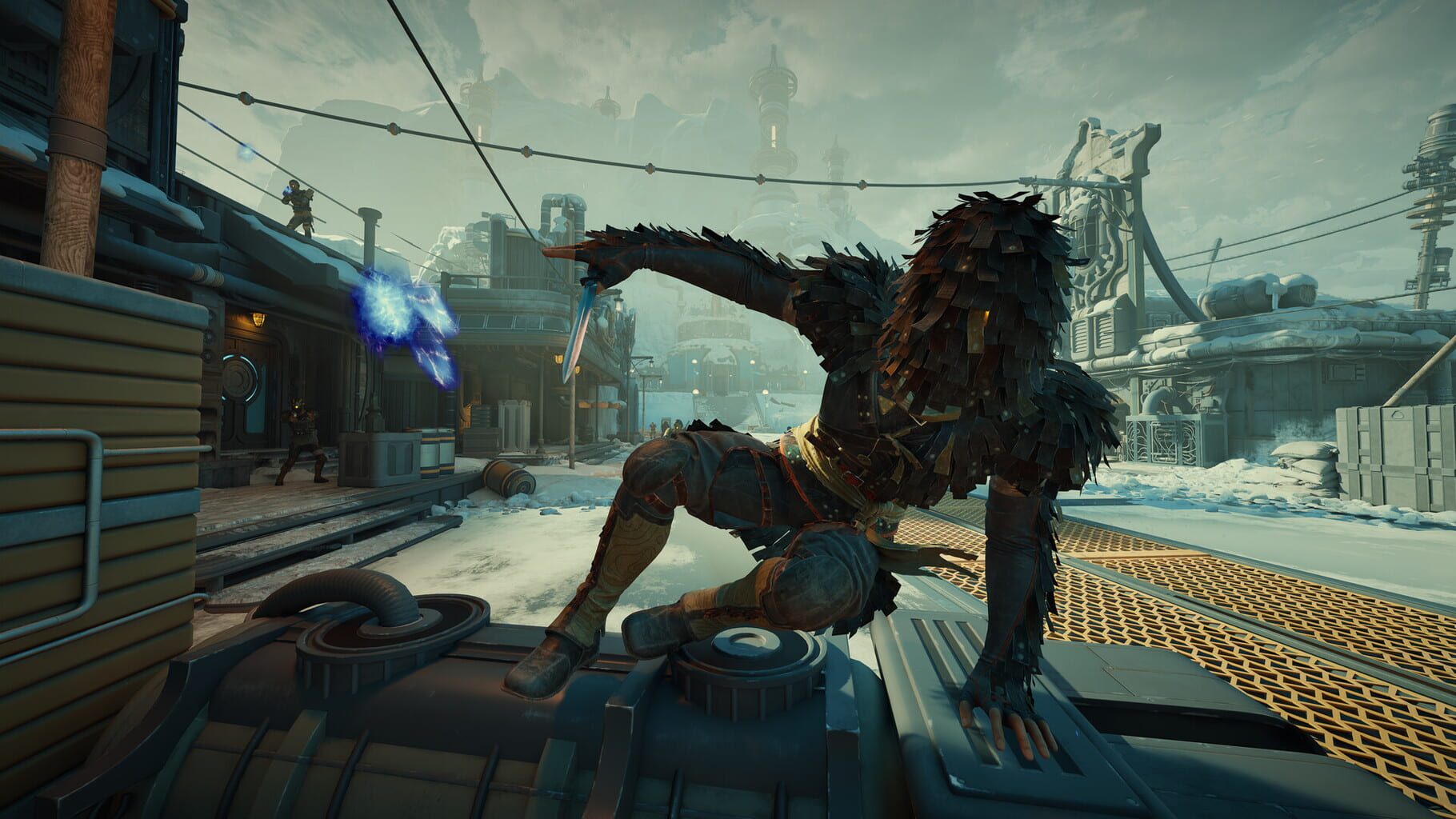
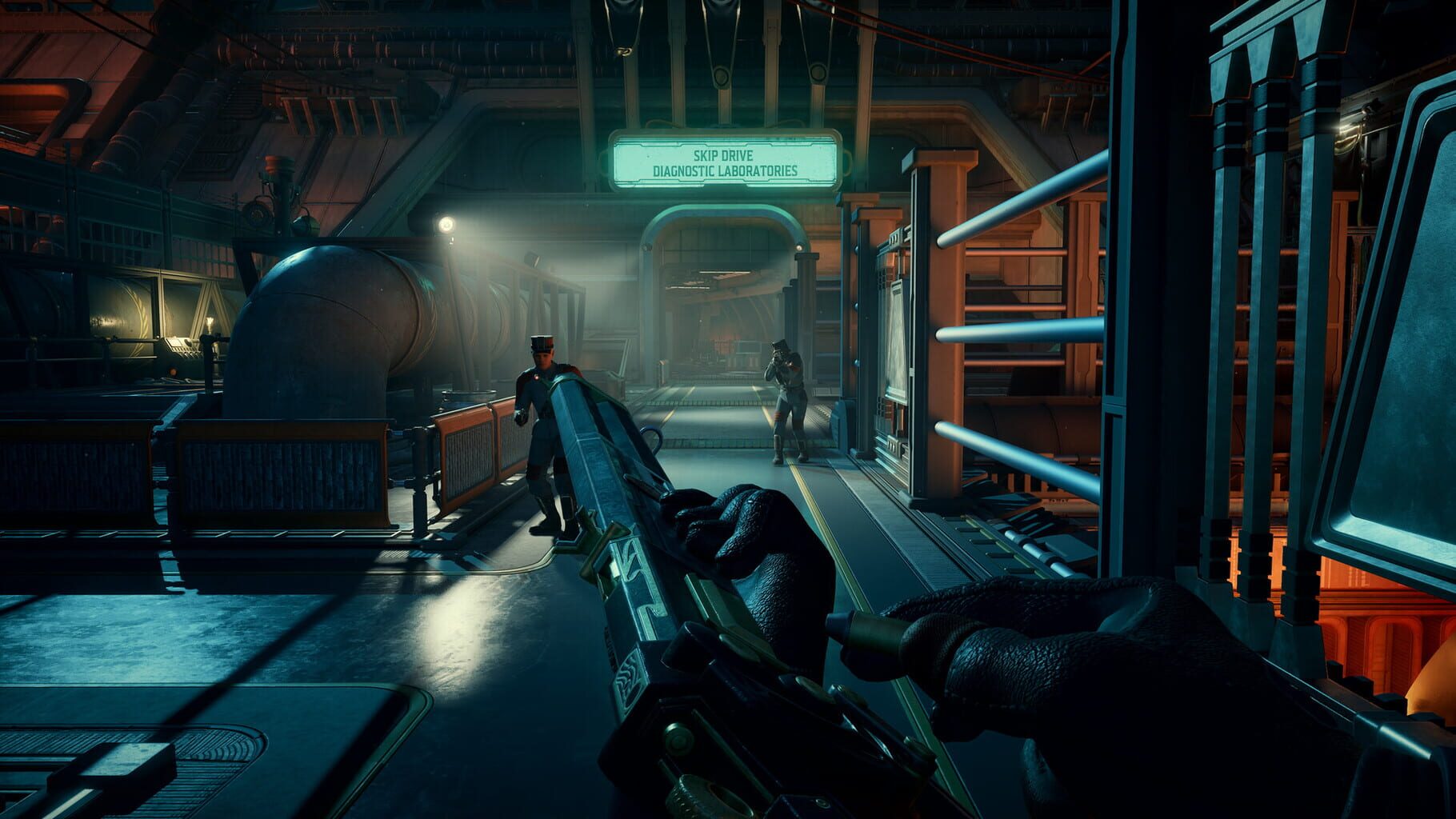
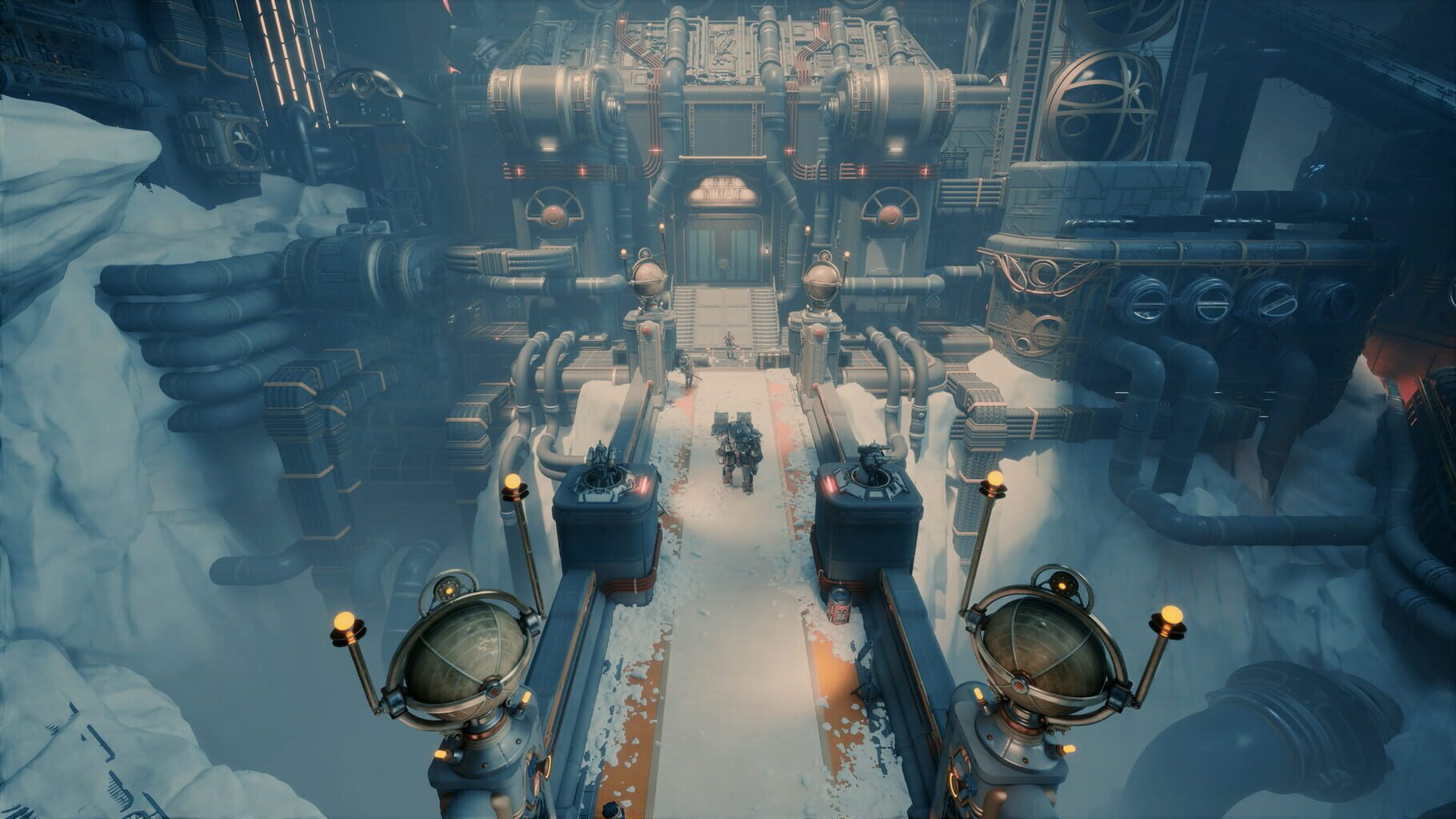
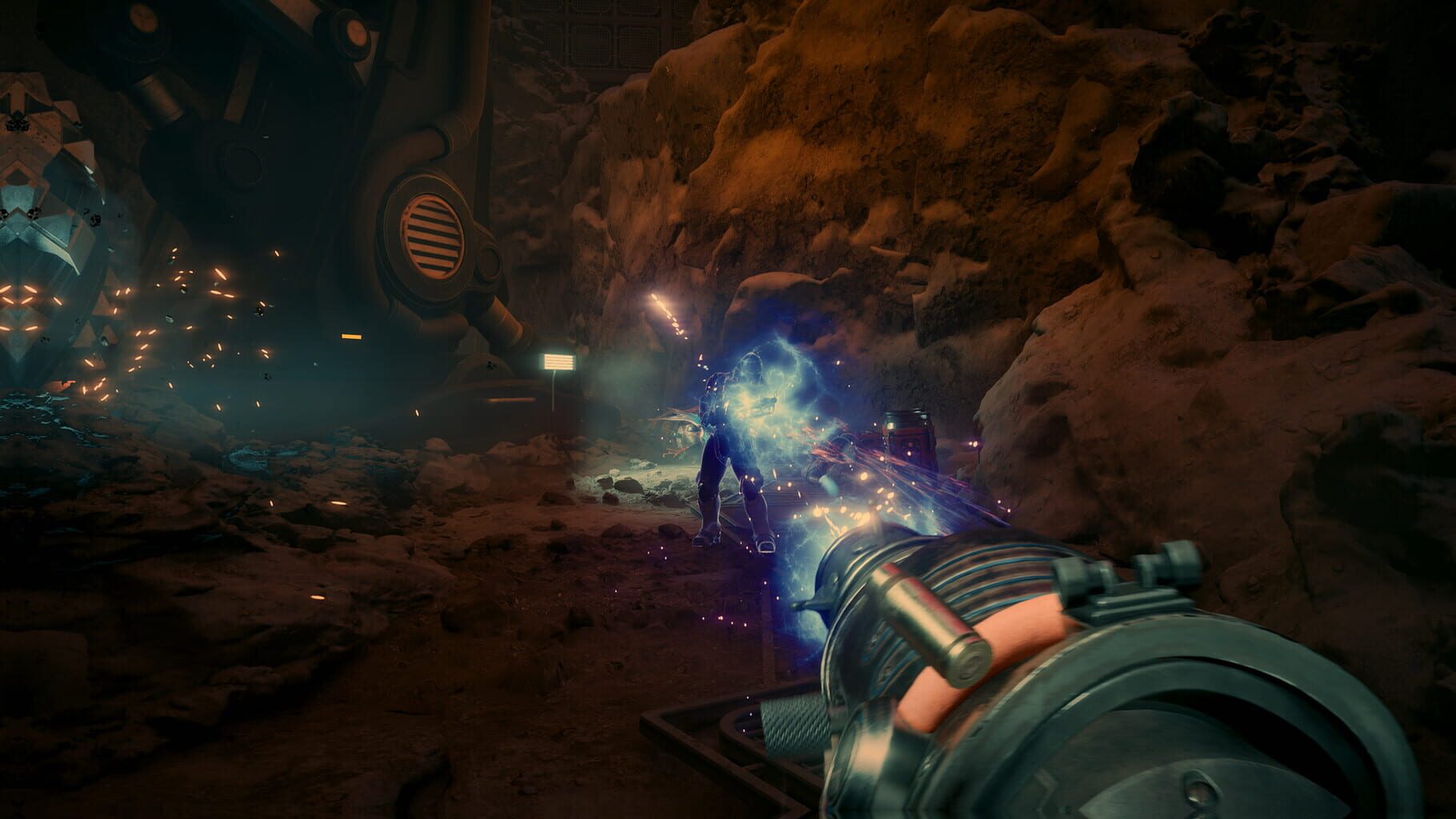
Screenshots
Videos