Paid Unlocks on Console (Or How to Earn Them the Long Way)
Freischaltbar
There’s no in-game editor on console, but you’ll find paid unlockables—and non-monetary ways to earn some of them.
Examples:
No Sacking (~£3): protects you from board dismissals for poor form.
Lift Transfer Restrictions (~£4): removes the board veto on outgoing deals.
They stack, and the total can add up if you go all-in.
Free paths exist:
Earn No Sacking by raising your club’s stature over time.
Lift Transfer Restrictions by hitting a target like £50m+ profit from player sales.
The trade-off: money saves time; grinding saves money.
Beginners Guide to Transfers in Football Manager 26 — transfer strategies to hit sale profit targets, manage outgoing deals and work toward lifting transfer restrictions without paid console unlocks.
Durch: Dave
Known Issues You Might Hit (And What Helps)
Fehler
FM26 launched alongside a major engine shift, so a few gremlins appeared:
Some players saw early crashes and matchday lag, particularly online—subsequent patches improved stability.
Occasional online matches entering a black screen required a host kick/reconnect.
Rare cases of getting stuck on “Preparing” pre-kickoff needed a restart.
UI friction and feature gaps vs. older entries (e.g., missing Creator modes) were noted, with the studio framing FM26 as year one of a rebuilt foundation and patching iteratively.
Durch: Dave
Controller-First Comfort (With Mouse & Keyboard as a Backup)
Hinweise
FM26 Console finally feels designed for a pad:
Navigation is tuned for controllers, including quick jumps that mirror the classic “spacebar” flow.
Prefer precision? You can connect a mouse and keyboard. Handy for bulk actions. But the pad-only setup is absolutely viable now.
Playing Football Manager 2026 Console with a controller - showcases controller-first navigation and how adding a mouse (and keyboard) boosts precision for bulk actions; pad-first setup with optional M+K backup.
Durch: Dave
Build Faster Saves: Database Limits and Smart Setup
Hinweise
Consoles have caps, so choose wisely:
XSX/PS5: up to 10 nations. Xbox One: up to 5 nations.
If you’re in continental competitions, load opposing nations to keep Europe (or elsewhere) feeling alive.
Create template saves with your ideal league mix, then reuse them.
Tweak preferences to reduce processing breaks and try an attribute color preset that highlights elites more clearly in lower leagues.
If auto-continue is misfiring, disable it in preferences.
The ULTIMATE FM26 game setup guide — optimize your database limits and save templates for faster PS5/XSX/Xbox One saves, reduce processing breaks, and tweak preferences for smoother Football Manager 26 play.
Durch: Dave
Unity Engine Overhaul and Why It Matters on Console
Leitfäden
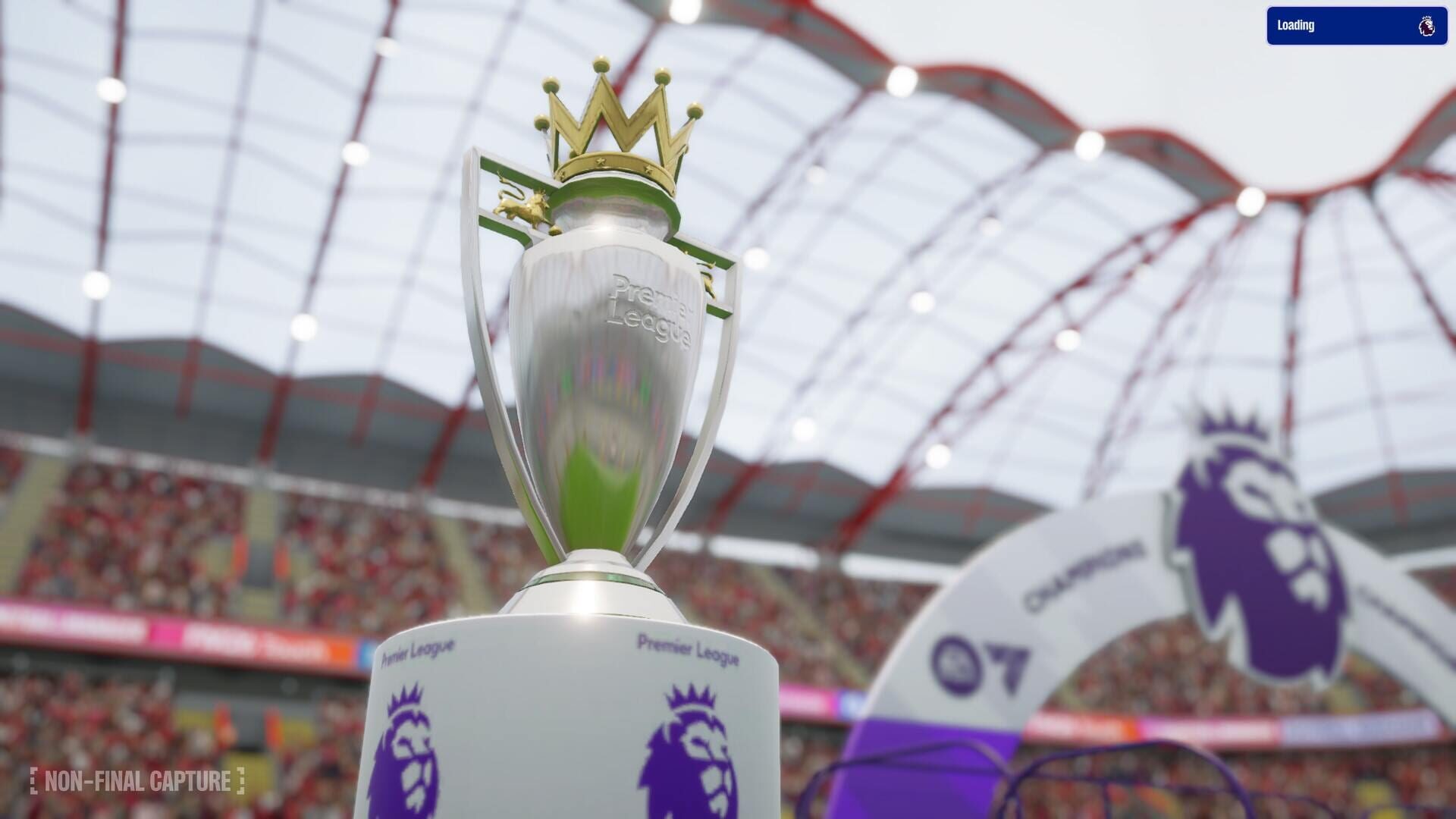
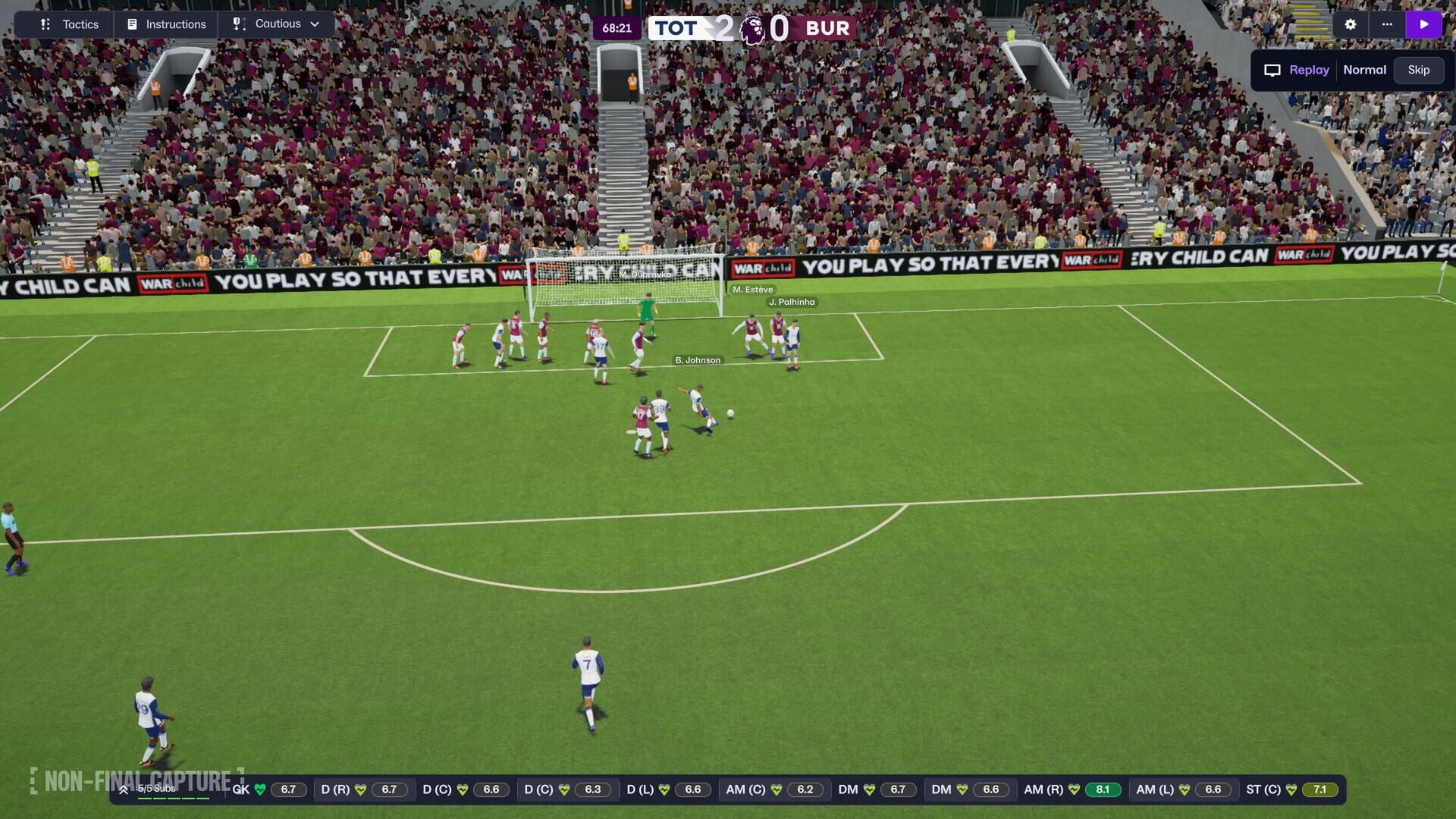
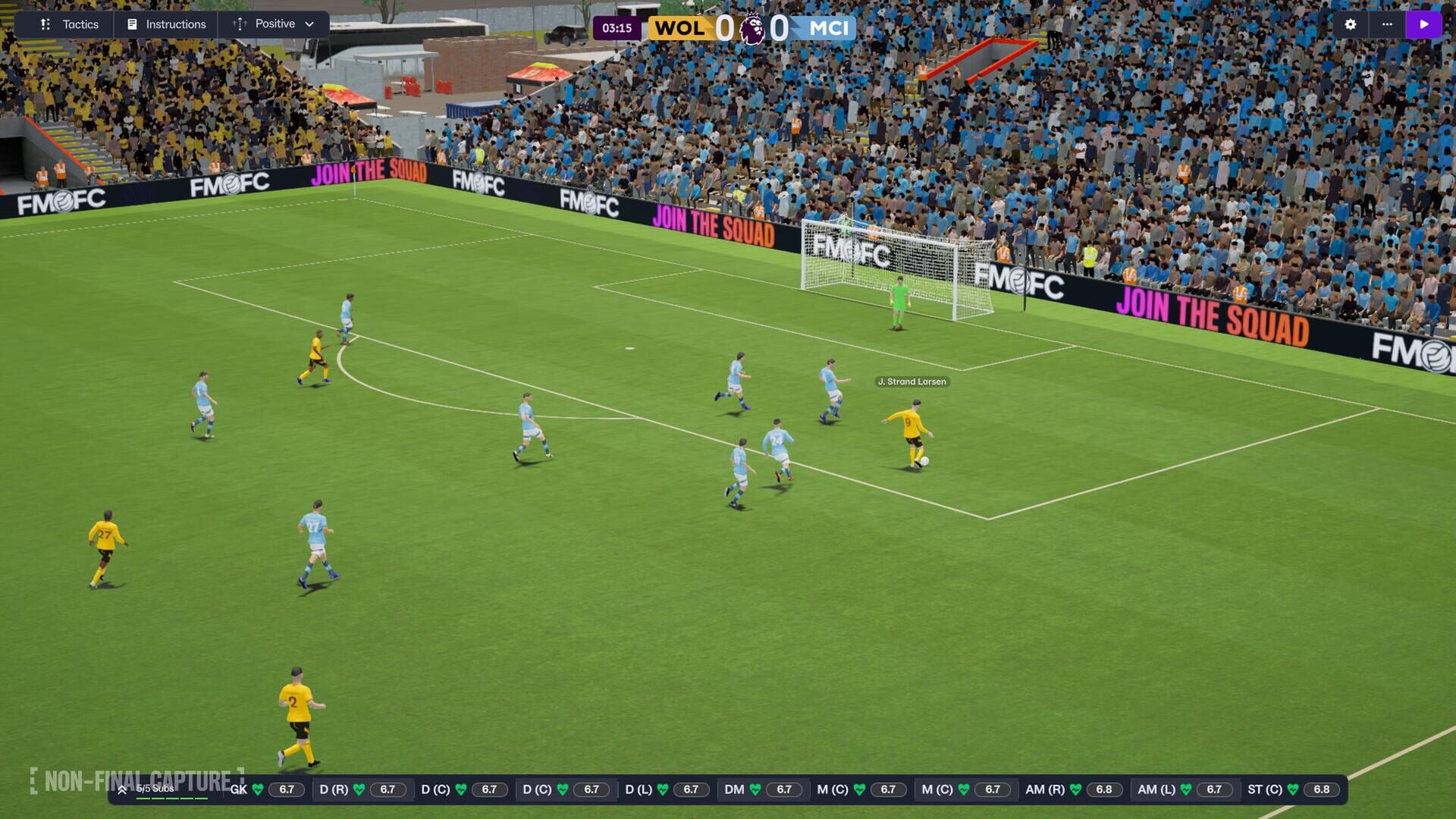
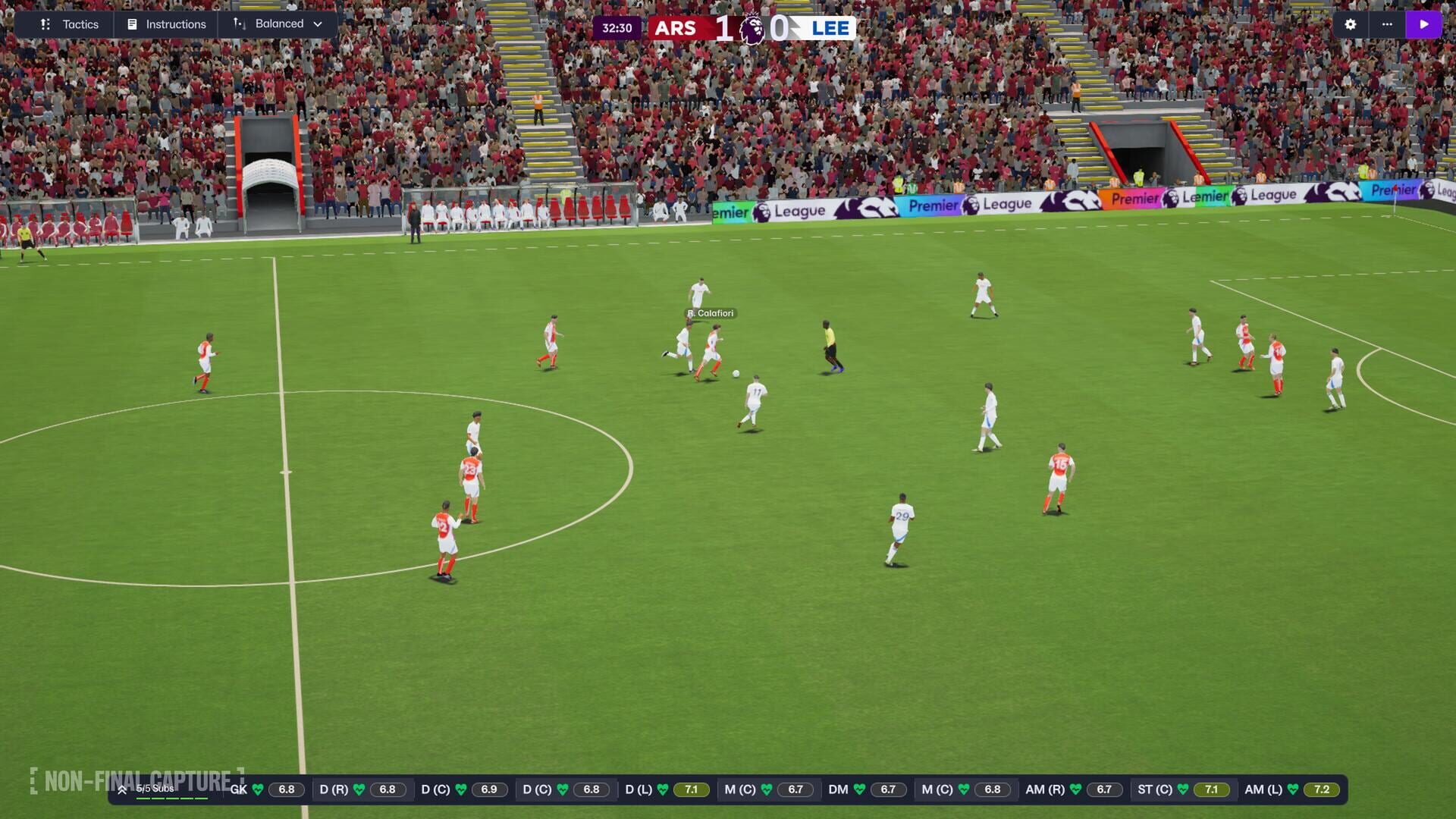
FM26 Console shifts to Unity, and you feel it the second you hit matchday. You get sharper lighting, smoother animations, and better stadium atmosphere. It’s not just eye candy—it helps the sim run cleaner during heavy processing.
On Xbox and PlayStation, you get platform-optimized builds via Smart Delivery-style logic, so you’re always running the best version for your console.
Early beta stutters did pop up for some players, but post-launch patches focused on matchday lag and screen responsiveness.
On console you don’t need to tweak a bunch of sliders—performance scaling is handled for you.
Is Football Manager 26 Console as Broken as People Say? A console-focused review covering the Unity engine overhaul, matchday performance, stutters, and post-launch patches for Xbox and PlayStation.
Durch: Dave
Pin Your Game: Bookmarks, Cards, and the New UI Flow
Leitfäden
The old inbox-first flow is gone. FM26 Console is built around Bookmarks and a tile/card-based layout.
Bookmarks: Keep up to 12 custom shortcuts (usually 6 on console displays) docked up top. Swap them when priorities change—recruitment window, pre-season grind, or tactical fine-tuning.
Cards group related info (injuries, contracts, dev progress, comparisons) in one screen. Less hard swapping between pages, more doing stuff where you are.
Search is now smarter: type “Training” and you’ll see the menu link, intensity context, unit breakdowns, and staff notes—all in one place.
FMPedia is built in. No tabbing out to hunt guides—you get clear, contextual explanations and direct links to the relevant screens.
FM26 Tiles & Cards UI explained — a deep dive into bookmarks, card-based layout, smarter search and navigation tips for faster console workflows.
Durch: Dave
Keep Your Legacy Alive: Cross-Version Saves
Leitfäden
You can carry careers from FM23 and FM24 into FM26 Console. It also extends to FM26 Touch and FM26 Mobile for the first time.
Migration happens automatically—pick the save and go.
All the important bits (attributes, club finances, standings) are translated into the new systems without manual cleanup.
Durch: Dave
Two Shapes, One Identity: Dual Formations and New Roles
Leitfäden
FM26 lets you set different shapes in possession and out of possession—no more relying on messy stacks of player instructions to simulate phase changes.
Example: 4-3-3 when building, then 4-2-3-1 when defending for extra midfield cover.
Roles got a big upgrade, especially wide defenders: Holding/Inside/Pressing Full-Back, Holding/Inside/Pressing Wing-Back, plus Playmaking Wing-Back, and more.
Pick roles by matching attributes and performance data, not just vibes. The clarity in the team sheet makes intent obvious.
FM26 tactics deep dive: learn In Possession vs Out of Possession shapes, new wide-defender/wing-back roles (holding/inside/pressing) and how to pick roles using attributes and performance data.
Durch: Dave
Training That Actually Moves the Needle
Leitfäden
Individual training is cleaner and more meaningful, with phase-aware focuses and age-targeted development.
Ages 15–17: prioritize physicals; early gains compound over time.
Ages 18–21: round out technical gaps and role alignment.
21+: focus on mental traits, tactical consistency, and selective trait development.
Use feedback tools to see which training units are contributing most. On console, the list view makes batch edits across positions fast.
Beginner's Guide to Football Manager 26 Training — set up individual, age-targeted and phase-aware training routines to accelerate youth development and improve senior player traits.
Durch: Dave
Transfers With Intent: TransferRoom, Focuses, and Negotiation Flow
Leitfäden
FM26 brings TransferRoom to the fore with two killer tools:
Requirements: broadcast exactly what you want (age, role, contract, wages).
Pitch Opportunities: see what other clubs are actively seeking, then place your players.
On console, scouting is a bit leaner—so make Recruitment Focuses do the heavy lifting:
Target expiring contracts for bargains.
Filter by nation/homegrown when squad rules bite.
Negotiations are a two-step: club-to-club (fees/structure), then agent-side (playing time, salary, clauses). Use appearance and loyalty bonuses to keep wages sane.
FM26 Transfer Room explained — how to use Requirements, Pitch Opportunities and negotiation tips to master transfers, recruitment focuses and smart signings on console.
Durch: Dave
Women’s Football Is Fully Integrated (And Authentically Modeled)
Leitfäden
Women’s football isn’t a side mode—it’s part of the same save.
A massive database spans 14 playable leagues across 11 nations, including top competitions like the WSL, NWSL, Frauen-Bundesliga, and the UWCL.
The 1–20 attribute scale stays, calibrated within women’s football so ratings make sense in context.
Financials and contracts reflect reality: shorter deals, far fewer release clauses, and a market that leans heavily on free transfers.
Presentation is bespoke with dedicated motion capture, models, and hair/kit work.
Official Football Manager 26 introduction to Women’s Football: integrated into the main save with 14 playable leagues (WSL, NWSL, Frauen‑Bundesliga), calibrated 1–20 attributes, realistic contracts, and bespoke presentation.
Durch: Dave
Matchday Hub: Data-Driven Prep and Set-Piece Control
Leitfäden
The new match hub keeps everything you need within arm’s reach:
Tabs for tactics, prep, fixtures, and analysis sit together so you’re not bouncing around.
The Data Hub helps you spot opposition shapes, where they score/concede, and offers assistant recommendations.
Set pieces live right here too. Edit defensive setups, attacking corners, free kicks, throw-ins, and penalties with templates you can tweak on the fly.
FM26 review and guide to the Matchday Hub — data-driven prep, tactics, and set-piece control explained for Football Manager 26 Console.
Durch: Dave
Delegate Like a Boss: Staff, Responsibilities, and Planning
Leitfäden
If you want to focus on tactics and game day, let your team handle the admin.
Delegate training, contract talks, or scouting to staff while keeping final say where it matters to you.
Coaching feedback now surfaces tactical suggestions and role fits with clearer rationale.
The Squad Planner shows depth charts and quality gaps so you can target recruitment sensibly.
Keep Recruitment Focuses running in the background to continually surface prospects that fit your DNA.
FM26 Staff Recruitment Tip: learn how to hire the right coaches, scouts and backroom staff to effectively delegate training, scouting and contract duties in Football Manager 26.